
























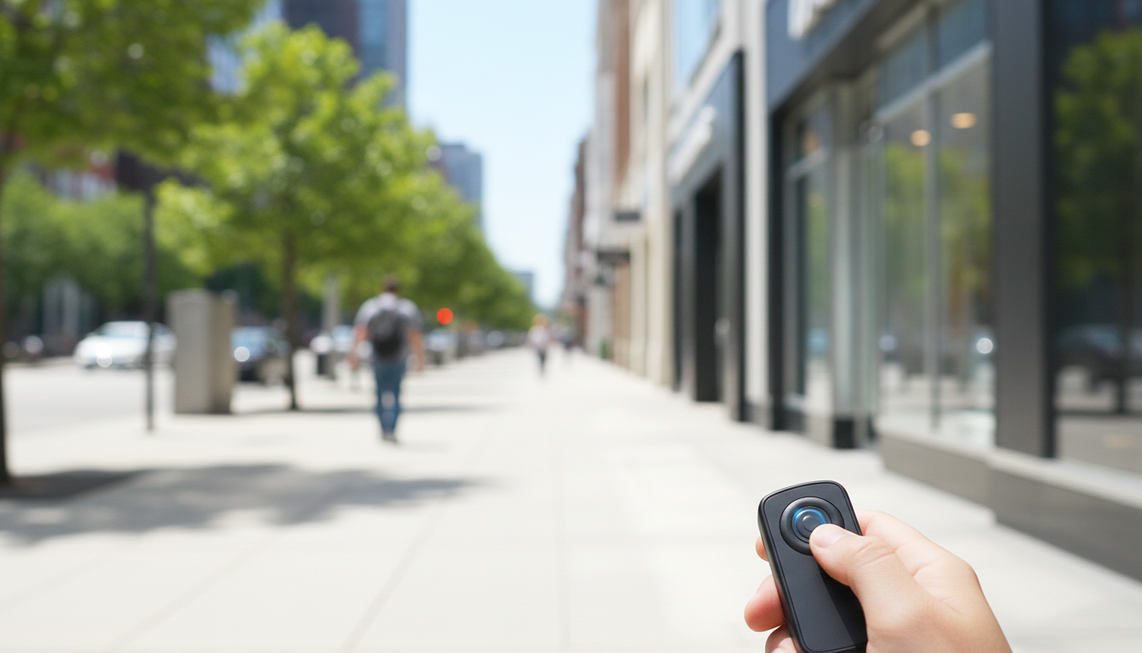
Als gewone wandelbewegingen je beelden oncomfortabel maken om naar te kijken, geef dan voorrang aan beeldstabilisatie boven een label met hogere resolutie, ook bij een camerabril met 4K. Als je clips kort en gecontroleerd zijn en al prettig te bekijken zijn, kunnen resolutie of handsfree gemak de doorslag geven. De snelste manier om te beslissen is een representatieve wandeling te bekijken met dezelfde uitsnede en schermgrootte als waarvoor je de beelden wilt publiceren.
Moet je bij een camerabril met 4K stabilisatie voorrang geven boven resolutie?
Kies eerst voor stabilisatie wanneer je route een natuurlijk of onregelmatig tempo, veelvuldige hoofdbewegingen, langere opnamen of socialmediaberichten omvat waarin schokken gemakkelijk opvallen. Kies pas eerst voor resolutie wanneer de beweging prettig oogt en je extra details nodig hebt voor een uitsnede. Kies eerst voor gemak wanneer spontane, handsfree opnamen belangrijker zijn dan maximale beelddetails.
| Wandelsituatie | Eerste prioriteit | Waarom |
|---|---|---|
| Natuurlijke, onregelmatige of langere wandelingen | Stabilisatie | Schokken, een bewegende horizon en een wisselende cadans kunnen kijkers afleiden voordat extra resolutie voordeel oplevert. |
| Korte, doelbewuste clips | Resolutie of gemak | Een gecontroleerd tempo kan zichtbare beweging verminderen. Details of eenvoudiger vastleggen kunnen daarom belangrijker zijn, zolang de beelden prettig blijven om naar te kijken. |
| Socialmediaberichten die op een telefoon worden bekeken | Stabilisatie, daarna resolutie | Strakke uitsneden en kleine schermen kunnen beweging opvallender maken. Beoordeel eerst de beweging en daarna de behouden details. |
| Uitsneden met veel details of opnieuw kadreren | Acceptabele beweging, daarna resolutie | Een stabiel beeld komt op de eerste plaats. Vergelijk daarna de bruikbare details en beeldkadrering in plaats van alleen op het label af te gaan. |
Digitale stabilisatie kan beelden stabieler laten lijken, maar kan ook een uitsnede veroorzaken of de bruikbare resolutie verlagen. Die afweging wordt beschreven voor elektronische stabilisatie in video. Vergelijk daarom de daadwerkelijke beeldkadrering en details in voorbeeldbeelden in plaats van ervan uit te gaan dat de hoogste resolutie altijd wint. Bekijk camerabril met EIS als stabilisatie je uitgangspunt is, maar beschouw de collectie als een categoriepagina en niet als bewijs van de prestaties van een bepaald model.

Waarom wandelbeelden er schokkerig uit kunnen zien
Wandelbeelden kunnen om verschillende redenen oncomfortabel aanvoelen. Cadans, hoofdbewegingen, beeldkadrering, belichting en cliplengte beïnvloeden allemaal wat kijkers opvalt, terwijl elektronische beeldstabilisatie slechts een deel van het probleem aanpakt.
Looptempo en hoofdbewegingen
Met een doelbewust tempo en een recht gehouden hoofd vertoont een camerabril een gecontroleerder bewegingspatroon. Een normale wandeling zorgt voor herhaalde verticale bewegingen en een oneffen trottoir kan extra gestuiter veroorzaken. Abrupte bochten laten het beeld snel heen en weer zwaaien, vooral wanneer de bril gericht is waar je hoofd naartoe wijst in plaats van waar je een handheldcamera op zou richten.
Elektronische beeldstabilisatie detecteert camerabewegingen en compenseert deze door het beeld te verschuiven of te transformeren, waardoor zichtbare trillingen kunnen worden verminderd. Elektronische beeldstabilisatie kan cameratrillingen verminderen, maar elimineert niet elke beweging tijdens het lopen. Als een natuurlijk tempo en hoofdbewegingen de belangrijkste redenen zijn waarom een clip moeilijk te bekijken is, verdient gedocumenteerde stabilisatie meer gewicht dan een resolutielabel.

Kadrering en beoogde weergave
Een bewegende horizon valt gemakkelijker op wanneer de scène sterke verticale lijnen, mensen in de buurt, winkelstellingen of een straatrand bevat. Een krappe uitsnede voor sociale media kan kleine verschuivingen groter laten lijken, omdat er minder van de omringende scène beschikbaar is om de beweging op te vangen. Nabije onderwerpen laten plotselinge veranderingen in de kadrering ook duidelijker zien dan een landschap in de verte.
Bekijk voorbeeldopnamen op het formaat van de telefoon en met de uitsnede die je verwacht te gebruiken. Een clip die er in een speler op volledig formaat acceptabel uitziet, kan onrustiger aanvoelen na een verticale uitsnede of een snelle socialmediapost. Bekijk voor ideeën over technieken zoals een gelijkmatig tempo en bewegingen vanuit de heup deze technieken voor stabiele POV-opnamen, maar houd techniek los van bewijs dat hardware zonder stabilisatie hetzelfde presteert.
Licht en langere opnamen
Wandelingen bij helder daglicht en bij minder licht moeten als verschillende testomstandigheden worden beschouwd, niet als onderling uitwisselbare voorbeelden. Bij minder licht kan onscherpte die tijdens de belichting van een frame ontstaat, zichtbaar blijven, zelfs wanneer stabilisatie grotere camerabewegingen vermindert. Sony's uitleg over stabilisatie en bewegingsonscherpte door belichtingstijd laat zien waarom een EIS-label geen scherpe beelden onder alle omstandigheden garandeert.
Een opname van normale lengte legt ook problemen bloot die een korte productdemo kan verbergen. Je tempo kan veranderen, hoofdbewegingen kunnen minder doelbewust worden en het kan na enkele minuten moeilijker zijn om de continuïteit te beoordelen. Langere opnamen zijn vooral nuttig voor wandelingen tijdens reizen, routes door de buurt en dag-in-het-leven-clips, waarbij na een paar seconden stoppen niet realistisch is.
Wat de productvermelding van Primex EIS Camera Glasses ondersteunt
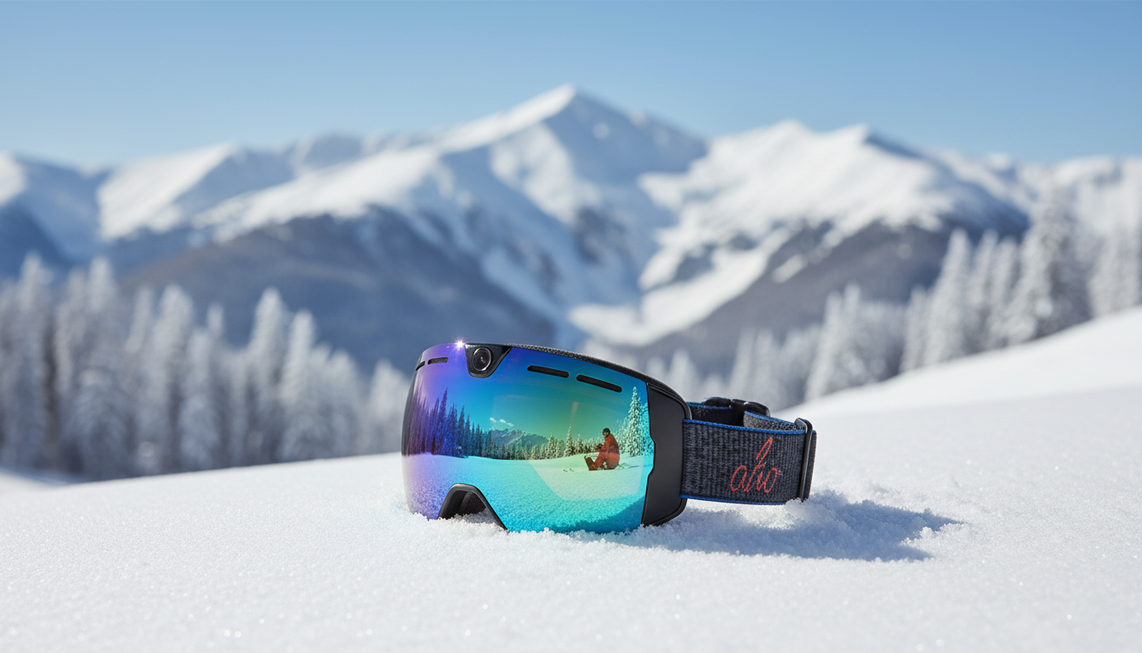
Een koper die stabilisatie belangrijk vindt, moet beginnen met een model waarvan de productvermelding beeldstabilisatie expliciet vermeldt en de beelden vervolgens beoordelen onder de beoogde wandelomstandigheden. De OHO SUNSHINE Primex EIS Camera Glasses is een relevant catalogusvoorbeeld, omdat de producttitel expliciet een beeldstabilisator en meekleurende glazen vermeldt.
Dat maakt het product een redelijke eerste optie voor iemand die een camerabril vergelijkt voor video-opnamen, buitenwandelingen, fietsen of andere handsfree situaties waarin beweging belangrijk is. De productvermelding vermeldt ook een ingebouwde microfoon en meekleurende glazen, die een handige alles-in-éénopstelling kunnen ondersteunen, maar deze functies bevestigen niet hoe vloeiend de wandelbeelden eruit zullen zien.
Beschouw de producttitel als gedocumenteerde productinformatie en niet als een onafhankelijke prestatietest. De titel bewijst op zichzelf geen 4K-resultaat, gedrag bij weinig licht, uitsnede, compatibiliteit of vloeiendheid tijdens een langere wandeling. Als je ook een slimme bril met camera en audio vergelijkt, houd dan dezelfde prioriteitsvolgorde aan: eerst bewegingscomfort, daarna de details en het gemak die in je beoogde formaat nuttig blijven.
Hoe je camerabrilbeelden vóór aankoop test
Gebruik deze test in vijf stappen om camerabril voor wandelvideo's te vergelijken. Beoordeel wandelen als een afzonderlijk stabilisatiegeval, in plaats van de prestaties af te leiden uit een statische clip of een korte, gecontroleerde test. Het onderstaande proces is een praktische aankoopcontrole.
- Bepaal eerst de uitvoer. Bepaal of je de beelden privé bekijkt, op sociale media plaatst of bijsnijdt voor een telefoonscherm. Noteer de beoogde oriëntatie en beeldkadrering, zodat je het resultaat in de juiste context kunt beoordelen.
- Leg een natuurlijke wandeling vast. Gebruik een route die lijkt op je werkelijke gebruik, zoals een trottoir in de buurt, een pad in het park, een winkelgangpad of een reisomgeving. Loop in je normale tempo en houd het beeld naar voren gericht, in plaats van een overdreven zorgvuldige demonstratie uit te voeren.
- Herhaal de bewegingsuitdagingen. Neem gewone hoofdbewegingen, een richtingsverandering en een oneffen gedeelte op als die bewegingen onderdeel zijn van je routine. Let op schokken, beweging van de horizon en plotselinge verschuivingen van het beeld.
- Herhaal representatieve verlichting en opnameduur. Test de verlichting die je daadwerkelijk verwacht te gebruiken, inclusief een scenario met minder licht als dat relevant is. Neem een opname van normale lengte op, zodat veranderingen in tempo, vermoeidheid, continuïteit en bewegingsonscherpte door belichting zichtbaar kunnen worden.
- Bekijk de beelden en deel ze in. Bekijk de onbewerkte clip en de beoogde uitsnede op het uiteindelijke formaat van de telefoon of socialmediapost. Deel de beelden in als zonder aanpassingen acceptabel wanneer de beweging prettig is om naar te kijken, als acceptabel met aanpassingen in de techniek wanneer langzamere bochten of een gelijkmatiger tempo het probleem oplossen, of als niet geschikt wanneer de beelden onder normale omstandigheden afleidend blijven.
Met deze test kun je een bruikbare beslissing nemen zonder te doen alsof er een universele schuddrempel bestaat. Als het resultaat alleen acceptabel is na ongewoon zorgvuldig bewegen, blijft een model dat op stabilisatie is gericht de betere keuze voor spontane wandelingen. Als de beweging al prettig is om naar te kijken, vergelijk dan in plaats daarvan de resolutie, beeldkadrering, het gemak van overzetten en de rest van de configuratie. Gebruik voor aanvullende aankoopcriteria deze aankooptips voor 4K-camerabrillen en keer daarna terug naar de representatieve beelden voor de uiteindelijke geschiktheidstest.
Wanneer wandelbeweging het probleem is, moet beeldstabilisatie je eerste aankoopcriterium zijn. Wanneer de beweging al prettig is om naar te kijken, kunnen resolutie en gebruiksgemak de vergelijking bepalen. Pas die regel toe tijdens een echte wandeling en beschouw de vermelding van Primex als een gedocumenteerde aanwijzing voor stabilisatie, niet als een gegarandeerd resultaat.
Veelgestelde vragen
Hebben camerabrillen beeldstabilisatie?
Sommige modellen wel en sommige niet. Een aanduiding als camera-, 4K- of slimme bril bewijst op zichzelf niet dat er stabilisatie aanwezig is. Zoek daarom naar expliciete informatie over beeldstabilisatie in de specifieke productvermelding of documentatie en bekijk vervolgens representatieve beelden.
Is stabilisatie belangrijker dan 4K-resolutie voor wandelvideo's?
Stabilisatie is belangrijker wanneer natuurlijke beweging de clip onaangenaam maakt om naar te kijken. Een optie met hogere resolutie wordt nuttiger zodra de beweging acceptabel is, vooral wanneer je van plan bent bij te snijden, het kader opnieuw te bepalen of fijne details te behouden. Een camerabril met 4K is niet automatisch de betere keuze als het wandelbeeld afleidend blijft.
Waardoor zien wandelbeelden van een camerabril er schokkerig uit?
Abrupte hoofdbewegingen, een ongelijkmatig tempo, onderwerpen dichtbij, krappe beeldkaders, weinig licht en langere opnamen kunnen verschillende zwakke punten blootleggen. Een korte, stabiele clip kan er bijvoorbeeld prima uitzien, terwijl een normale wandeling door een winkel horizontale bewegingen en onscherpte tijdens snelle bochten laat zien.
Hoe test je of beelden met een camerabril stabiel genoeg zijn?
Leg één representatieve route vast in je normale tempo, met gewone hoofdbewegingen en realistische lichtomstandigheden, en bekijk het resultaat op het formaat van de telefoon of socialmediapost dat je wilt gebruiken. Bepaal of het zonder aanpassingen acceptabel is, alleen met bewuste techniek acceptabel is, of niet geschikt is voor dat gebruiksscenario met wandelvideo's.


Laat een reactie achter
Deze site wordt beschermd door hCaptcha en het privacybeleid en de servicevoorwaarden van hCaptcha zijn van toepassing.