
























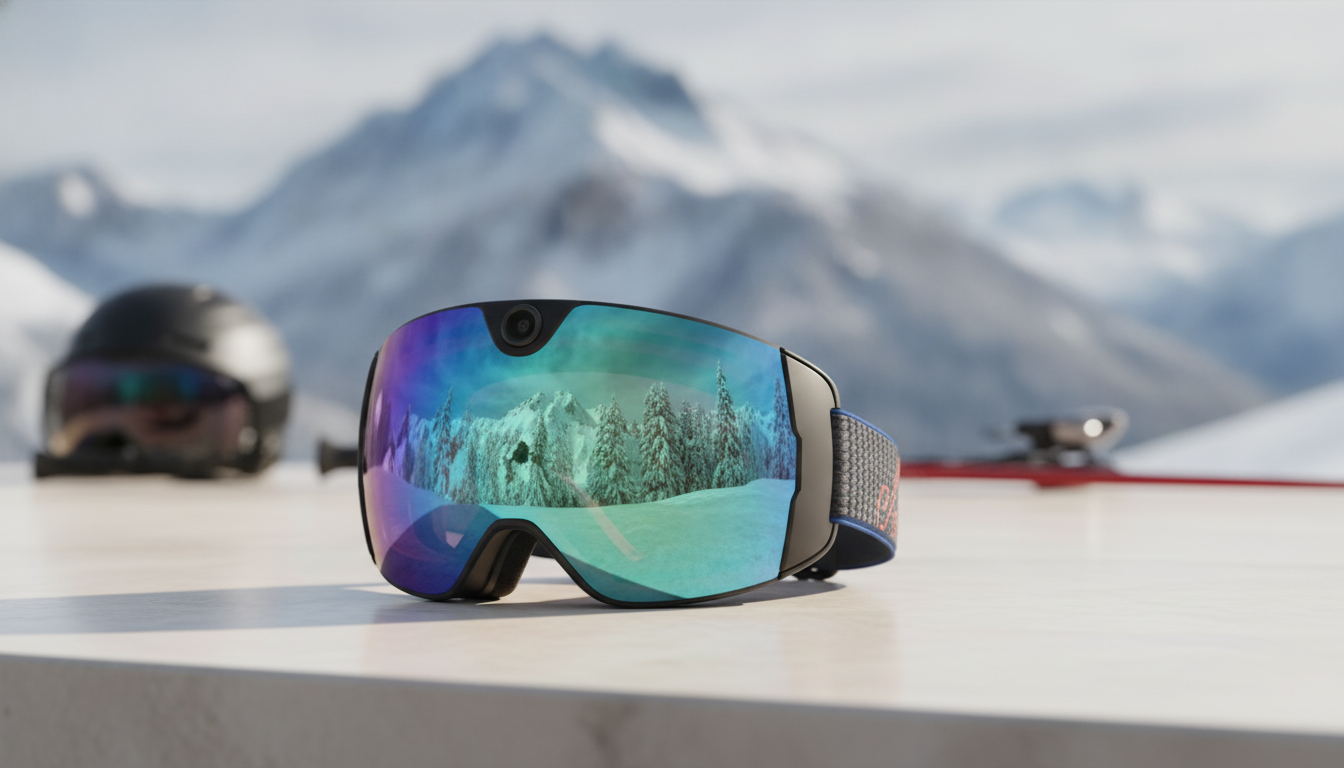
Les lunettes de neige avec caméra sont particulièrement adaptées lorsque l’enregistrement mains libres à la première personne compte davantage que la flexibilité du positionnement de la caméra. Une caméra d’action séparée constitue un meilleur point de départ si vous souhaitez des lunettes indépendantes, un cadrage réglable, différentes options de fixation ou une utilisation plus large au-delà des sports de neige. Avant de choisir l’une ou l’autre configuration, vérifiez cinq points essentiels : un ajustement complet au visage et au casque, une visibilité dégagée, un processus d’enregistrement testé, une utilisation respectueuse et des exigences d’entretien et de possession faciles à gérer.
Faut-il choisir des lunettes de neige avec caméra ou une caméra d’action séparée ?
Choisissez des lunettes avec caméra intégrée pour une configuration axée sur les lunettes, qui maintient le matériel d’enregistrement dans celles-ci. Choisissez des lunettes de neige classiques avec une caméra d’action séparée lorsque le cadrage, la fixation ou l’indépendance du matériel comptent davantage. Il s’agit d’une distinction selon l’usage, et non d’un classement universel des performances.
| Priorité | Configuration de départ la plus adaptée | Principal compromis |
|---|---|---|
| Simplicité mains libres | Lunettes avec caméra intégrée | Moins d’éléments séparés, mais des limites propres au modèle en matière de commandes, d’autonomie, de stockage et de cadrage. |
| Flexibilité du cadrage et de la fixation | Caméra d’action séparée | Davantage de préparation, mais plus de liberté pour modifier la position et le cadrage de la caméra. |
| Choix indépendant des lunettes | Caméra d’action séparée | Vous pouvez choisir séparément des lunettes classiques, mais vous devez gérer du matériel supplémentaire. |
| Utilisation plus polyvalente de la caméra | Caméra d’action séparée | Une caméra séparée peut servir à des activités autres que les sports de neige, tandis que les lunettes intégrées sont conçues pour la pratique sur neige. |
Les lunettes intégrées réduisent le nombre d’éléments séparés dans une configuration d’enregistrement axée sur les lunettes. Commencez par cette option si votre objectif principal est de filmer les mains libres en ski ou en snowboard et que vous acceptez les limites propres au modèle en matière de commandes, d’autonomie, de stockage et de cadrage. Une comparaison avec une caméra portable similaire illustre ce compromis entre commodité et flexibilité, mais elle ne permet pas d’établir les performances de Skyshot.

Une caméra séparée vous offre davantage de liberté pour choisir des lunettes de ski classiques, modifier la position de la caméra, varier le cadrage ou utiliser la caméra pour d’autres activités. Commencez par cette option si les possibilités de fixation plus larges ou le choix indépendant des lunettes l’emportent sur la commodité d’un système tout-en-un. Vous pouvez comparer les deux configurations de caméra avant de passer à la vérification de l’ajustement physique.
Comment vérifier l’ajustement, la compatibilité avec le casque et la visibilité dégagée ?
Ne poursuivez que lorsque l’ensemble est confortablement étanche, reste bien en place avec le casque et la protection du visage prévus, et préserve une visibilité utile sans interférence de la caméra ou des aérations. Un bon ajustement des lunettes seules ne suffit pas.
Avant de commander, essayez les lunettes avec le casque, la protection du visage et les couches de vêtements que vous prévoyez de porter. Vérifiez que l’étanchéité est confortable, qu’il n’y a ni points de pression ni espaces, que la sangle reste bien en place et que le contact avec le casque ne pousse pas les lunettes vers le bas. Les conseils généraux sur l’ajustement des lunettes couvrent le même contrôle casque-lunettes, mais n’établissent pas la compatibilité avec un modèle particulier.
Examinez ensuite le système physique de la caméra. Assurez-vous que le boîtier ne réduise pas votre champ de vision utile, ne gêne pas l’étanchéité au niveau du visage et ne fasse pas dévier la sangle. Vérifiez que les aérations du casque et des lunettes restent dégagées, car une ventilation obstruée peut accroître la formation de buée. La taille et la forme de la monture influent à la fois sur le champ de vision et sur l’ajustement ; un verre plus grand n’est donc pas automatiquement le meilleur choix.
Considérez l’adéquation des verres comme une décision distincte des performances de la caméra. Pour le plein soleil, la lumière diffuse, les changements de météo et les conditions propices à la formation de buée, vérifiez les informations fournies par le fabricant sur les verres, le champ de vision, les recommandations contre la buée, les informations relatives aux UV et l’usage environnemental prévu. La référence de performance des lunettes de sport traite de facteurs tels que la transmission des verres, la formation de buée, l’utilisation à basse température et l’exposition à l’eau ou à la neige, mais elle n’établit pas la conformité d’un produit particulier.
Ne transformez pas les recherches « lunettes de ski pour hommes » ou « lunettes de ski pour femmes » en règle universelle de taille. La forme du visage, les dimensions de la monture, l’association avec le casque et l’étanchéité réelle comptent davantage qu’une étiquette de genre. Abstenez-vous si vous ne pouvez pas tester ces facteurs ou si la position de la caméra devient gênante lorsque vous regardez dans les virages et sur le terrain.
Quel processus d’enregistrement devez-vous vérifier avant un séjour au ski ?
Un système utilisable doit fonctionner tout au long du processus, de la charge et de l’enregistrement à la sauvegarde, au transfert et à la lecture des images. La résolution seule ne permet pas de savoir si les commandes, le stockage, la batterie, la méthode de charge, la connexion au téléphone ou le processus de gestion des fichiers fonctionneront pendant votre sortie.
Effectuez ce test à domicile à l’arrêt, avec les vêtements et les appareils que vous emporterez réellement :
- Chargez les lunettes et vérifiez comment elles indiquent l’état de charge.
- Commencez et arrêtez un court enregistrement en portant les gants prévus et en utilisant la méthode de commande planifiée.
- Vérifiez où le fichier est enregistré, quels modes d’enregistrement sont disponibles et comment le stockage est géré.
- Transférez le fichier vers le téléphone ou l’ordinateur prévu, en suivant notamment les étapes requises liées à l’application, au système d’exploitation ou au réseau.
- Lisez le fichier et vérifiez le cadrage, le son le cas échéant, le format du fichier et la facilité de partage.
Considérez toute question restée sans réponse concernant la capacité de stockage, la gestion des fichiers, l’autonomie de la batterie, le comportement par temps froid, les transferts ou les exigences de l’application comme une question à poser avant l’achat. Un test spécifique à un modèle de caméra portable peut illustrer pourquoi les commandes et les limites de durée des séquences varient, mais il ne doit pas servir à attribuer à vos masques équipés d’une caméra le comportement d’un autre appareil. Si le test complet à domicile échoue, choisissez une configuration dont vous pouvez maîtriser le fonctionnement et vérifier les fichiers avant le voyage, plutôt que de vous fier à une étiquette de résolution.
Comment devez-vous gérer la vie privée et utiliser l’équipement en toute sécurité pendant l’enregistrement ?
N’utilisez les commandes et les téléphones qu’à l’arrêt, suivez les consignes de la station et prenez vos décisions concernant l’enregistrement en fonction des personnes, du son, du lieu et de l’établissement concernés. Les conseils concernant la vie privée et le son fournissent un contexte juridique utile, mais les règles locales et les politiques des établissements peuvent différer.
Avant de commencer volontairement à enregistrer, demandez, lorsque cela est possible, l’autorisation des pratiquants identifiables, des employés, des tuteurs d’enfants ou des participants à une leçon. Soyez particulièrement vigilant lorsque le son est enregistré et n’enregistrez pas dans les vestiaires ni dans d’autres lieux sensibles. Arrêtez-vous si quelqu’un s’y oppose, donnez immédiatement suite à la demande d’une station et examinez les séquences avant de les partager. Un indicateur d’enregistrement visible peut contribuer à faire preuve de courtoisie, mais il ne remplace pas systématiquement l’information ou le consentement.
Cette limite protège également vos décisions pendant la pratique. N’essayez pas de résoudre un problème, d’utiliser un téléphone ou de régler les paramètres de la caméra en mouvement. Commencez l’enregistrement avant d’entrer sur une piste, arrêtez-vous dans un endroit sûr et immobile, et restez attentif à la montagne chaque fois que l’équipement est utilisé.
Quels contrôles d’entretien et de fonctionnement devez-vous effectuer avant de commander ?
Suivez les instructions actuelles du modèle concernant le nettoyage et le rangement, séchez l’équipement mouillé avant de le ranger, gardez les aérations dégagées et évitez d’essuyer une lentille mouillée ou enneigée avec un gant ou une manche. Les recommandations générales d’entretien des masques conseillent d’enlever la neige détachée sans frotter de manière abrasive et de suivre les instructions de nettoyage du fabricant. Vérifiez les limites du produit concernant la température, l’eau, la neige, les chocs et le nettoyage, au lieu de supposer que les masques équipés d’une caméra ont les mêmes limites que des lunettes ordinaires.
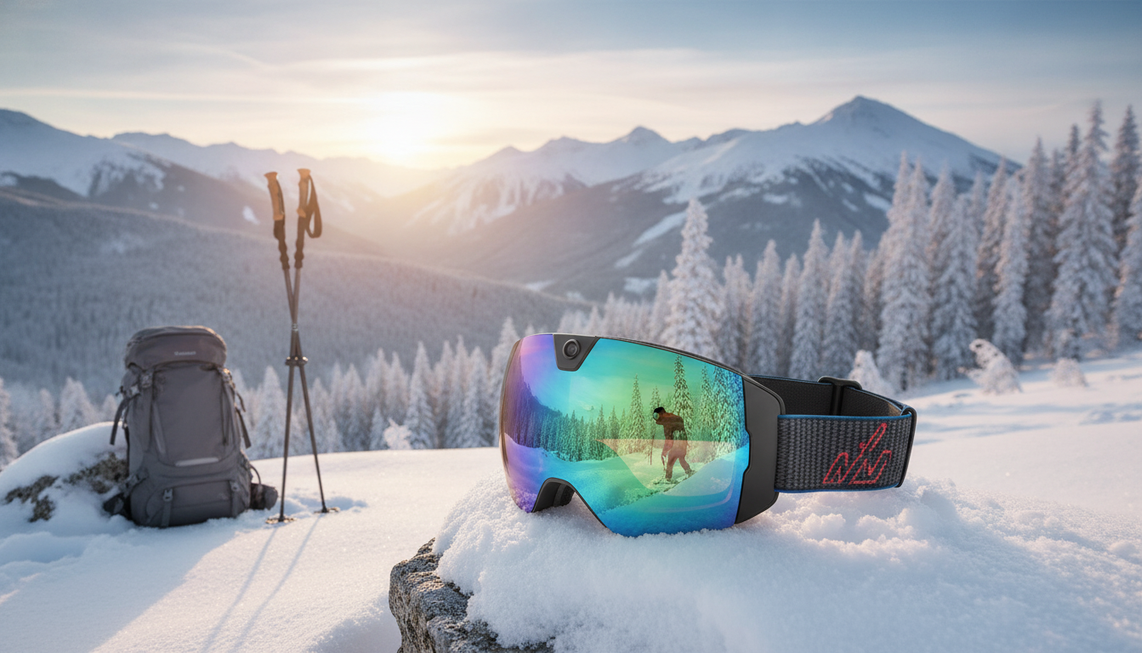
Pour les acheteurs qui ont déjà choisi des lunettes de ski intégrant une caméra pour le ski ou le snowboard, les détails du produit Skyshot offrent une option concrète à examiner. La configuration indiquée comprend une vidéo 4K à 30 images par seconde, des photos de 24 Mpx, une caméra grand angle de 140°, un écran antibuée et polarisé, une protection UV400, le Wi-Fi, une recharge USB-C, une mémoire intégrée, un microphone intégré, les formats MP4 et JPG, la vidéo H.265, un poids de 213 grammes et une garantie d’un an. Il s’agit de caractéristiques indiquées pour le produit, et non d’une preuve d’ajustement universel, de performances par tous les temps ou de fiabilité du flux de travail.
Skyshot convient aux acheteurs qui privilégient une solution intégrée regroupant lunettes et caméra et qui sont prêts à résoudre les questions pratiques restantes. Contrairement à une caméra séparée, ce format combine les lunettes et le dispositif de capture, mais offre moins de liberté pour choisir séparément les lunettes et l’emplacement de la caméra. La fiche factuelle du produit indique une autonomie de 90 minutes ; ne la remplacez donc pas par des affirmations contradictoires de deux heures ou de 32 Go provenant d’autres supports de la boutique.
Avant de commander, vérifiez l’ajustement actuel, la compatibilité avec le casque, l’utilisation de la caméra lorsqu’elle est portée, le comportement de la batterie par temps froid, la capacité de stockage, les exigences de transfert ou d’application, l’étanchéité, les limites de résistance aux chocs, les instructions de nettoyage, les exclusions de garantie, l’expédition et les retours. Si la solution intégrée franchit les cinq étapes, renseignez-vous sur Skyshot et consultez les conditions actuelles avant de l’ajouter à votre panier. Si la flexibilité du cadrage, des lunettes indépendantes ou un usage plus large de la caméra répondent davantage à vos besoins, choisissez plutôt la solution avec caméra séparée. Pour toute question concernant les détails actuels du produit, vous pouvez contacter le service client.
Foire aux questions
Les lunettes de ski équipées d’une caméra en valent-elles la peine ?
Les lunettes de ski équipées d’une caméra peuvent être intéressantes lorsque l’enregistrement mains libres en vue subjective et une seule solution intégrée sont prioritaires. Choisissez une caméra séparée si le cadrage réglable, la diversité des fixations ou des lunettes indépendantes comptent davantage.
Comment fonctionnent les lunettes de ski équipées d’une caméra ?
Elles associent des lunettes de ski à une caméra intégrée et utilisent les commandes, le stockage, l’alimentation et le système de transfert du modèle pour enregistrer les séquences. En pratique, la caméra et les lunettes forment un seul équipement, au lieu de constituer deux éléments indépendants.
Que dois-je vérifier avant d’acheter des lunettes de ski équipées d’une caméra ?
Commencez par effectuer le test complet d’ajustement physique et de visibilité. S’il est concluant, faites un test d’enregistrement et de lecture à l’arrêt avant de compter sur cet équipement pour un voyage ; les questions spécifiques au modèle qui restent sans réponse justifient de reporter la commande.
Puis-je filmer d’autres skieurs avec des lunettes de ski équipées d’une caméra ?
L’enregistrement peut être possible, mais demandez l’autorisation avant de filmer intentionnellement des personnes identifiables, respectez les politiques de la station et les règles locales applicables, évitez les espaces sensibles et vérifiez les séquences avant de les partager. Manipulez les commandes uniquement à l’arrêt.



Laisser un commentaire
Ce site est protégé par hCaptcha, et la Politique de confidentialité et les Conditions de service de hCaptcha s’appliquent.