











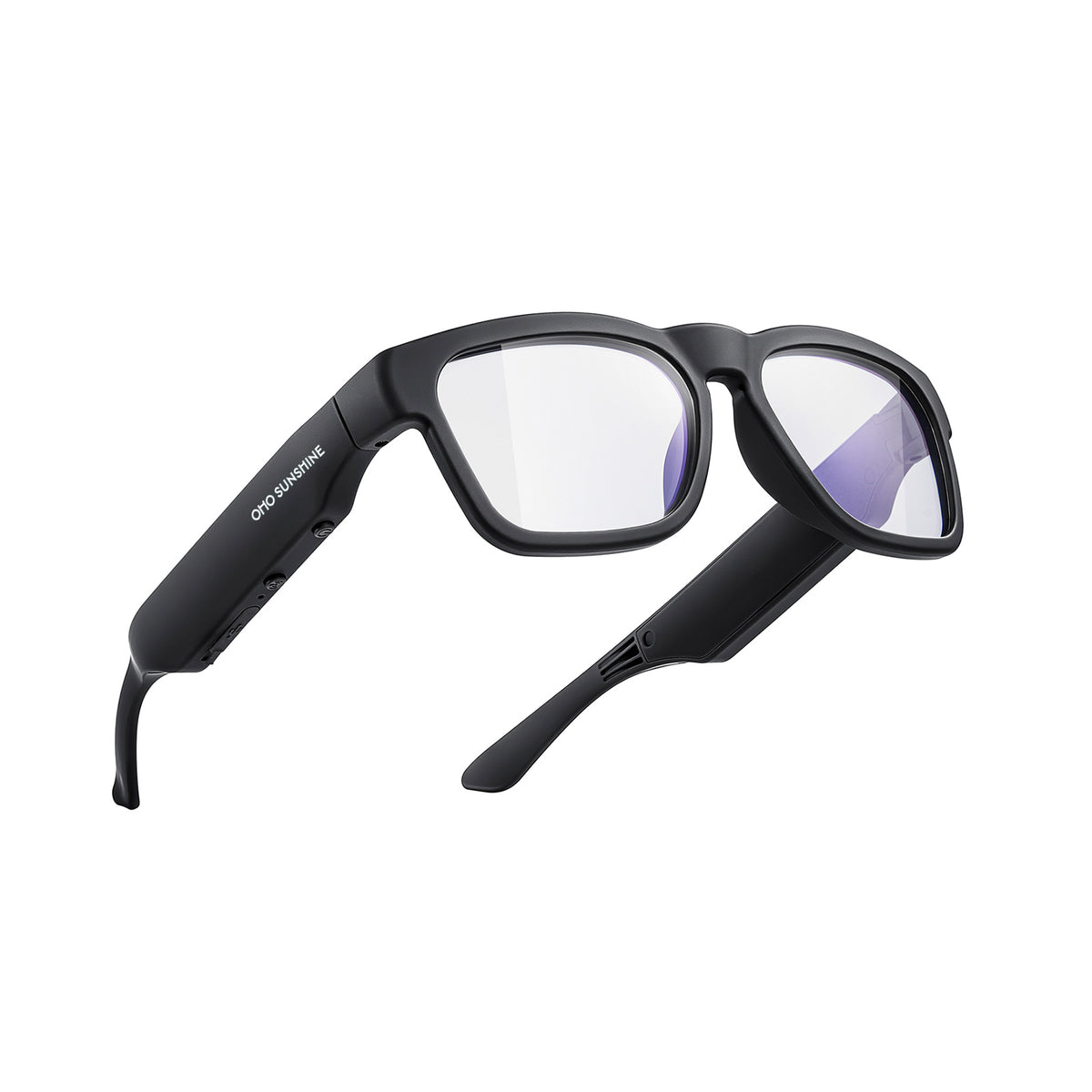



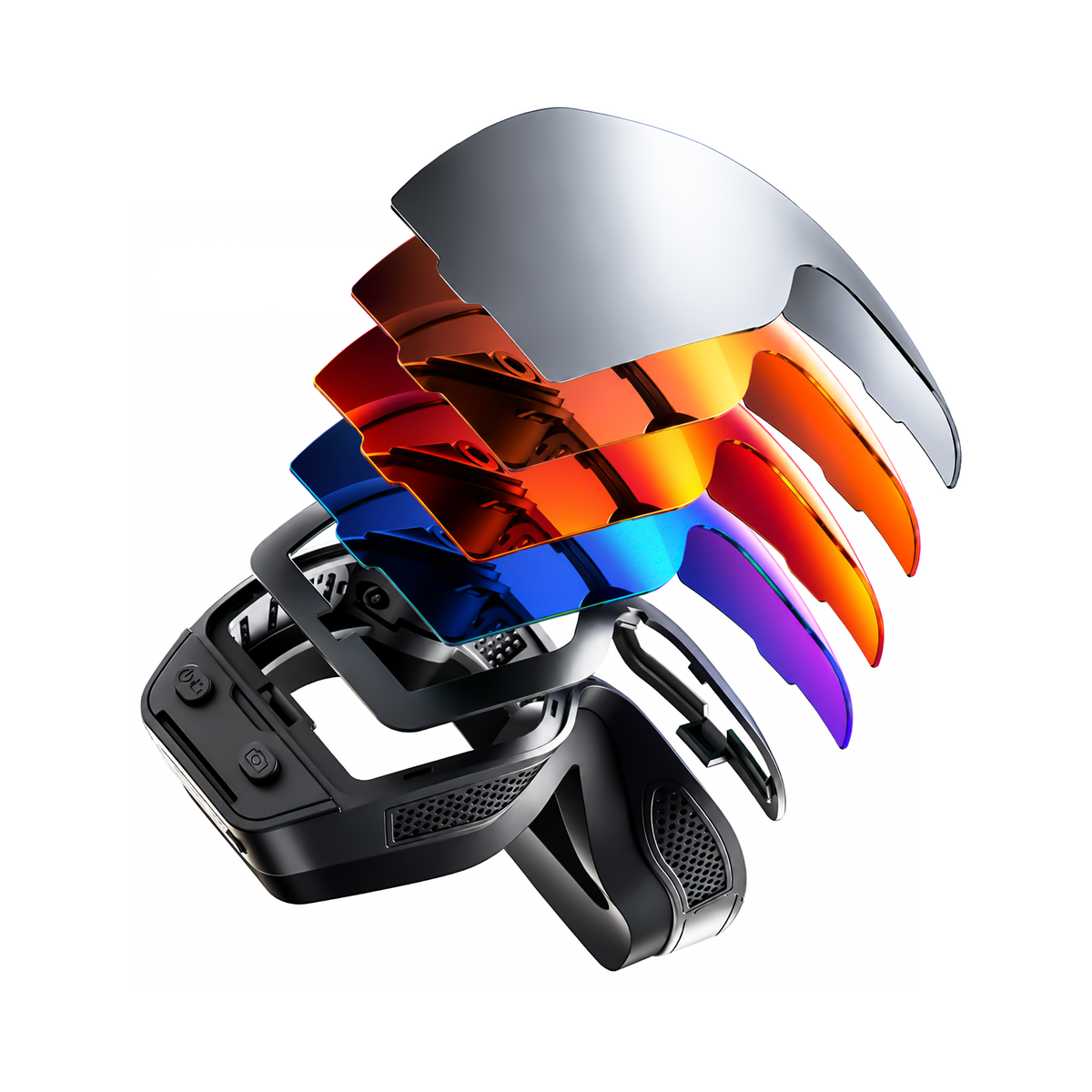



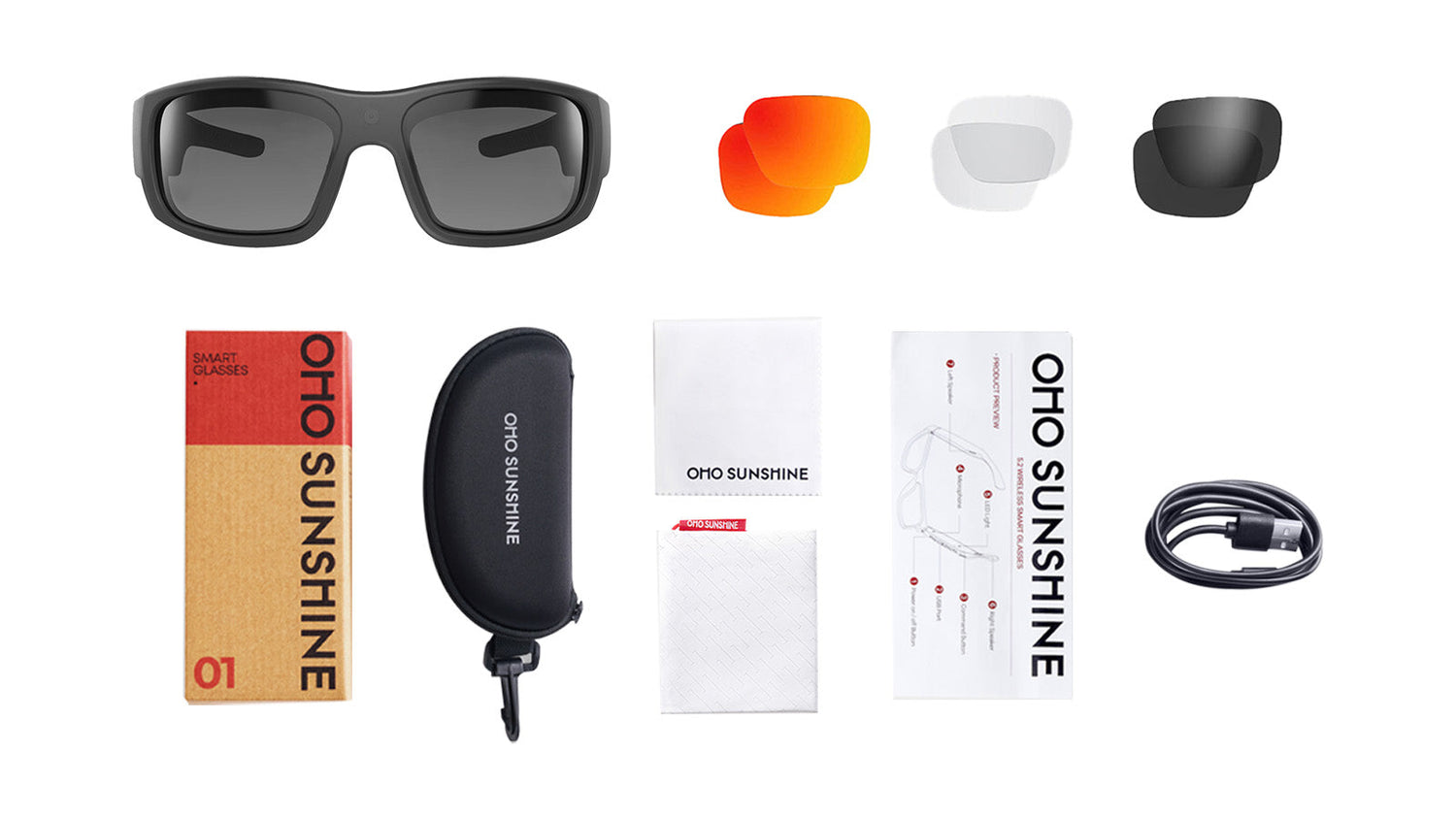
Camera glasses free your hands to capture life as it happens. To ensure they’re always ready when you need them, proper charging and maintenance are key. Consistent habits can dramatically extend their lifespan, protect your investment, and guarantee crystal-clear video every time. Follow this guide to keep your camera glasses in perfect working order.

Quick Takeaway:
1. Charging: Use the original cable; charge for 1–2 hours until the indicator completes. Avoid charging in extreme temperatures (above 95°F or below 32°F).
2. Battery Health: Store glasses between 50°F and 80°F. To extend daily use, disable Bluetooth when not syncing and record at lower resolutions.
3. Cleaning: Use lukewarm water and mild soap for lenses; wipe daily with a clean microfiber cloth. Never use paper towels or harsh window cleaners.
4. Protection: Always store in a hard-shell case (not just a soft pouch) when not in use to protect the delicate camera lens from scratches.
5. Moisture Control: If lenses fog up, use silica gel packets for 24 hours to draw out trapped humidity.
The Correct Way to Charge Camera Glasses
Proper charging techniques protect your device’s battery and ensure reliable performance. Most camera glasses use rechargeable lithium-ion batteries that need specific care to maintain their capacity over time.
Locate the Charging Port and Choose the Right Cable
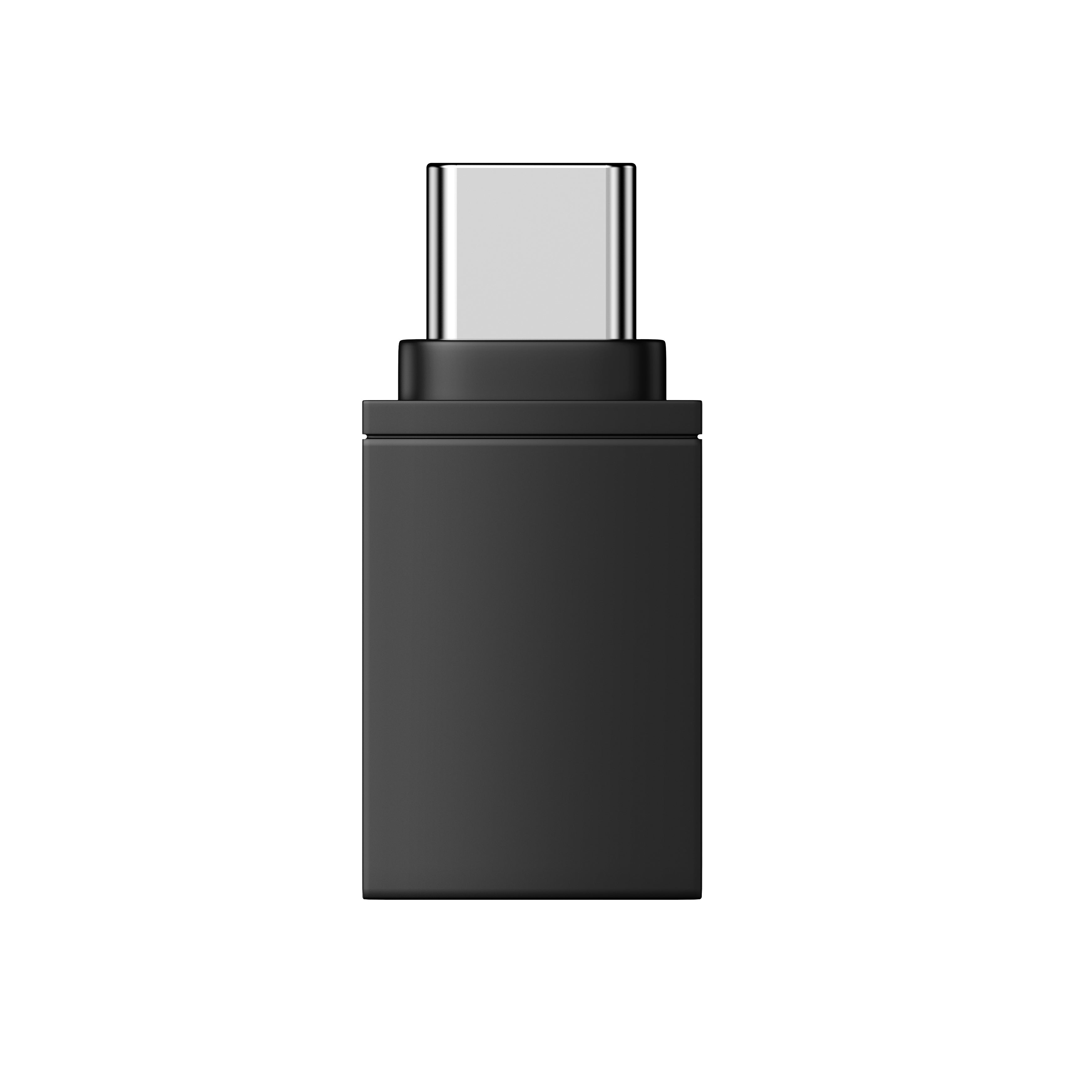
Camera glasses typically feature a micro-USB or USB-C charging port hidden along the frame’s temple. Check your device specifications to identify which cable type you need. Some bluetooth camera glasses come with magnetic charging connectors that snap into place automatically.
Before plugging in, inspect the port for dust or debris. A gentle blow or soft brush clears any particles that might interfere with the connection. Always use the manufacturer’s cable when possible, as third-party options may deliver inconsistent power.
Know How Long to Charge
A full charge typically requires one to two hours depending on battery capacity. Charging sunglasses with larger batteries may need slightly more time. Your first charge after purchase should run until the indicator shows completion to calibrate the battery properly. Partial charging is fine for daily use, as modern batteries don’t require full discharge cycles.
For example, polarized 4K camera glasses with advanced recording features may offer around 40 minutes of continuous video capture on a full charge, making proper charging habits essential for uninterrupted filming during outdoor activities.
Avoid These Common Mistakes
● Never charge in extreme temperatures above 95°F or below 32°F
● Don’t leave your device plugged in for days at a time
● Remove protective cases during charging to prevent heat buildup
● Avoid charging on soft surfaces like beds where heat accumulates
● Never use damaged or frayed charging cables
While overcharge protection exists in most modern electronics, constant trickle charging still creates unnecessary stress on your camera glasses battery.
Battery Life and Status Indicators
Battery performance directly affects how well your camera glasses function throughout the day. Learning to monitor power levels helps you plan charging times and avoid unexpected shutdowns.
Check Battery Levels on Your Device
Most bluetooth camera glasses display battery status through LED lights or companion smartphone apps. A quick press of the power button often triggers a color-coded light response. Apps provide detailed percentage readings and send notifications when charge drops below certain thresholds. Some camera glasses also announce battery levels through voice prompts when you power them on.
Extend Your Battery Between Charges
Several simple habits help your camera glasses last longer on each charge:
● Lower screen brightness if your device has a display
● Disable bluetooth when not syncing files to reduce power drain
● Turn off your camera glasses completely rather than using standby mode
● Record at lower resolutions to conserve energy
● Close background apps you’re not actively using
Temperature affects performance significantly. Batteries drain faster in very cold weather and may temporarily lose capacity until they warm up again.
Store at the Right Temperature
Extreme conditions harm battery chemistry even when devices aren’t in use. Keep your camera glasses in environments between 50°F and 80°F for optimal battery health. Avoid leaving them in hot cars during summer or frigid garages in winter.
Proper Care and Cleaning Methods
Regular cleaning maintains clear video quality and prevents damage to sensitive components. Camera glasses combine delicate optics with electronic parts, requiring careful attention during maintenance.
1. Clean Camera Glasses Lenses Safely
Lenses on camera glasses need gentle treatment. Start by rinsing under lukewarm water to remove loose particles that could scratch during wiping. Apply a small drop of mild dish soap to your fingertips and gently rub both sides of each lens in circular motions. Rinse thoroughly, then pat dry with a clean microfiber cloth designed for optics.
For stubborn smudges, use pre-moistened lens wipes made specifically for eyewear. Avoid paper towels, clothing fabric, window cleaner, or rough napkins, as these materials scratch lenses or damage protective coatings.
2. Maintain Frame and Camera Components
The camera lens requires extra care beyond the eyewear lenses. Use a soft brush or compressed air to remove dust from the camera opening. Never blow directly with your mouth, as moisture can fog internal components. Wipe the frame with a slightly damp cloth to remove oils and dirt.
The charging port needs occasional attention. Inspect for lint or debris that blocks connections. A dry cotton swab works well for careful cleaning inside the port.
3. Use Safe Products and Clean Regularly
Water and mild soap remain the safest choice for most tasks. Isopropyl alcohol at 70% concentration works for disinfecting frames but should stay away from lenses and camera openings. Always apply solutions to your cloth first rather than spraying directly on your camera glasses.
Quick daily maintenance prevents buildup:
● Wipe lenses each morning and evening with a dry microfiber cloth
● Deep clean weekly using the soap and water method
● Clean more frequently during sports or outdoor activities
● Inspect charging port weekly for debris
Protection and Long-Term Storage Tips
Smart protection habits prevent costly repairs and extend your device’s usable life. Camera glasses face unique risks from both physical damage and environmental factors.
1. Prevent Scratches and Impacts
Scratches on the camera lens ruin video quality permanently. Always place your camera glasses in a hard case when not wearing them. Soft pouches protect against dust but offer no defense against crushing or impacts.
Never toss your bluetooth camera glasses loosely into bags or pockets with keys, coins, or other hard objects. Designate a specific pocket or bag compartment exclusively for your eyewear. When setting down your camera glasses, place them with lenses facing up. Fold the temples inward to create a stable base.
2. Shield from Water and Humidity
Most camera glasses have some water resistance but aren’t fully waterproof. Check your device’s IP rating, which indicates protection levels. Remove your glasses before swimming, showering, or entering saunas. After exposure to rain or humidity, dry your camera glasses thoroughly with a soft cloth.
Store in low-humidity environments when possible. Moisture trapped inside electronic components causes corrosion over time. If you live in humid climates, consider keeping silica gel packets in your storage case to absorb excess moisture.
3. Select the Right Storage Case
A quality protective case is essential for camera glasses longevity. Hard-shell cases with foam interiors provide maximum protection during travel. Look for cases slightly larger than your glasses to avoid pressure on the frame. Ventilated cases allow air circulation and prevent moisture buildup.
For daily carry, slim hard cases balance protection with portability. Avoid cases that squeeze your glasses too tightly, as constant pressure can misalign frames over time.
4. Follow a Maintenance Schedule
Consistency prevents problems before they start. Use the following schedule to keep your camera glasses in peak condition:
| Frequency | Task | Key Benefit |
|---|---|---|
| Daily | Wipe lenses with microfiber cloth;store in a hard case. | Prevents scratch buildup and dust accumulation. |
| Weekly | Deep clean lenses with mild soap;inspect charging port. | Removes skin oils and ensures reliable power connection. |
| Monthly | Check frame screw tightness;calibrate battery. | Prevents physical misalignment and improves battery accuracy. |
FAQs
Q1. Can Camera Glasses Get Wet in the Rain?
Light rain should not affect most camera glasses, but they should not be submerged in water. Use a cloth to dry them out completely and avoid using them in heavy rain. Check their water resistance rating to determine how long they can endure immersion in water. If they are soaked through, let them completely air dry before charging them.
Q2. How Do I Fix Foggy Camera Lenses?
Foggy lenses on camera glasses are often an indication that water has been trapped within the video camera case. You can prevent this issue by placing the device in a pouch filled with packets of silica gel for 24 hours to help dry out the water that has accumulated inside the camera. However, if the issue continues, probably the seal has been broken, which requires professional assistance to rectify.
Q3. Why Won’t My Bluetooth Camera Glasses Connect?
Most connection issues can arise because of outdated software and/or interference. Open both your glasses and the other device and try reconnecting. Ensure that bluetooth is turned on and that the camera glasses are in connection mode. Delete all existing connections on the bluetooth settings of your device and reset a new connection. Low power levels can also be responsible for connection problems.
Keep Your Camera Glasses in Perfect Condition
Smart maintenance practices mean that functionality as well as looks are conserved. Cleaning, charging, and storing your unit properly will save you headaches in the future. Organize your routine today and enjoy utmost functionality for years to come. Start following these tips today and achieve perfect video recording and reliable battery life.


Leave a comment
All comments are moderated before being published.
This site is protected by hCaptcha and the hCaptcha Privacy Policy and Terms of Service apply.