
























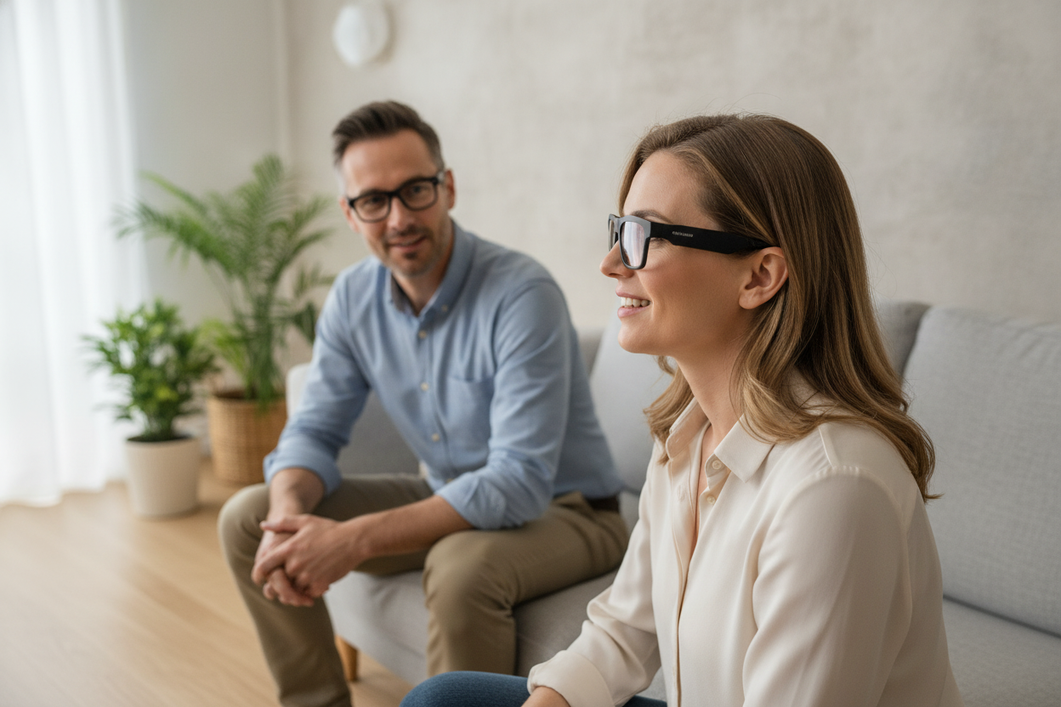
Sommige verbonden slimme brillen bieden mogelijk spraak-naar-tekst, maar live ondertiteling is geen standaardfunctie op elke bril. Het exacte model, de bijbehorende software, de telefoonverbinding en het uitvoermedium bepalen of spraak in de omgeving wordt omgezet in leesbare tekst. Vertaling, open-earaudio en een ingebouwde microfoon bewijzen niet dat een product gesprekken in dezelfde taal kan ondertitelen.

Controleer voor ondersteuning bij gehoorverlies het volledige traject voordat je tot aankoop overgaat: spraakopname, verwerking, leesbare tekstweergave en prestaties in de omgeving waarin je het product wilt gebruiken. De bril kan aanvullende ondersteuning bieden tijdens korte, voorspelbare gesprekken, maar mag geen hoortoestellen, cochleaire implantaten, gehooronderzoeken, professionele zorg of betrouwbare ondertiteling vervangen wanneer communicatie van groot belang is.

Kunnen slimme brillen live ondertiteling bieden?
Ja, sommige verbonden systemen bieden mogelijk live transcriptie, maar beschouw dit als een modelspecifieke mogelijkheid, niet als een standaardfunctie. Controleer of het systeem spraak omzet in tekst in dezelfde taal, bepaal waar de tekst verschijnt en ga na of de bril slechts één onderdeel is van een opstelling met telefoon en app.
Ondertiteling en vertaling lossen verschillende problemen op
Live transcriptie legt spraak of geluid vast en geeft dit weer als tekst in de taal die wordt gesproken. De documentatie van Google over Live Transcribe beschrijft een spraak-naar-tekstraject dat spraak en geluid vastlegt, zodat de gebruiker dit als tekst op een scherm kan zien.
Vertaling doet iets anders: gesproken taal wordt omgezet in een andere taal. Een product dat wordt aangeprezen voor vertaling tijdens het reizen, kan vertaalde audio afspelen of vertaalde tekst tonen, maar dat bewijst niet dat het ondertiteling in dezelfde taal biedt voor iemand met gehoorverlies. Het bevestigt ook niet dat er ondertitels, sprekerlabels of toegankelijkheidsgerichte bedieningselementen zijn.
Let bij het bekijken van een productvermelding op formuleringen zoals "live transcriptie", "spraak-naar-tekst in dezelfde taal" of "ondertiteling". Controleer deze termen vervolgens in de actuele documentatie voor het exacte model en de bijbehorende app. Alleen "real-time vertaling" is niet voldoende.
Wat de drager daadwerkelijk kan ontvangen
De uitvoer kan zichtbare tekst op de bril zijn, tekst op een telefoon of tablet, of audio via open-earluidsprekers. Deze opties zorgen voor verschillende ervaringen: audio kan de communicatie aanvullen, maar is niet hetzelfde als leesbare ondertiteling.
Gebruik deze controle voordat u een paar als ondertitelingshulpmiddel beschouwt:
- Bepaal waar de uitvoer wordt weergegeven: op het display van de bril, een telefoon, tablet of een ander scherm.
- Bevestig dat de uitvoer spraak-naar-tekst in dezelfde taal is, en niet vertaalde tekst of alleen audioterugkoppeling.
- Controleer of de drager het kan lezen zonder de spreker of het gesprek uit het oog te verliezen.
- Controleer het exacte model en de actuele software in plaats van te vertrouwen op een categorielabel.
Onze collectie vertaalbrillen kan u helpen bij het bekijken van producten die worden aangeboden voor taalvertaling, maar vertaalfuncties mogen niet worden opgevat als bewijs voor ondertiteling ter ondersteuning van het gehoor. Onafhankelijke informatie over ondertitelingsbrillen kan context over deze productcategorie bieden, maar bevestigt geen mogelijkheden van een model dat op vertaling is gericht.
Hoe ondertiteling werkt tijdens een gesprek
Een bruikbare ondertitelingsconfiguratie moet spraak van de spreker naar een microfoon, via verwerking en naar een leesbaar scherm brengen. In sommige toegankelijkheidsconfiguraties legt een telefoon spraak vast en geeft die de transcriptie weer, zodat de bril alleen de draagbare interface biedt - of helemaal geen deel uitmaakt van het ondertitelingsproces.
Spraakvastlegging bepaalt het uitgangspunt
Het systeem kan alleen transcriberen wat de microfoon duidelijk genoeg opvangt om te verwerken. De afstand tot de spreker, de richting, stemmen van anderen, echo's en de plaatsing van de microfoon kunnen allemaal invloed hebben op de opgevangen spraak. Een camera, Bluetooth-luidspreker of microfoon op zichzelf bewijst niet dat live transcriptie beschikbaar is.
Begin met het beoogde scenario. Iemand die tegenover u zit in een stille ruimte is een andere test dan iemand die op enkele meters afstand spreekt tijdens een familiebijeenkomst. Ga na waar de microfoon zich bevindt, of de spreker naar de drager moet kijken en of de productdocumentatie spraak-naar-tekst beschrijft in plaats van alleen spraakopdrachten of audiogesprekken.
Vereisten voor telefoon en app bepalen de configuratie
Een telefoon kan spraak vastleggen, verwerken of weergeven, zelfs wanneer een bril als draagbare interface wordt gebruikt. De handleiding van Google voor Live transcriptie laat zien hoe een telefoon spraak kan vastleggen en de transcriptie op het scherm kan weergeven, maar bevestigt geen compatibiliteit met een specifiek paar.
Controleer de configuratie in deze volgorde:
- Bevestig het ondersteunde besturingssysteem van de telefoon en de vereiste app.
- Controleer de machtigingen voor de microfoon, Bluetooth, meldingen en weergavefuncties.
- Controleer of een account, internetverbinding of telefoon in de buurt vereist is.
- Ga na waar de verwerking plaatsvindt en waar de tekst verschijnt.
- Test de exacte combinatie van telefoon en app met de bril voordat je erop vertrouwt.
Raadpleeg voor een algemene uitleg over verbonden componenten zoals Bluetooth-audio, camera's en aanvullende functies onze gids over hoe slimme brillen werken. Dat overzicht bevestigt geen ondersteuning voor ondertiteling voor een specifiek model.
De uitvoer moet in de context leesbaar zijn
Leesbare ondertiteling vereist meer dan alleen een tekstsignaal. Controleer de tekstgrootte, het contrast, de kijkpositie, de timing en of de drager de woorden kan volgen terwijl die een natuurlijk gesprek voert. Een telefoonscherm biedt mogelijk meer ruimte voor tekst, maar vereist dat je wegkijkt; tekst in de bril houdt het scherm mogelijk dichter bij de spreker, maar kan andere beperkingen hebben wat betreft zichtbaarheid en bediening.
Probeer de uitvoer met een bekende spreker en een gewoon gesprek in plaats van een korte productdemonstratie. Let erop of de tekst het spreektempo bijhoudt, of correcties gemakkelijk te herkennen zijn en of de drager om herhaling kan vragen zonder moeite met de interface te hebben.
Wat liveondertiteling moeilijk te volgen kan maken
Automatische ondertiteling kan minder bruikbaar worden wanneer spraak door lawaai wordt verstoord, sprekers door elkaar heen praten, tekst vertraagd verschijnt of het scherm moeilijk leesbaar is. De Hearing Loss Association of America legt het verschil uit tussen automatische en door mensen gegenereerde ondertiteling en merkt op dat realtime ondertiteling door mensen doorgaans nauwkeuriger en begrijpelijker is. Beschouw transcriptie op een draagbaar apparaat als ondersteuning voor bepaalde situaties en niet als een gegarandeerd verslag.
Lawaai en door elkaar heen pratende mensen
Rustige één-op-één-gesprekken zijn de beste plek om voorzichtig te beginnen. Achtergrondmuziek, geluid van verwarming, ventilatie en airconditioning, echo's, afstand en meerdere mensen die tegelijk praten, kunnen de tekst onvolledig of moeilijk toe te wijzen maken.
Gebruik dit contrast bij het bepalen waar je wilt testen:
- Gunstiger uitgangspunt: één bekende spreker, een stille ruimte, een korte gespreksafstand en een kort gesprek.
- Omgeving met een hoger risico: een druk restaurant, een familiebijeenkomst, een vergadering met onderbrekingen of elk gesprek waarin meerdere mensen tegelijk praten.
Een geslaagde demonstratie in een stille ruimte toont niet aan dat hetzelfde systeem in een rumoerige groep werkt. Test de omgeving die voor jou relevant is.
Vertraging en ontbrekende context
Tekst die verschijnt nadat de spreker al met de volgende gedachte is begonnen, kan moeilijk aan de huidige zin te koppelen zijn. Gemiste woorden, gewijzigde interpunctie, correcties en onduidelijke wisselingen van spreker kunnen ook de betekenis veranderen, zelfs wanneer afzonderlijke woorden op het scherm verschijnen.
Let tijdens een realistische proefperiode erop of je de beurtwisseling kunt volgen, correcties opmerkt en kunt herstellen wanneer een zin wordt gemist. Als het gesprek gevolgen heeft voor werkbeslissingen, veiligheid, medische informatie of een andere belangrijke uitkomst, houd dan een back-upmethode beschikbaar in plaats van uitsluitend op automatische ondertiteling te vertrouwen.
Privacy en draagbaarheid in het dagelijks leven
Bekijk vóór gebruik wat de microfoons, apps en verbonden diensten vastleggen of verwerken. Overweeg ook of iedereen in de buurt begrijpt dat er een verbonden apparaat wordt gebruikt.
Controleer deze praktische factoren:
- Comfort gedurende de volledige beoogde gespreksduur.
- Zichtbaarheid, bediening, opladen en hoe gemakkelijk je iemand kunt vragen een zin te herhalen.
- Of het apparaat of de app het traject van vastleggen en verwerken voldoende duidelijk maakt voor je privacybehoeften.
Een systeem dat technisch capabel is, maar afleidt, onhandig is of moeilijk opgeladen kan blijven, vermindert de communicatie-inspanning in het dagelijks gebruik mogelijk niet.
Wie zou een slimme bril voor gehoorondersteuning moeten overwegen?
Deze apparaten kunnen het proberen waard zijn in een gecontroleerde proefperiode voor korte, voorspelbare gesprekken wanneer ondertiteling in dezelfde taal is geverifieerd en de tekst prettig leesbaar is. Ze zijn minder geschikt wanneer je betrouwbare ondersteuning nodig hebt bij langdurige, klinische of noodcommunicatie of communicatie in rumoerige groepen; in die situaties zijn speciale toegankelijkheidshulpmiddelen of professionele begeleiding mogelijk geschikter.
Situaties waarin een proefperiode redelijk kan zijn
Een voorzichtige proefperiode is het meest zinvol wanneer de situatie beheersbaar is en je een andere communicatiemethode beschikbaar kunt houden.
Overweeg een proefperiode wanneer:
- Je hebt een vertrouwde gesprekspartner en een rustige één-op-éénomgeving.
- Het exacte model biedt aantoonbaar ondertiteling in dezelfde taal.
- Gemiste woorden kunnen worden verduidelijkt zonder een veiligheids- of medisch risico te creëren.
- Je kunt een aparte communicatiemethode beschikbaar houden.
Een mantelzorger of familielid kan helpen beoordelen of de tekst de communicatie-inspanning daadwerkelijk vermindert, in plaats van ervan uit te gaan dat een functielabel dat vanzelf doet.
Situaties waarin een andere oplossing nodig is
Kijk verder dan deze wearables wanneer je betrouwbare ondersteuning nodig hebt tijdens lange vergaderingen, gesprekken in rumoerige groepen, medische besprekingen, noodsituaties of alledaagse communicatie waarin je je geen regelmatige omissies kunt veroorloven. Speciale hoorhulpmiddelen, professionele ondertiteling, klinische begeleiding en andere toegankelijkheidshulpmiddelen sluiten mogelijk beter aan bij die behoeften.
Ze mogen hoortoestellen, cochleaire implantaten, gehooronderzoeken of professionele hoorzorg niet vervangen. Een hulpmiddel voor live transcriptie op basis van een telefoon kan ook een afzonderlijke manier zijn om te testen of leesbare tekst in een bepaalde situatie helpt; Googles bronnen over toegankelijkheid voor mensen met gehoorverlies bieden een startpunt om die optie te onderzoeken. Dit bewijst niet dat een brilsysteem met de telefoon kan worden geïntegreerd of aan je communicatiebehoeften voldoet.
Vragen die je vóór aankoop moet controleren
Gebruik een besluitvormingsproces in drie stappen voordat je een bestelling plaatst:
- Controleer de functie. Bevestig live transcriptie in dezelfde taal voor het exacte model en de huidige app. Beschouw vertaling, spraakbediening of audioweergave niet als vervanging voor bewijs van ondertiteling.
- Controleer de installatie. Controleer het uitvoeroppervlak, de telefoon, de app, machtigingen, de verbinding, het account, de privacyinstellingen en de vereisten voor opladen.
- Test de werkelijke gebruikssituatie. Probeer het met een vertrouwde spreker in de beoogde omgeving en controleer vervolgens de timing, gemiste woorden, leesbaarheid, het comfort en je terugvalmethode voor communicatie.
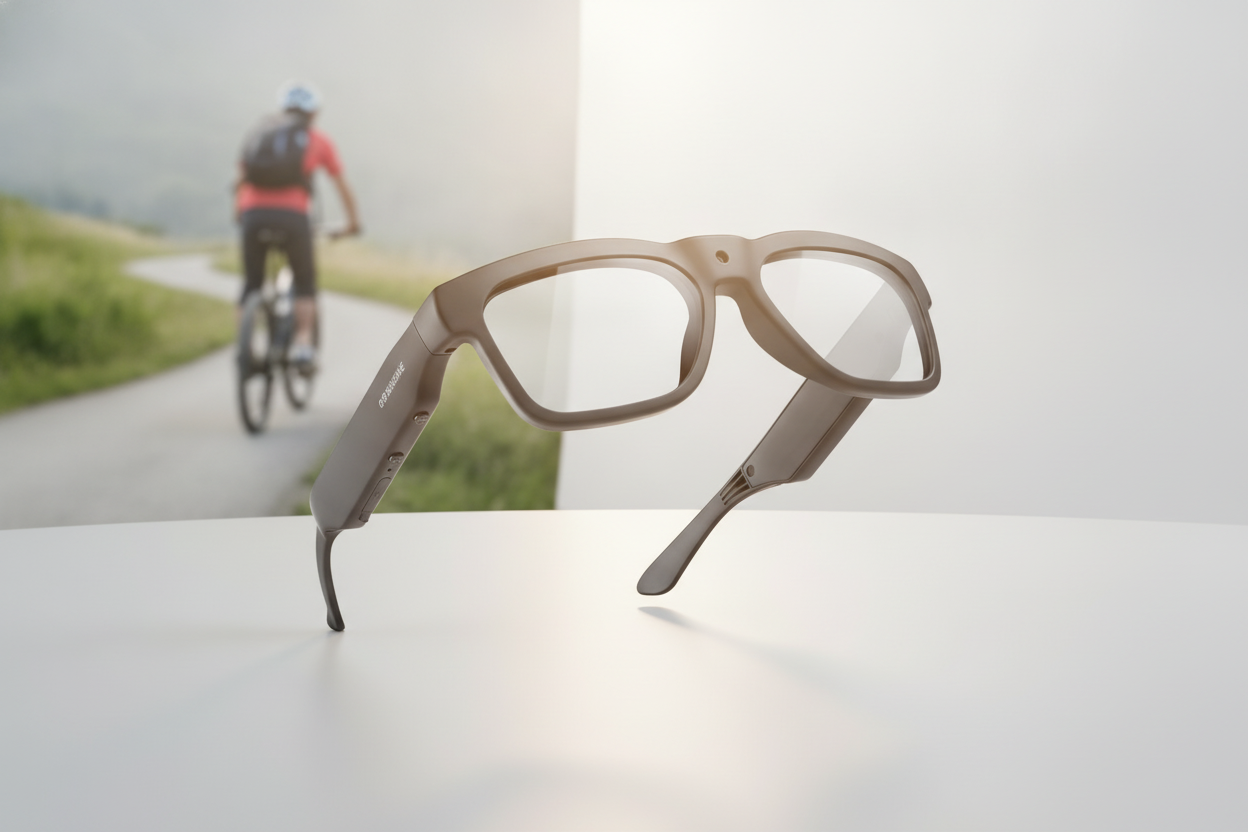
Als de criteria wijzen op een vertaalgerichte wearable in plaats van een geverifieerd ondertitelingssysteem, kun je de Edge Pro-bril bekijken als productnavigatie. De vermelde vertaal- en audiofuncties bewijzen niet dat er live ondertiteling in dezelfde taal beschikbaar is. Controleer daarom de actuele documentatie voordat je een model als gehoorondersteuning beschouwt.
Veelgestelde vragen
De onderstaande vragen richten zich op afhankelijkheid van een telefoon, vertaalbeperkingen en praktische tests voordat je op een ondertitelingsopstelling vertrouwt.
Zijn slimme brillen nuttig bij gehoorverlies?
Ze kunnen aanvullende ondersteuning bieden wanneer transcriptie in dezelfde taal is geverifieerd en de situatie voorspelbaar is. Ze zijn geen vervanging voor hoortoestellen, professionele zorg of betrouwbare ondertiteling.
Kan een slimme bril ondertitels weergeven zonder telefoon?
Dat hangt af van het exacte model, de software, de locatie waar de verwerking plaatsvindt en het display. Controleer of een telefoon of account vereist is en waar de ondertitels verschijnen wanneer de telefoon niet beschikbaar is.
Biedt een vertaalbril ook hoorondertiteling?
Niet per se. Vertaling zet spraak om in een andere taal; hoorondertiteling geeft spraak weer als leesbare tekst in de taal van het gesprek. Controleer ondertitels, sprekerlabels en functies voor gehoorondersteuning afzonderlijk.
Wat moet ik testen voordat ik een slimme bril in een vergadering gebruik?
Test de bedoelde telefoon en app met een vertrouwde spreker en herhaal de test daarna met realistisch achtergrondgeluid. Controleer de timing, gemiste woorden, leesbaarheid, het comfort, de privacy, het opladen en een reservecommunicatiemethode.



Laat een reactie achter
Deze site wordt beschermd door hCaptcha en het privacybeleid en de servicevoorwaarden van hCaptcha zijn van toepassing.