

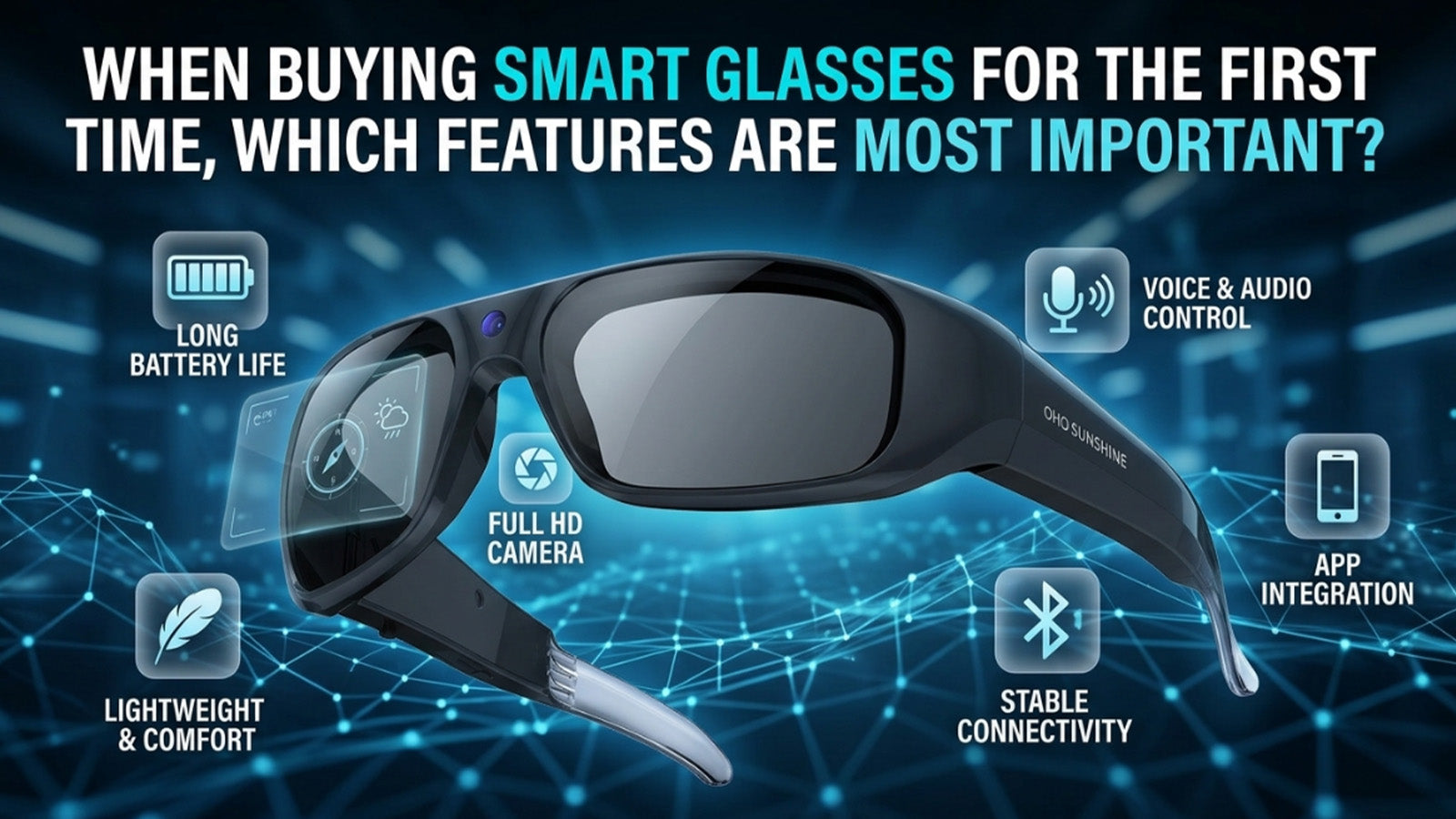
The wrong pair of smart glasses will sit in a drawer. The right ones will change how you move through your day. Smart glasses with camera and audio now combine recording, sound, translation, and connectivity in a single wearable frame. Knowing what to prioritize before buying saves you from paying for features you will never use and missing the ones you actually need.
Quick Answer:
- Camera: Look for 2K or 4K resolution, a wide FOV, and EIS stabilization for smooth footage
- Audio: Open-ear bluetooth speakers with a noise-reducing mic cover calls, music, and navigation
- AI: Real-time translation is the standout feature for travel and multilingual use
- Comfort: TR90 frames are lightweight and flexible enough for all-day wear
- Battery and storage: Match capacity to your primary use case, recording vs. audio use have different demands
- Ease of use: Voice control and simple button layout make a bigger difference than most buyers expect
Why First-Time Buyers Should Focus on Features, Not Hype
For a first-time buyer, the most useful question is not "what is the most advanced option available?" It is "which features solve a real problem in my daily life?"
Common mistakes first-time buyers make:
- Prioritizing specs they will rarely use, like maximum resolution, over basics like comfort and battery life
- Assuming more features always means better value
- Overlooking fit and wearability, which affects whether the glasses get used at all
- Ignoring software and app requirements that affect how features actually work
Every feature in smart glasses carries a trade-off, usually in weight, battery consumption, or price. Starting with a clear sense of your own use case makes those trade-offs easy to navigate.
Camera Features to Look For in Smart Glasses
The camera in smart glasses with camera functionality captures a first-person perspective from the front of the frame. Resolution, field of view, and stabilization all affect whether the footage is actually usable. Here is what to focus on.
Resolution and Field of View
Resolution determines how sharp your footage looks on a screen. Higher resolution captures more detail and holds up better when zoomed or cropped. For most everyday recording needs, 1080p delivers clean results, while 2K and 4K are worth considering if you plan to edit or display footage on larger screens.
Field of view, or FOV, refers to how wide the camera captures the scene in front of you. A wider FOV is generally better for active or outdoor recording, where you want the footage to feel immersive rather than narrow.
Stabilization and Low-Light Performance
Electronic Image Stabilization (EIS), is a software-based feature that corrects for movement during recording. It is particularly valuable for activities involving walking, cycling, or any situation where the frame is in constant motion. Without stabilization, footage from moving glasses can be too shaky to watch comfortably.
Low-light performance depends on the camera sensor quality. Most smart glasses with camera perform well in bright outdoor conditions. For indoor or dawn and dusk recording, checking whether a model includes low-light optimization is worth the extra research.

Audio and Bluetooth Features That Improve Daily Use
Audio is the feature most people underestimate before buying and appreciate most after. Smart glasses with bluetooth deliver sound through open-ear speakers built into the frame arms, keeping your ears free and your surroundings audible at the same time.
What to evaluate in bluetooth smart glasses audio:
- Speaker clarity for voice calls and spoken content like podcasts and navigation
- Microphone quality and noise reduction for clean call audio in outdoor or urban environments
- Bluetooth version, with 5.2 or higher offering more stable and efficient connectivity
- Range and connection consistency when the paired phone is not immediately at hand
Call and Voice Control Performance
Speaker quality covers music and podcasts, but call and voice performance is just as important for daily use. These two factors determine how useful the glasses are in real conversations and hands-free situations.
For daily use, call performance matters as much as music quality. A built-in microphone that struggles in wind or background noise makes hands-free calling frustrating rather than convenient. Look for models that specifically mention noise reduction or environmental mic tuning.
Voice control is an increasingly common feature in bluetooth smart glasses. It allows you to trigger recording, answer calls, or activate assistants without touching the frame. For activities where your hands are occupied, this adds genuine practical value.

AI Features and When They Actually Matter
AI glasses, meaning smart glasses with app-connected artificial intelligence, have moved from novelty to practical tool. The most common AI feature is real-time translation: the built-in microphone picks up speech, processes it through an AI engine via a paired smartphone, and delivers the translated audio through the frame speakers. It is most valuable for international travel, multilingual work environments, or any situation where stopping to type into a translation app breaks the flow.

AI features worth considering for first-time buyers:
- Real-time spoken translation across multiple languages for travel or multilingual environments
- AI chat mode, which allows voice-based queries and responses through the glasses
- Photo and text translation, which processes written content through a connected smartphone camera
- Voice notes, allowing hands-free capture of reminders or observations
AI features typically require a smartphone connection and a companion app to function. The glasses themselves process audio and video, but the AI computation runs on the phone. This is worth knowing before purchase.
Comfort, Fit, and Frame Design for All-Day Wear
Comfort is just as important as specs when it comes to the best smart glasses with camera. A pair you enjoy wearing all day is worth far more than one with impressive numbers that stays in a bag. Fit and frame design are the specs most often overlooked in feature comparisons, and they have the biggest impact on whether the glasses become a daily habit or end up in a drawer.
Frame material is the starting point. TR90, a thermoplastic material sometimes called memory plastic, is lightweight and flexible. It bends under pressure and returns to shape, which reduces both the risk of breakage and the fatigue from long wear. Heavier or more rigid materials increase the chance of pressure points, especially on the nose and temples.
Fit factors to check before buying:
- Frame weight, with lighter options being noticeably more comfortable over extended periods
- Nose pad design and adjustability for different face shapes
- Temple arm length and flexibility for secure fit during movement
- Lens size and coverage for both comfort and sun protection
Lens type also plays a role in daily wearability. Photochromic lenses, which automatically adjust tint based on ambient light levels, remove the need to switch between indoor and outdoor pairs. Blue light blocking lenses add value for anyone wearing the glasses during screen-heavy work sessions.
Battery Life, Storage, and Ease of Operation
These three practical specs determine how the glasses perform in real use, not just in spec sheets. Battery life varies by function. Audio and bluetooth use draw far less power than active recording, so the continuous recording window is typically shorter than the overall battery life suggests. Many models support USB-C power bank charging during use, which extends recording time in practice.
Storage scales with how you record. Frequent or high-resolution recording benefits from higher capacity, while audio-focused users need considerably less.
Ease of operation checklist:
- Single-button or minimal-control design for simple recording and playback
- Voice command support for hands-free operation
- Compatibility with both iOS and Android for app-based features
- Straightforward file transfer options, including USB-C and OTG connector support
The simpler the controls, the more likely the glasses get used consistently. Smart glasses that require complex setup or frequent app interaction tend to create friction that reduces daily use over time.
Start Smart, Not Overwhelmed
Buying smart glasses with camera and audio for the first time does not have to be complicated. Camera resolution, bluetooth audio quality, AI translation capability, frame comfort, and battery performance are the five areas that determine whether a pair of smart glasses fits into your life. Focus on the features that match how you actually spend your day, and the right choice becomes clear.
FAQs about Smart Glasses Features
Q1. Do Smart Glasses with Camera Record Audio as Well as Video?
Most smart glasses with camera include a built-in microphone that captures audio alongside video by default. The microphone placement in the frame is designed to pick up environmental sound and voice clearly during recording. Audio quality varies by model, so checking whether the microphone includes noise reduction is useful for buyers who plan to record in louder environments.
Q2. How Do Bluetooth Smart Glasses Connect to a Phone?
Bluetooth smart glasses pair with a smartphone the same way wireless earbuds do, through the device's Bluetooth settings. Once paired, the glasses can handle calls, stream audio, and in some models, connect to a companion app for AI features and camera controls. Most current models use Bluetooth 5.2 or higher, which provides a stable connection with lower power consumption than older versions.
Q3. Are AI Glasses Suitable for Everyday Use or Just Travel?
AI glasses are practical for everyday use beyond travel. Real-time translation is the most travel-specific feature, but other AI functions like voice commands, AI chat mode, and voice notes are useful in daily work and personal contexts. The value of AI features depends largely on how often you encounter situations where hands-free information access or language assistance genuinely helps.
Q4. What Is the Difference Between Smart Glasses with Camera and a Regular Action Camera?
Smart glasses with camera capture first-person footage hands-free without requiring any additional mounting equipment. A traditional action camera offers more control over angle, zoom, and settings, but requires mounting to a helmet, chest rig, or accessory. Smart glasses prioritize wearability, discretion, and the ability to combine recording with audio and other smart features in a single everyday item, making them a purpose-built tool for hands-free capture.
Share:
How to Choose the Right Smart Glasses Based on Your Lifestyle
Why Should You Choose Camera Glasses Over Traditional Vlogging Gear?