
























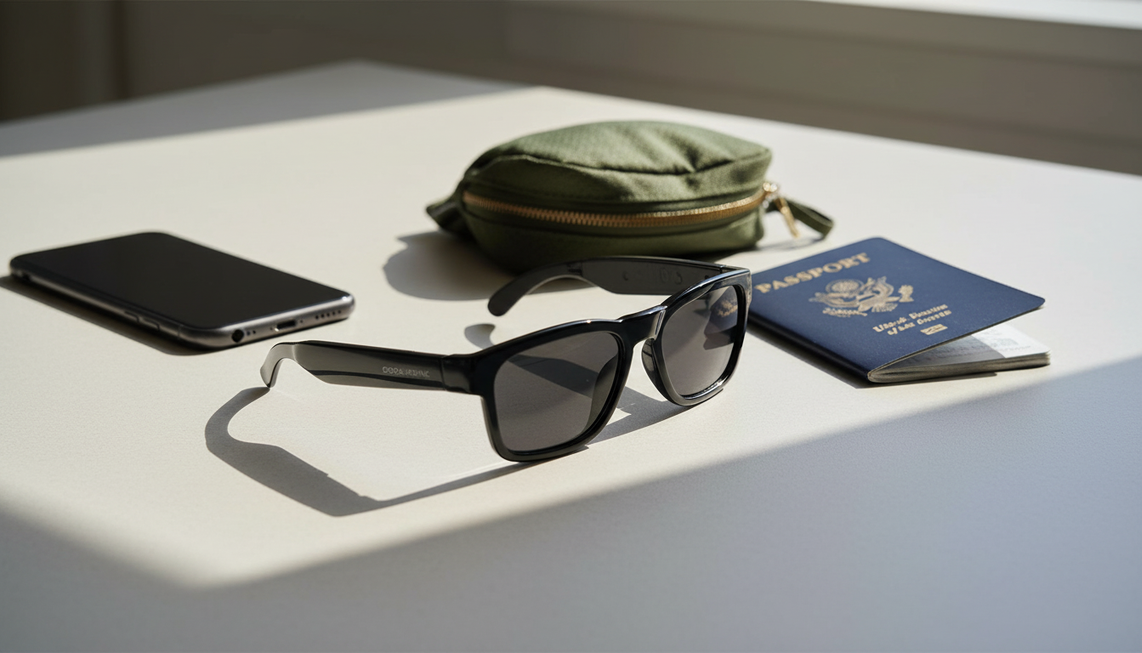
Considera las gafas de traducción como una ayuda para viajar hasta que superen una prueba realista en tu par de idiomas exacto y en las condiciones de conversación probables. Empieza con un intercambio breve y de bajo riesgo, pruébalo en silencio y con el ruido previsto, y después clasifica el resultado como uso prioritario de las gafas, confirmar y repetir, o uso prioritario del teléfono. Lleva preparado un teléfono cargado como alternativa de traducción antes de partir, especialmente para comunicaciones importantes, urgentes o no resueltas.
Elige un intercambio de viaje real para tu prueba previa al viaje
Elige un intercambio probable, como pedir indicaciones, registrarte en un hotel, pedir una comida o confirmar el destino de un servicio de transporte solicitado mediante una aplicación. Prueba ese intercambio en lugar de basarte en una demostración genérica; así definirás las condiciones limitadas en las que las gafas podrían funcionarte.
- Anota el idioma de origen, el idioma de destino, la dirección de traducción, la distancia prevista entre los hablantes y el ruido de fondo probable.
- Prepara dos o tres intervenciones breves para cada hablante. Incluye los nombres, las horas, los precios, las direcciones o las solicitudes concretas que puedas necesitar.
- Carga el teléfono y configura su aplicación de traducción antes de realizar la prueba. El modo de conversación del teléfono puede reproducir las traducciones por los altavoces o los auriculares mientras los hablantes se turnan, según el idioma seleccionado y la compatibilidad del dispositivo. La guía de Google sobre el modo de conversación explica el comportamiento de la alternativa.
- Decide de antemano que el uso prioritario de las gafas se aplicará solo a un intercambio breve y de bajo riesgo que supere las pruebas posteriores. Mantén las conversaciones importantes, médicas, legales, financieras, críticas para la seguridad y urgentes en el teléfono, o utiliza otro método fiable.
Esta configuración convierte la alternativa en parte del plan, en lugar de dejarla para una improvisación de emergencia. Para obtener más contexto sobre las limitaciones en conversaciones reales, céntrate en si el intercambio sigue siendo comprensible, no en si las gafas causan una primera impresión espectacular.
Establece una referencia en una habitación silenciosa para el par de idiomas exacto
Una prueba en una habitación silenciosa te proporciona un punto de partida reproducible para el par de idiomas y la dirección exactos que utilizarás. No garantiza que las gafas funcionen en aeropuertos, restaurantes, estaciones de transporte público o conversaciones grupales.
Usa un segundo hablante si es posible. Realiza el intercambio en ambas direcciones con frases completas, en lugar de vocabulario aislado. Incluye un nombre, un número, una hora, una dirección, una pregunta probable, una respuesta probable y una expresión natural del viaje. Registra si el dispositivo capta el habla con claridad, conserva los detalles importantes, ofrece un resultado utilizable antes del siguiente turno y requiere indicaciones repetidas.
Prueba primero intervenciones breves y medidas; después prueba una intervención más larga o rápida. Incluye nombres, números y expresiones naturales en pruebas separadas para ver qué partes del intercambio necesitan aclaración. Usa los resultados para elegir una formulación realista y confirmar los detalles, no para suponer que todos los dispositivos darán el mismo resultado.
Una prueba de referencia solo es válida para el intercambio que hayas probado cuando ambos hablantes puedan seguir la salida sin indicaciones inusuales y los detalles clave permanezcan intactos. Si se omite una palabra o aparece una pausa, repite la frase y anota qué lo solucionó. Un resultado que solo funciona con un habla inusualmente lenta, un vocabulario simplificado o repeticiones frecuentes corresponde a la categoría de confirmar y repetir. Guarda las frases específicas del viaje, los nombres, los números, las horas y las direcciones para que las pruebas posteriores con ruido utilicen el mismo material.

Pon a prueba por separado la captación, el ruido y los turnos de palabra
Prueba el dispositivo en entornos ruidosos cambiando una variable a la vez. Repite el mismo intercambio con ruido de una multitud, música o ruido de vajilla, ruido de la calle, habla más rápida, jerga y hablantes que se solapan. Clasifica el resultado según lo que observes en tu configuración, no según un umbral de ruido, una cifra de latencia o una puntuación de precisión universales.
| Condición de viaje | Prueba controlada | Observación que registrar | Decisión |
|---|---|---|---|
| Aeropuerto o estación de transporte | Añade ruido de una multitud y anuncios mientras pides indicaciones sobre una dirección, una puerta de embarque, un andén o una hora. | ¿Se ha captado al hablante previsto y se conservan los detalles clave del lugar y la hora? | Usa primero el teléfono para indicaciones, puertas de embarque, andenes o detalles de salida en los que el tiempo sea importante; de lo contrario, usa primero las gafas solo si el intercambio breve sigue siendo claro. |
| Restaurante, cafetería o recepción de hotel | Añade música o ruido de vajilla y varía la distancia al hablar. Prueba un pedido, un precio, un nombre o una solicitud especial. | ¿Con qué frecuencia hace falta repetir y cambia algún detalle? | Confirma y repite cuando hablar más despacio o confirmar restablezca el significado; usa primero el teléfono cuando no lo haga. |
| Intercambio en un servicio de transporte compartido o en la acera | Añade ruido de la calle y un breve intercambio sobre el destino. Mantén la dirección visible en el teléfono. | ¿Pueden ambos hablantes terminar sus intervenciones antes de la siguiente respuesta y es correcto el destino? | Usa primero el teléfono para un destino en el que el tiempo sea importante; de lo contrario, usa primero las gafas solo después de superar este intercambio específico y si el tiempo permite aclararlo. |
| Habla rápida, jerga o formulaciones con matices | Mantén el entorno tranquilo, pero aumenta la velocidad al hablar y usa expresiones naturales de viaje. | ¿La salida conserva el significado previsto o solo la idea general? | Confirma y repite cuando se puedan comprobar nombres, números, precios y solicitudes; usa primero el teléfono cuando siga sin estar claro algún matiz. |
| Solapamiento de dos o tres personas | Haz que los hablantes se interrumpan o hablen a la vez y, después, repite lo dicho por cada hablante por separado. | ¿Se ha identificado al hablante previsto y se acumula el retraso entre turnos? | Usa confirmar y repetir solo cuando los turnos de un solo hablante recuperen el significado; usa el teléfono como primera opción cuando la superposición siga siendo poco fiable. |
Una reparación controlada no demuestra el rendimiento normal. Hablar más despacio, repetir una frase, acercarse o turnarse muestra qué condición permite recuperar el intercambio. Marca el resultado como gafas como primera opción cuando un intercambio breve y de bajo riesgo funcione sin un esfuerzo inusual, como confirmar y repetir cuando sea necesaria la confirmación o turnarse más despacio, y como teléfono como primera opción cuando la recepción, el ritmo o la comprensión sigan siendo poco fiables.
Verifica la compatibilidad del par de idiomas y sin conexión antes de salir
Verifica el idioma de origen exacto, el idioma de destino, la dirección, el modelo y la aplicación complementaria antes de hacer el equipaje. Las afirmaciones generales sobre idiomas y la lista de idiomas de otro dispositivo no demuestran que el par que llevarás en el viaje sea compatible, así que convierte el par exacto en una comprobación de compra y previa al viaje.
- Selecciona los idiomas de origen y destino exactos en la aplicación y, después, confirma la dirección en ambos sentidos si esperas mantener una conversación bidireccional.
- Comprueba qué idiomas se pueden descargar. La documentación de Google indica que los idiomas se pueden descargar cuando están disponibles e identifica los idiomas no compatibles como no disponibles sin conexión. Comprueba la disponibilidad de idiomas sin conexión para la configuración del teléfono que llevarás.
- Desactiva la conectividad de la forma en que podrías necesitar hacerlo durante el viaje y repite un intercambio breve. Registra por separado si siguen funcionando la traducción, la entrada de voz, la salida de audio, el acceso a la aplicación, el emparejamiento con el teléfono y el Bluetooth.
- Mantén el teléfono como opción principal cuando no se puedan confirmar el par exacto, el estado de la descarga, el acceso a la aplicación, el emparejamiento o el comportamiento cuando se desconecte.
Un paquete de idiomas sin conexión es una capacidad verificada, no una prueba de que todo el flujo de trabajo de las gafas funcione sin conexión ni de que sustituya al teléfono. Estas comprobaciones de compatibilidad sin conexión pueden ayudar a plantear las preguntas, pero la decisión debe basarse en la configuración del modelo y de la aplicación que vayas a utilizar.
Lleva el respaldo y evalúa las gafas de traducción de audio según el ajuste
Convierte tu registro de pruebas en un plan de partida: asigna los intercambios breves que hayan funcionado al uso con las gafas como primera opción, los intercambios que requieran un habla más lenta o confirmación al modo de confirmar y repetir, y las situaciones sin resolver o urgentes al teléfono como primera opción. Mantén el teléfono cargado, prepara el acceso a la traducción y ten disponibles por escrito las direcciones o frases importantes. No dependas únicamente de las gafas para comunicaciones médicas, legales, financieras, críticas para la seguridad o urgentes.
Las gafas de traducción de audio son adecuadas para viajeros que quieren probar intercambios breves y de bajo riesgo con las manos libres después de probar el par de idiomas y el entorno exactos. Las principales comprobaciones de compra son si el formato de audio resulta cómodo, si el teléfono y la aplicación complementarios se adaptan al viaje y si las gafas siguen siendo útiles cuando cambian el ruido, los turnos de palabra y la conectividad. Las funciones indicadas no demuestran la precisión, la latencia, el manejo del ruido, la cobertura de idiomas ni el funcionamiento sin conexión.
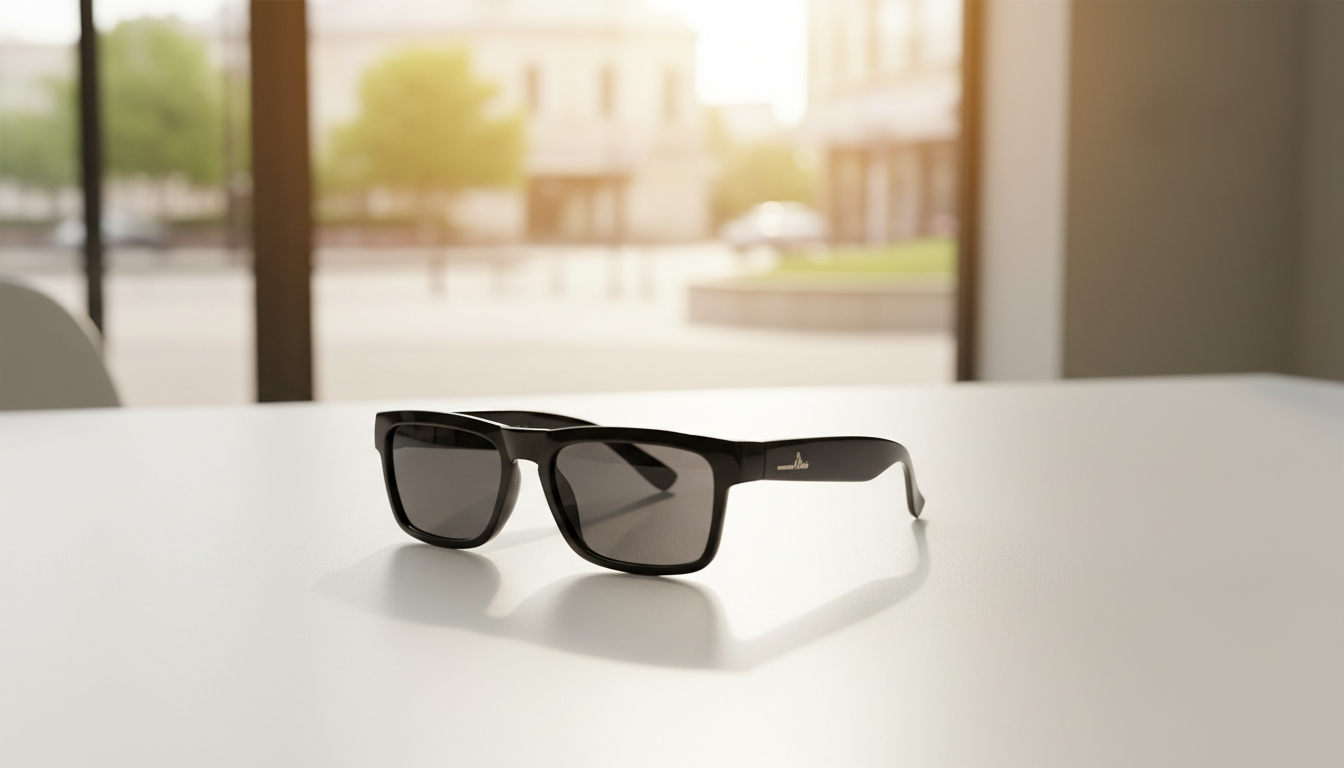
Las gafas de traducción de audio Elingo son una opción para esta misma prueba previa al viaje. La descripción del producto indica audio Bluetooth de oído abierto, traducción mediante chat con IA, traducción en tiempo real, control por voz, lentes fotocromáticas y configuración mediante una aplicación para teléfono inteligente. Estas funciones pueden ser adecuadas para un viajero que prefiera asistencia de audio y quiera tener un teléfono disponible, pero la descripción no demuestra cómo funciona Elingo en un aeropuerto, restaurante, estación de transporte, conversación grupal o entorno sin conexión. Realiza las pruebas con el par exacto, ruido, turnos de palabra y conectividad antes de asignarle un papel prioritario para las gafas.
Toma la decisión sobre tu viaje basándote en el intercambio realista más exigente que esperes: asigna a Elingo un papel prioritario para las gafas solo si supera esa prueba; de lo contrario, úsalo para confirmar y repetir, o mantén el teléfono como primera opción para el intercambio. Realiza esa prueba final antes de salir y luego lleva el teléfono cargado como respaldo principal para toda conversación importante, urgente o que no se haya podido resolver.
Preguntas frecuentes
¿Qué debería probar antes de llevar unas gafas traductoras en un viaje internacional?
Prueba un intercambio realista en la dirección lingüística exacta y repítelo con el ruido, el ritmo de habla, los nombres, los números, las voces superpuestas y la conectividad que esperas. Usa el resultado para definir un caso de uso limitado en el que las gafas sean la primera opción y prepara el teléfono para todas las demás situaciones.
¿Funcionan en lugares ruidosos?
Pueden funcionar en un intercambio ruidoso específico cuando se capta de forma constante al hablante previsto y el significado sigue siendo claro. Prueba por separado en aeropuertos, restaurantes, transporte público y grupos. Cambia al teléfono cuando las repeticiones o el habla de fondo impidan una comprensión fiable.
¿Cuánto retraso pueden tener en una conversación en vivo?
No hay un retraso universal que se pueda dar por supuesto. Comprueba si los hablantes pueden esperar, turnarse y conservar los detalles importantes sin que la respuesta llegue demasiado tarde. Ralentiza el intercambio y confirma los detalles cuando sea necesario; usa el teléfono cuando el retraso interrumpa la conversación.
¿Pueden los paquetes de idiomas sin conexión sustituir el respaldo de un teléfono?
No automáticamente. Verifica el par exacto, descarga el soporte cuando esté disponible y repite el intercambio con la conectividad desactivada. Confirma si las gafas siguen necesitando un teléfono, una aplicación, Bluetooth o procesamiento en línea. Mantén el teléfono a mano porque el soporte sin conexión puede no cubrir todas las necesidades de traducción.


Deja un comentario
Este sitio está protegido por hCaptcha y se aplican la Política de privacidad de hCaptcha y los Términos del servicio.