
























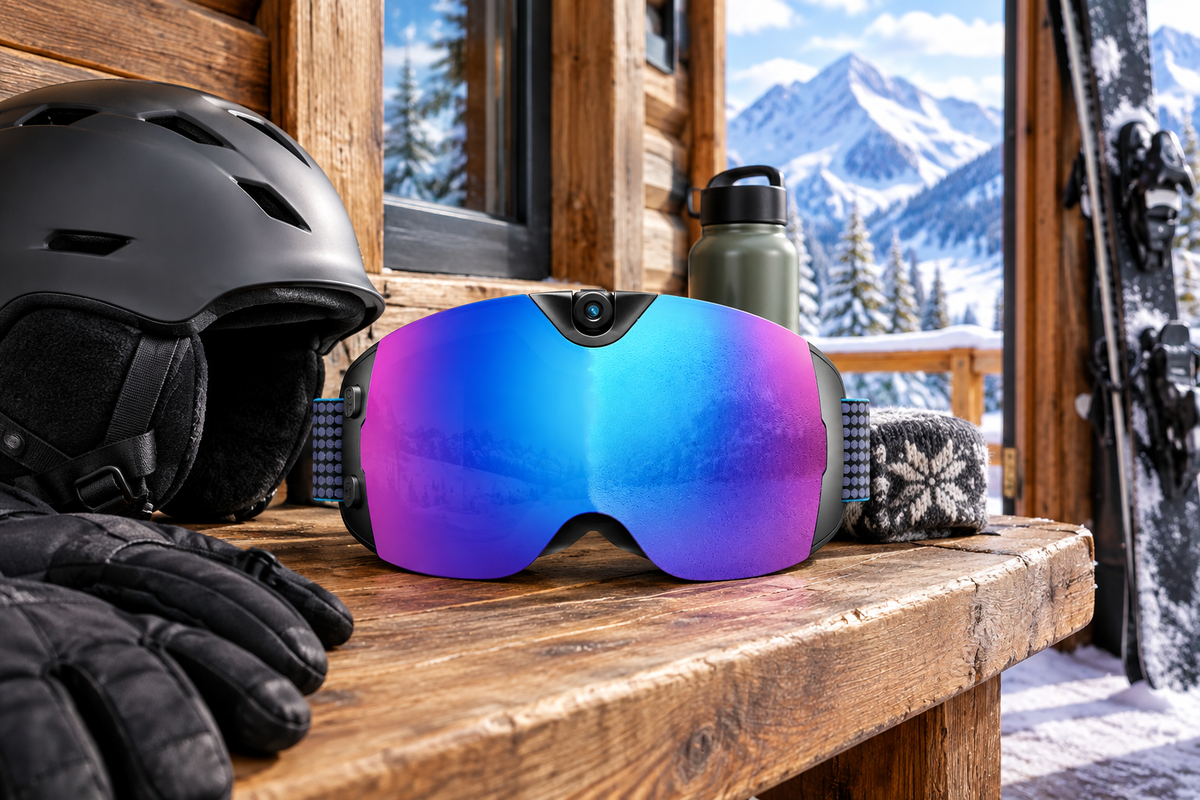
Ski goggles with a camera built in are worth packing for a mountain cabin trip only when the whole travel workflow holds up, not just the lens. That means confirming the charging cable and power source, matching storage to your recording plans, mapping a real file-transfer path, and keeping basic snow-goggle fit intact. Skip any of these checks and the camera feature can become the least useful part of the goggles once you're actually at the cabin.
The checks below apply to any camera-equipped goggle, then get applied to one specific model with its verified facts and open questions.
The Pre-Purchase Checks for a Cabin-Ready Camera Goggle
A model is cabin-ready only after it passes four separate tests: charging, storage, file transfer, and fit. Treat any missing spec as a verification task, not a guess.
Confirm the Charging Port, Cable, and Power Source
Look at the exact port on the goggles and the cable you plan to pack, then check what charging input and wall adapter or power bank that cable actually needs. A USB-C connector shape tells you the plug will physically fit, but it does not tell you whether that cable can deliver the required power or move data. As USB-IF explains, USB-C cables vary in their functional capabilities, and it is the user's responsibility to pick a certified cable rated for the specific task at hand.

- Port type on the goggles and the cable you're bringing
- Whether that cable is rated for charging, data, or both
- Adapter or power bank needed if the cabin only has one outlet type
- A full charge test using your actual packed setup, done before you leave home
If the cable that came in the box is unrated for one of these jobs, don't assume a spare phone cable will substitute. Charge the goggles with your real travel kit at least once before departure so a bad cable shows up at home, not on the mountain.
Match Storage to Your Recording Plan
Occasional highlight clips and full days of 4K recording put very different demands on a goggle's storage, so match your plan to a verified number before you buy. If you'll shoot a few short clips per day, most built-in storage handles that without extra planning. If you plan longer or more frequent 4K sessions across a multi-day trip, you need the model's confirmed usable capacity, not a generic capacity assumption from a similar product.
- Occasional clips: confirm the listed storage covers a normal day without deleting footage mid-run
- Regular full-day highlights: confirm usable capacity and decide on a nightly offload routine
- Frequent multi-day 4K recording: confirm capacity plus a backup plan, since storage fills faster at higher resolution
Whichever tier fits your trip, decide before departure whether you'll offload nightly, delete after backing up, or record at a lower setting to stretch the space you actually have confirmed.
Map the File-Offloading Path Before Departure
Identify exactly how footage leaves the goggles, whether that's Wi-Fi, a USB-C cable, removable storage, or an OTG connector, and confirm the receiving device on the other end. Name the specific phone, tablet, or laptop you'll bring to the cabin, then check whether it needs a particular app, operating system version, cable, or adapter to accept the files. A route that works with one phone or laptop combination won't automatically work with another.
Once you know the intended path, run a one-file test before you leave: record a short clip, move it to the receiving device using your planned method, open it, and keep the original file until you've confirmed the copy plays correctly. If you want a walkthrough for that last step, our guide on how to transfer ski goggle videos to your phone covers common pairing and storage snags before they happen at the cabin.
Check Fit, Helmet Pairing, and Snow Use
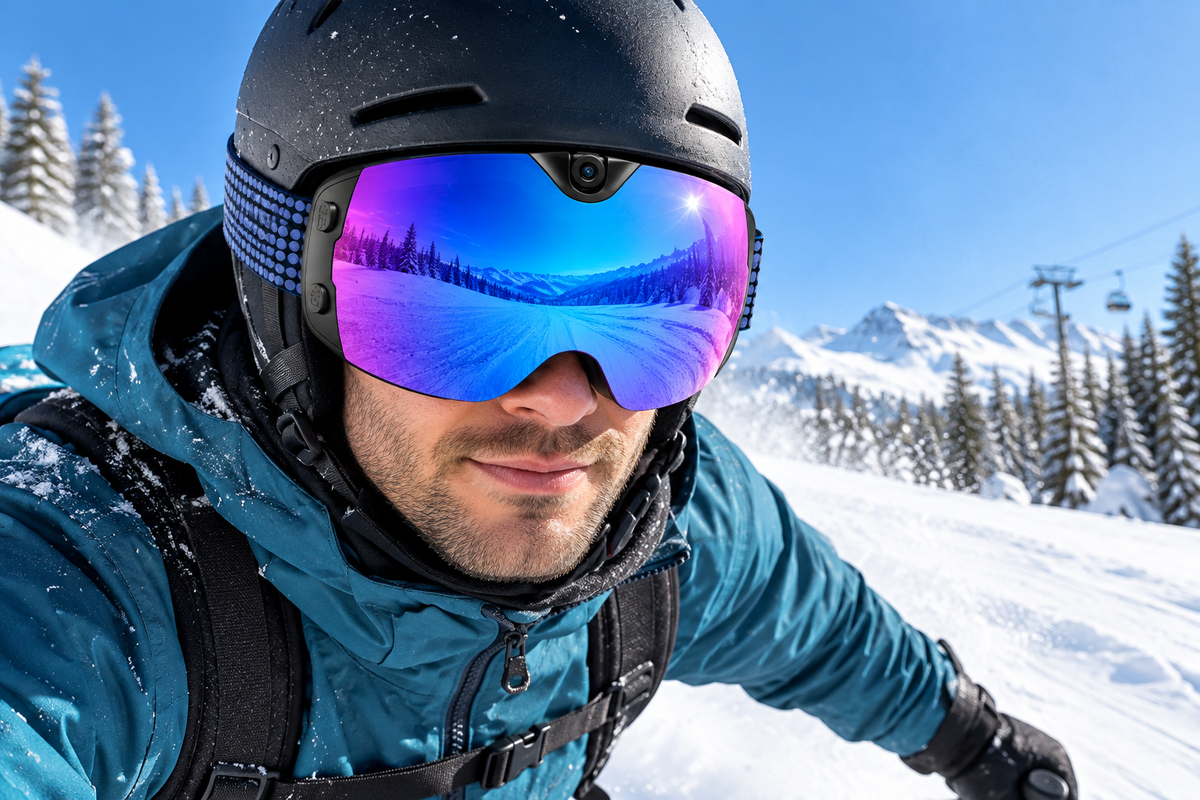
A camera is only useful if the goggles still fit and perform like proper snow goggles, so check face contact, peripheral vision, and helmet clearance before comparing camera specs. The fit should sit snug but not tight, without gaps or pressure points, and the strap should stay in place under a helmet without blocking vents or leaving a gap between goggle and helmet edge.
- Try the goggles with your actual helmet, not a generic size chart
- Confirm peripheral vision isn't blocked by the camera housing
- Check for fogging control and UV protection suited to your typical snow conditions
- Mark the result as pass, retest with the helmet, or reject before weighing camera features
If the fit doesn't pass with your own helmet, no amount of camera convenience makes the goggles a good choice for your ski or snowboard days. For a broader look at browsing camera-equipped models by feature set, our smart snow goggles collection groups options by connectivity and recording specs.
What the OHO SUNSHINE Skyshot Facts Support—and What to Verify
The Skyshot's listed connectivity and snow-use features line up with the checklist above, but several travel-critical details still need confirmation before you rely on it at a cabin. Treat the facts below as a starting point, not a finished workflow.
Supported Travel Features
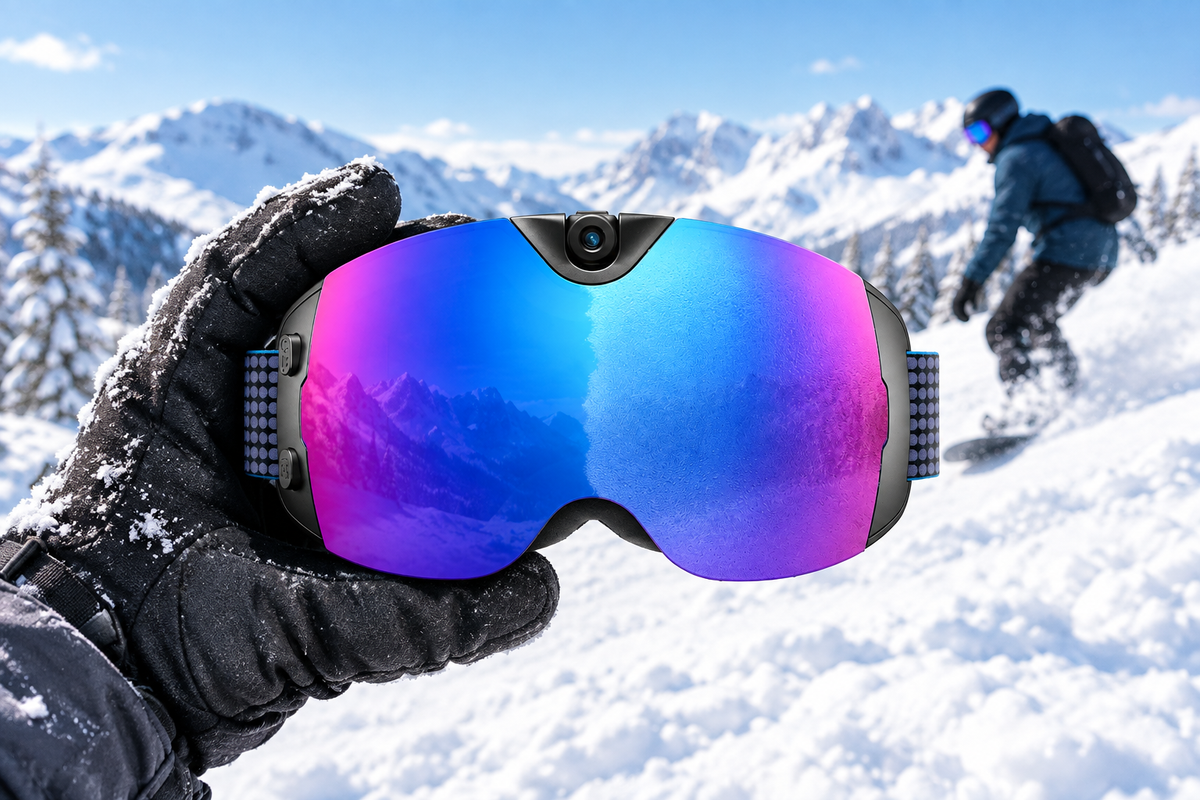
Our OHO SUNSHINE Skyshot goggles list a USB-C port, a Wi-Fi connection, built-in memory, and a package that includes a data cable and an OTG connector, which together map onto the charging and transfer checks above without requiring extra accessories beyond what ships in the box. On the recording side, the listed specs show 4K video at 30 fps, MP4 with H.265 encoding, and JPG photos, plus an anti-fog and polarized lens with UV400 protection and a 140-degree field of view.
These are manufacturer-listed features rather than independently tested performance figures, so they tell you what the goggles are designed to do, not exactly how they'll behave with your specific phone, cable, or riding conditions. General ski-goggle guidance still applies here: checking helmet pairing and vision matters as much as the camera spec sheet, and no listed feature substitutes for trying the goggles on with your own helmet.
Open Product Questions to Resolve Before Ordering
Before you order, resolve the specific items below rather than assuming they'll work the way a similar product might.
- Usable storage capacity and whether it's internal memory only, removable storage, or both: unresolved, confirm with the exact model documentation
- Charging input and whether your planned cabin power source and cable meet it: unresolved, test with your actual setup
- The complete Wi-Fi, app, phone, laptop, USB-C, or OTG transfer procedure: unresolved, verify then test one file
- Battery runtime: conflicting figures appear across sources, so don't treat any single number as guaranteed
None of these gaps disqualify the Skyshot from consideration. They just mean the compact, accessory-light setup only pays off once you've confirmed storage, charging, and transfer against your own cabin conditions.
If your fit, charging, storage, and transfer checks all come back clear, the Skyshot is a reasonable candidate to review further. If any of the four open questions above still matters for your specific trip, verify it through the manual or current support documentation before you order rather than assuming it will work.

FAQs
Can I assume any USB-C cable will charge and transfer files from camera ski goggles?
No. A USB-C plug confirms the connector shape fits, not that the cable can handle charging, data transfer, or both. Check the goggles' stated cable requirement and test the exact cable you plan to pack before your trip.
What should I do if the goggles do not state their exact storage capacity?
Don't convert an unlisted capacity into an hours-of-footage estimate. Ask the seller or check the exact manual for usable capacity, then compare that number against your planned recording time and resolution before you decide it's enough.
Can I offload ski-goggle videos without bringing a laptop?
Laptop-free transfer is realistic only when the exact phone, app, Wi-Fi, or OTG path is documented and you've tested it yourself. If that path isn't confirmed for your device, plan to bring a supported computer as a backup instead of assuming your phone alone will work.
How should I handle conflicting specifications on a camera goggle product page?
Don't average or guess between conflicting storage or battery numbers. Resolve the discrepancy against the exact model manual or a direct support response, and treat any figure you can't confirm as unverified rather than a guarantee.


Dejar un comentario
Este sitio está protegido por hCaptcha y se aplican la Política de privacidad de hCaptcha y los Términos del servicio.