





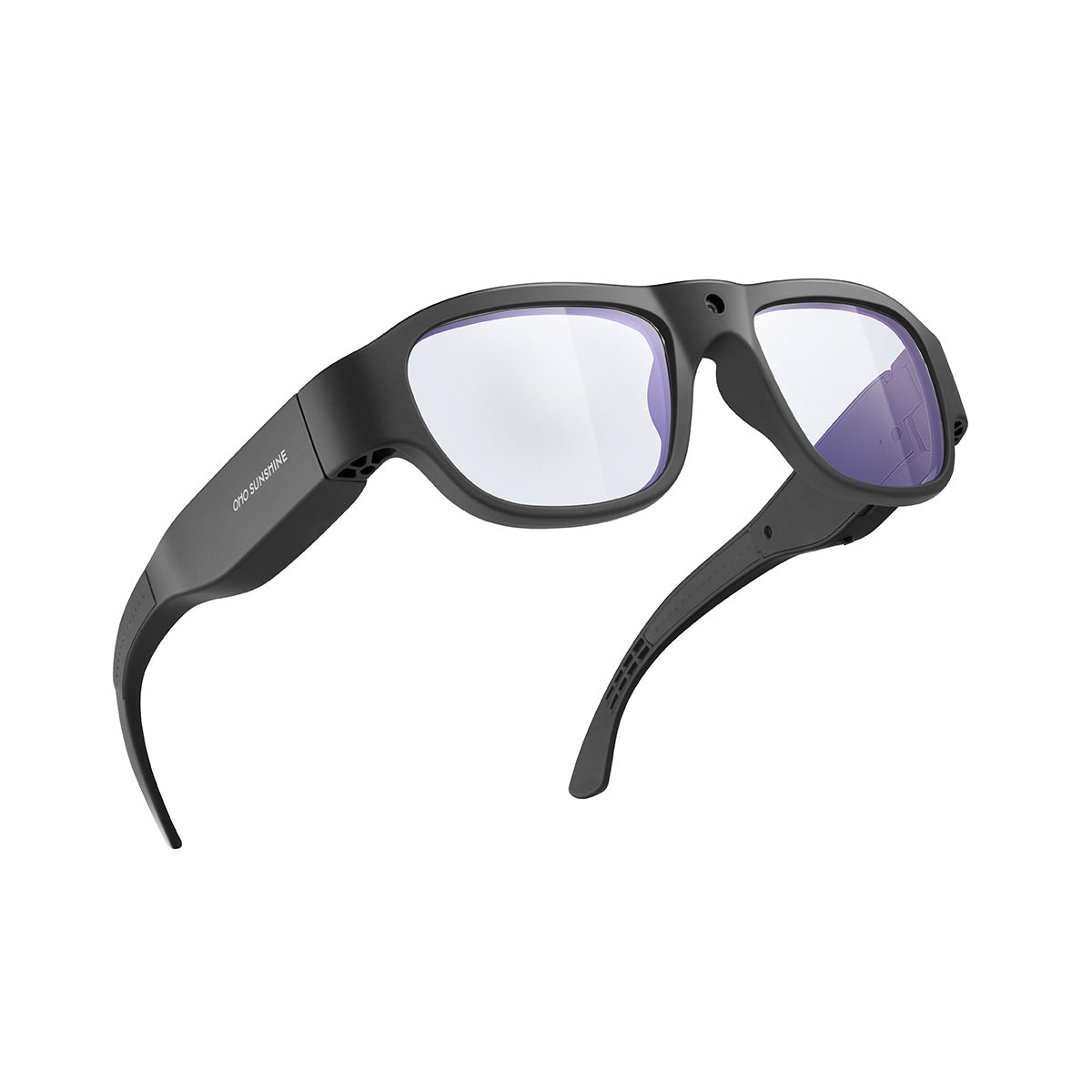

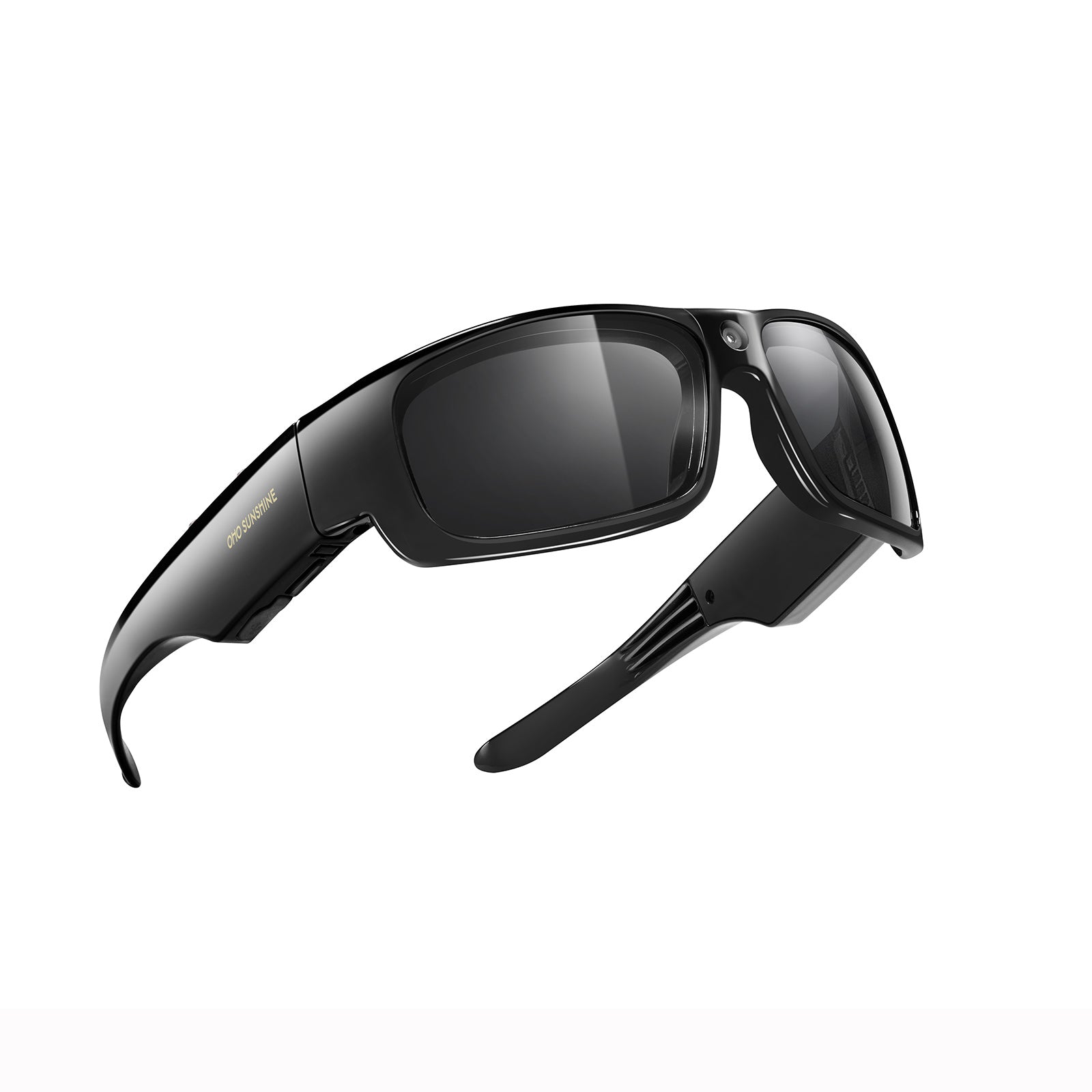


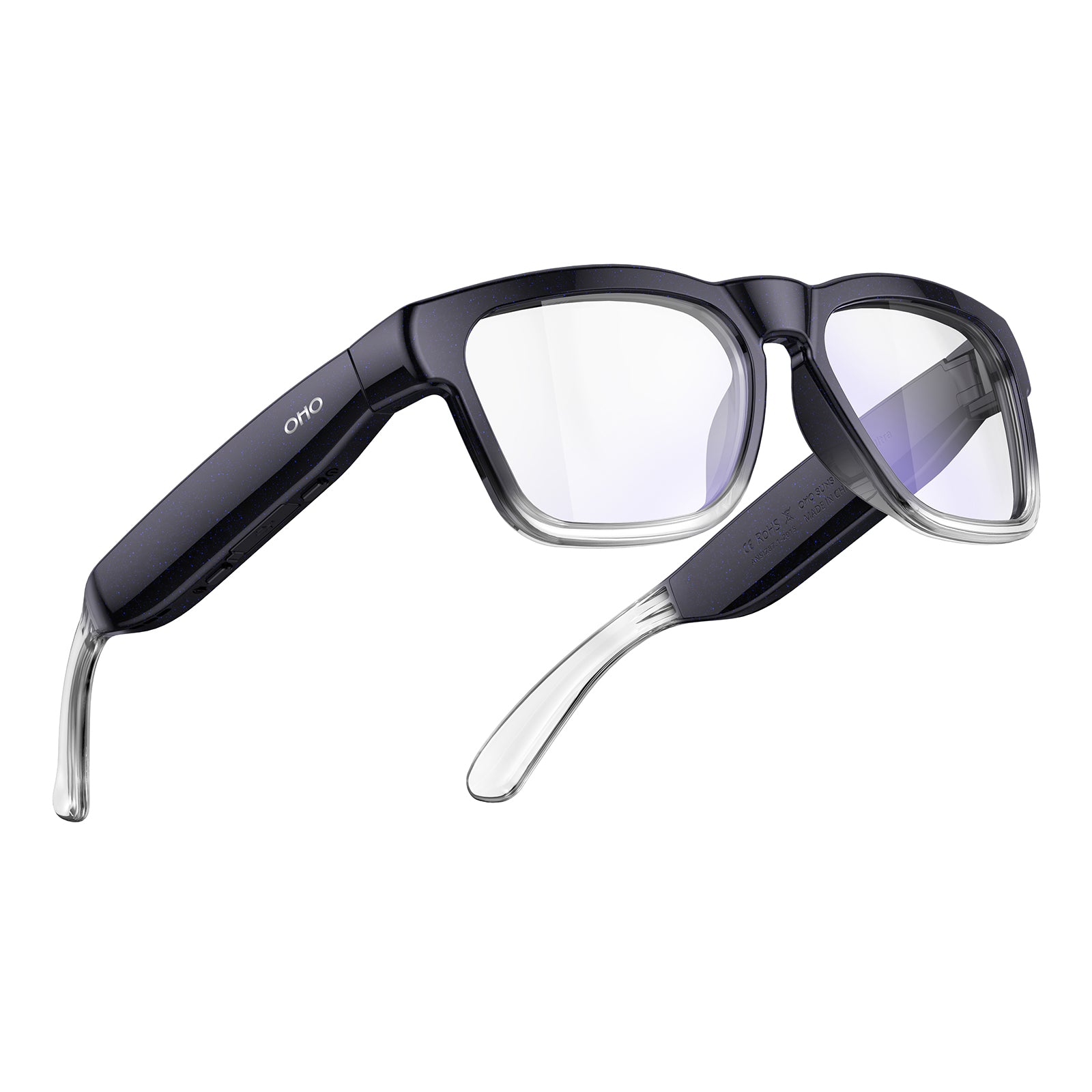
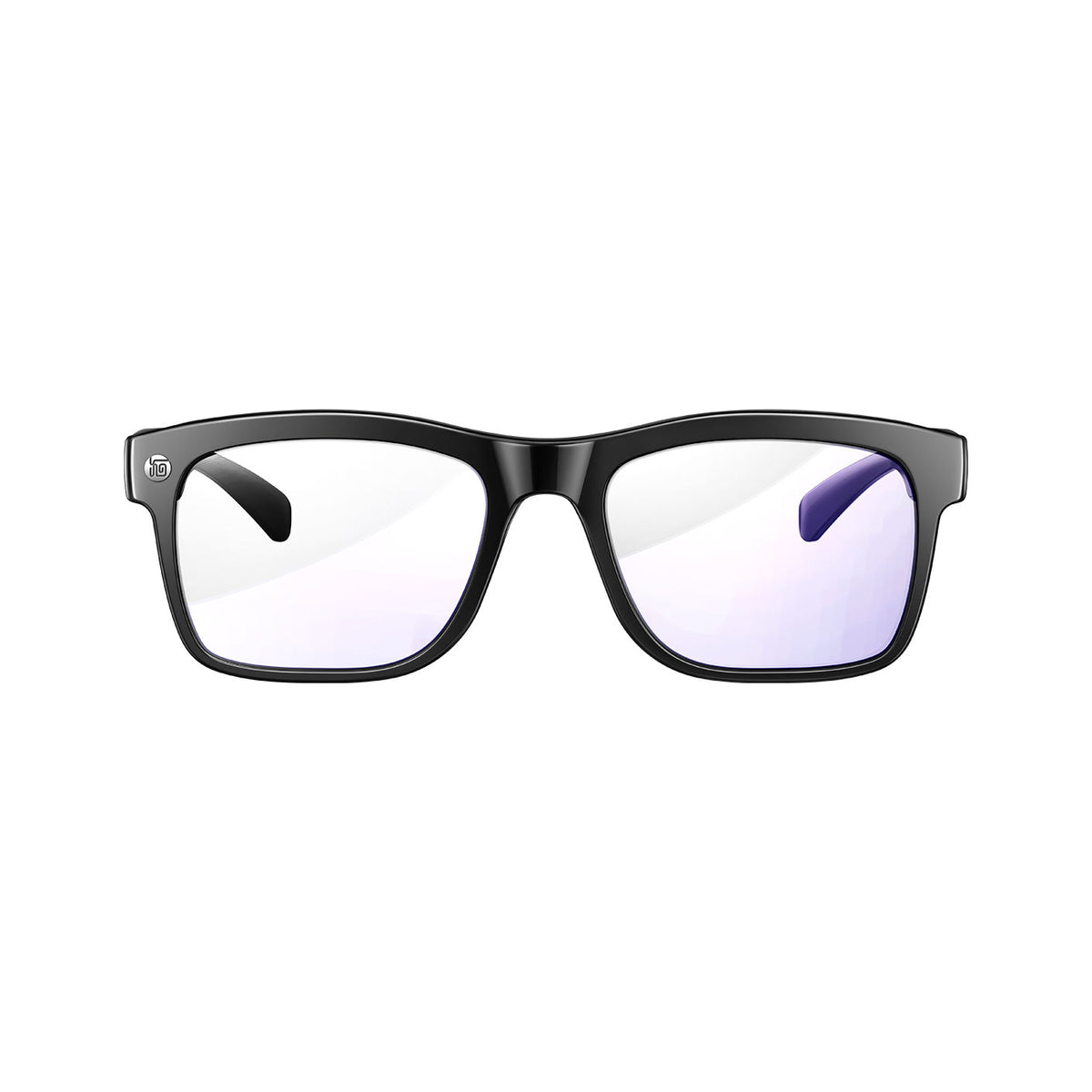


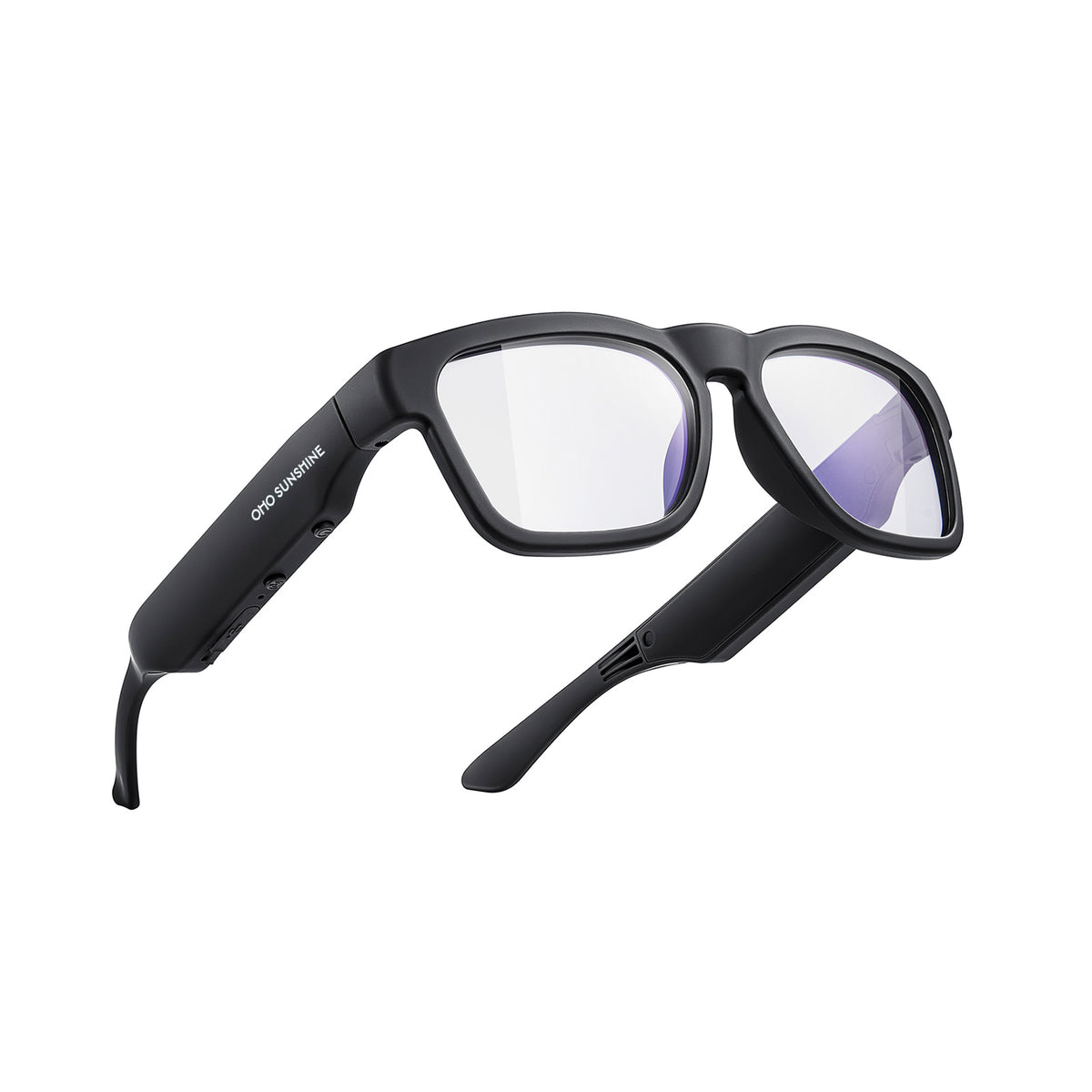






The best smart glasses gift is the pair that matches what the recipient will actually do with it. A traveler who needs language help should get glasses that list translation for the languages on the trip, and a creator should get glasses with clear camera capture and easy recording controls. Not every model has a camera, audio, and translation, so start with the recipient's main activity and then check that the exact model lists the feature you need.
Match smart glasses to the recipient's main use
Travelers usually care most about language help and listening, while creators need reliable hands-free capture. Use the sections below to match features to the recipient's main use.
For travelers: match features to the trip
Pick the best smart glasses for your recipient by separating language and listening needs from hands-free video capture. If the traveler wants help talking across languages, look for AI translation glasses that clearly list translation, then confirm the specific languages they need.

A big language count doesn't tell you that one particular language is covered, so check it against the trip. Smart audio glasses with open-ear speakers and calling only matter if the recipient also wants music, podcasts, or calls on the go. Battery life matters too, so compare the listed runtime with a normal travel day.
Our Alite glasses show how this kind of travel setup looks in practice. We built them with real-time translation in up to 165 languages, open-ear Bluetooth audio, hands-free calling with noise reduction, and up to 10 hours of battery life. That is a good fit for a traveler who cares most about conversation and listening. For someone who mainly wants to film the trip, choose a dedicated camera model instead. If you're still deciding between language tools and broader assistant features, our guide to translation vs. AI glasses explains which features matter for travel and everyday communication.
For creators: prioritize the content they make
Creators need camera glasses that clearly list video or photo capture and have a recording control they can reach quickly. Because audio and translation models don't automatically include a camera, verify capture specs on the product page first. For short first-person clips, such as a cooking step, a craft demo, or a trail view, hands-free point-of-view shooting keeps both hands in the shot. Compare the listed battery life with how long a typical shoot runs before you decide.
Recording in public brings social rules along with it. The Electronic Frontier Foundation's recording etiquette guidance advises following business rules, never recording in private spaces like bathrooms or changing rooms, and checking with friends and family before you hit record at a social gathering. Once you know capture is the recipient's top priority, you can compare our camera glasses lineup by resolution, lens type, and transfer method.
Check the exact model, then choose a fit
Smart glasses that look alike can still work very differently. Before you buy, check how the model you're considering sets up and records, then match it to the way the recipient will actually use it.
Confirm the setup and recording workflow
Even the best smart glasses only make a great gift if they work smoothly with the recipient's phone and filming routine. Before you wrap the gift, make sure the glasses work with the recipient's iPhone or Android phone.
Also check whether the features they want depend on a companion app or an internet connection. Bluetooth audio usually needs pairing with a compatible phone, and AI translation and chat tools may need an app and a data connection. For camera models, find out how photos and videos are started, saved, and moved to a phone or computer, since storage and transfer methods differ from model to model. For a fuller pre-purchase run-through, consult our smart glasses buying checklist.
A creator pick for brief first-person clips
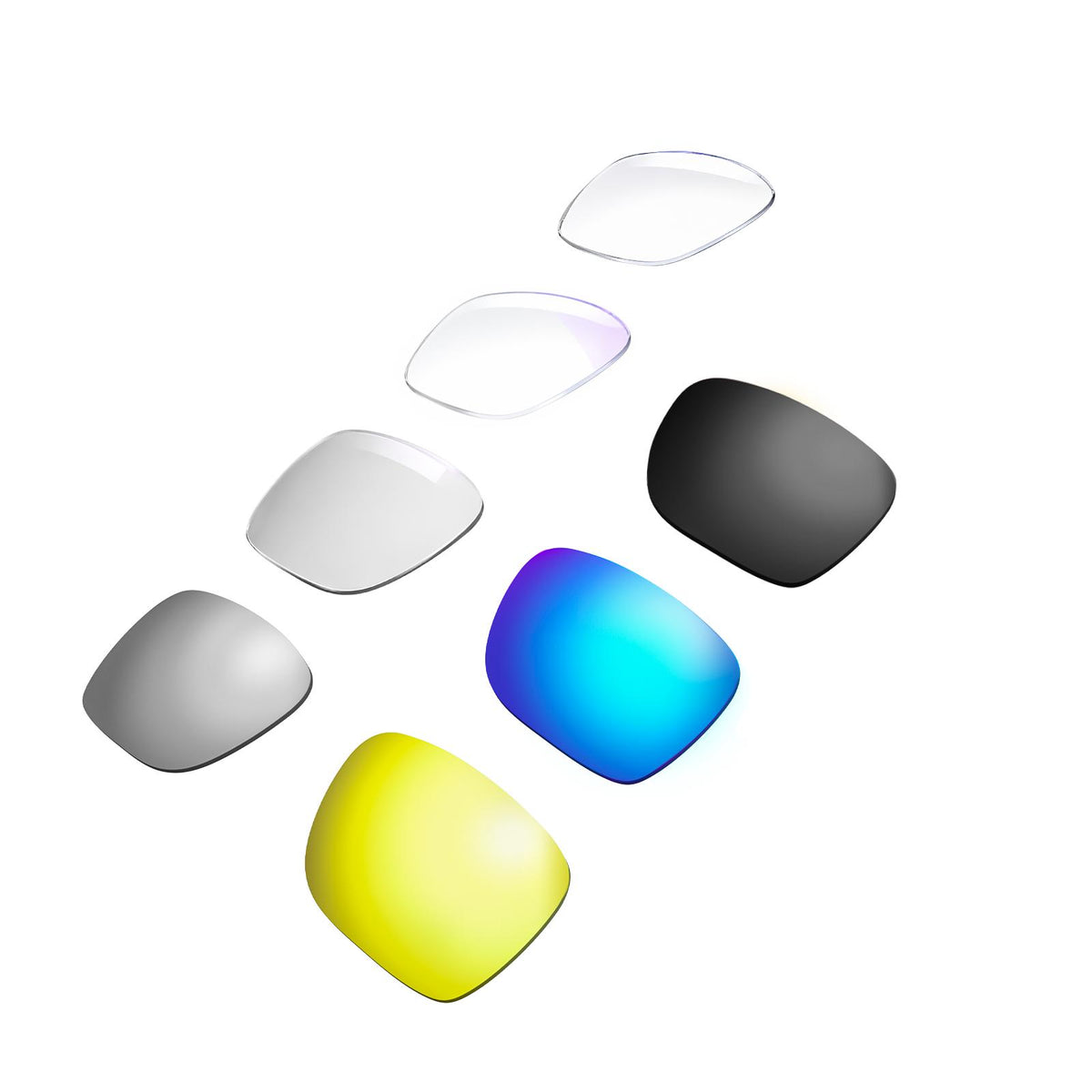
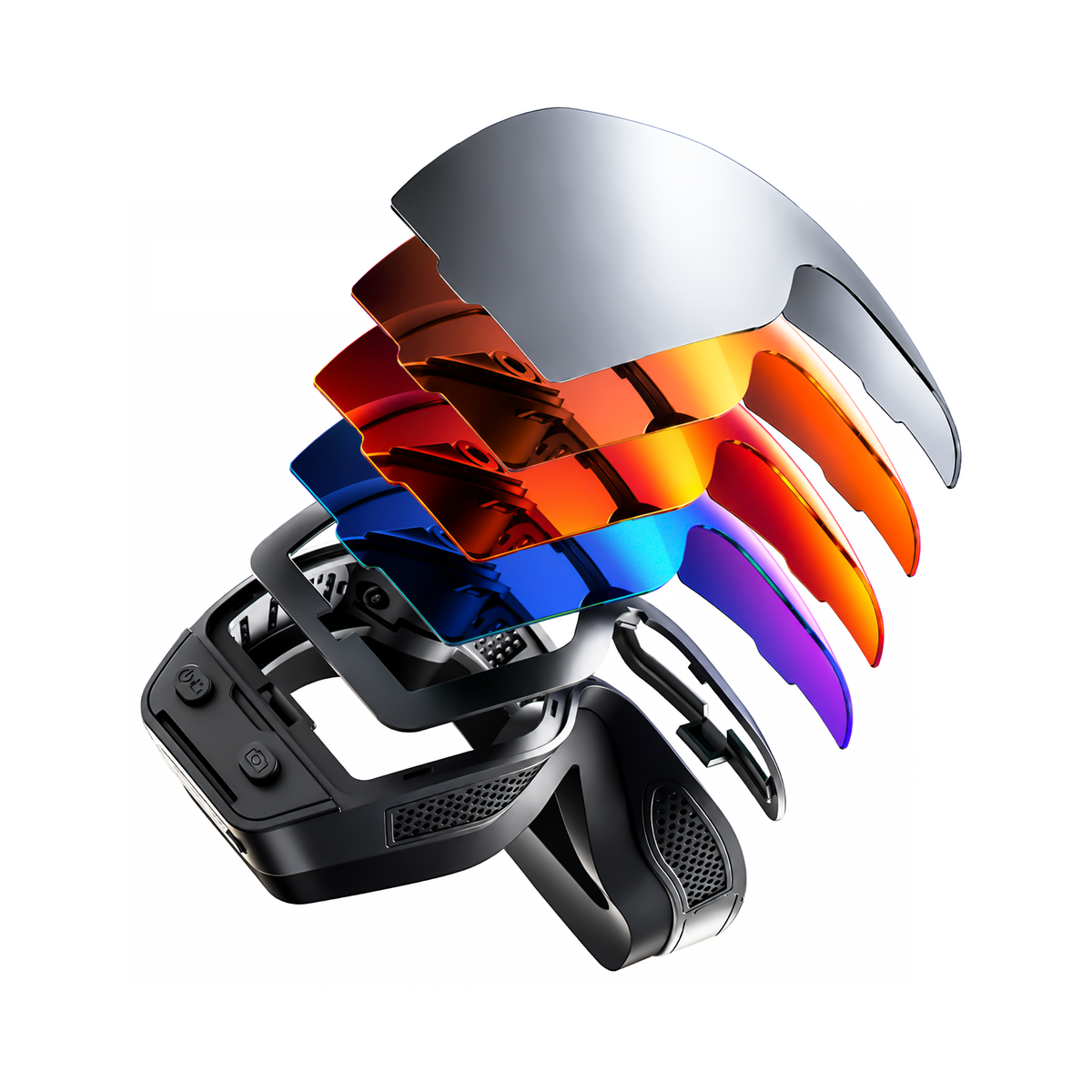
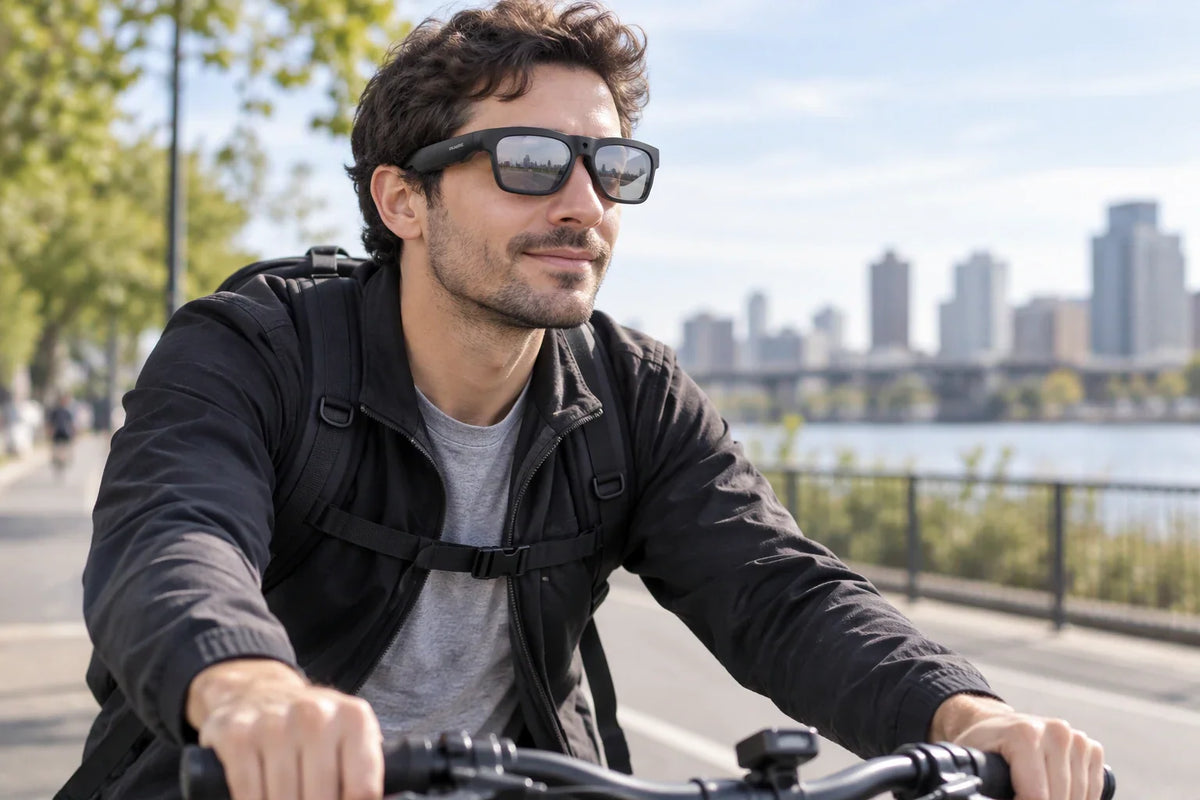
For a creator who makes short hands-free clips, like a quick hands-on demo or a scenic moment on a hike or bike ride, we recommend our Brave camera glasses. They record 4K video at 30 fps, take 24 MP photos, and use one-click shooting, so the creator can capture a moment without reaching for a phone. A built-in microphone records sound with the clip, and the polarized UV400 lenses fit outdoor shoots in bright light.

Plan around the battery runtime when matching this model to a creator's routine. We rate Brave for 30 minutes of battery life, so it suits short bursts of recording rather than long sessions or all-day filming. If the recipient usually films for an hour or more at a time, look for a model built for longer runtimes. We ship every order free and include our 1-year warranty with whole-unit replacement.
Compare traveler and creator priorities side by side
If the recipient both travels and creates, it helps to see the two sets of priorities together. Use this quick comparison to decide which features to check first on the product page.
| What to check | Traveler focus | Creator focus |
|---|---|---|
| Core feature | Translation for the specific languages on the trip | Clearly listed video or photo capture |
| Controls | Easy hands-free calling and audio | A recording control they can reach quickly |
| Battery life | Listed runtime vs. a normal travel day | Listed runtime vs. a typical shoot |
| Connection needs | Companion app and data connection for AI translation | How files are saved and moved to a phone or computer |
| Etiquette | Courtesy during calls in shared spaces | Venue rules and consent before recording |
When one column clearly matters more, put those features first. If both matter equally, remember that audio and translation models don't automatically include a camera, so confirm every feature on the exact model before you buy.
Conclusion
If you still can't tell which feature matters most, ask the recipient one simple question: what is the one travel or creative activity they most want smart glasses to make easier? A clear answer, like "ordering food abroad" or "filming quick recipe clips," tells you whether to put translation and audio first or camera capture first. From there, choosing the best smart glasses gift for their routine gets much easier.
FAQs
Can translation glasses work without internet?
Not always, so check before you buy. AI translation and conversation tools may rely on a companion app and an internet connection, and a listing that shows translation doesn't automatically mean it works offline. If the traveler is heading somewhere with weak signal, confirm the exact model's connection requirements before the trip.
Is 4K enough for glasses used to record while walking?
Resolution only tells you how much detail the video holds. It doesn't tell you how steady the footage will look. When the camera moves with your head, electronic image stabilization (EIS) can help reduce visible shake. If the creator plans to film while walking, check whether the exact model lists stabilization alongside its video resolution.
Should the recipient practice with camera glasses before a trip?
Yes. A short practice session at home helps the recipient learn the buttons, indicators, and saving steps before using the glasses outdoors. They can also test how files move from the glasses to their phone or computer while they still have time to adjust settings. That way they're less likely to miss a shot or record by accident once the trip starts.
Are smart glasses with cameras okay to use in restaurants and stores?
It depends on the place. Some businesses post signs asking people not to use smart glasses, and some will ask you to stop recording. Follow the venue's rules, and ask the people around you before recording at a social event. You should also never record in private spaces like bathrooms or changing rooms.



Leave a comment
This site is protected by hCaptcha and the hCaptcha Privacy Policy and Terms of Service apply.