





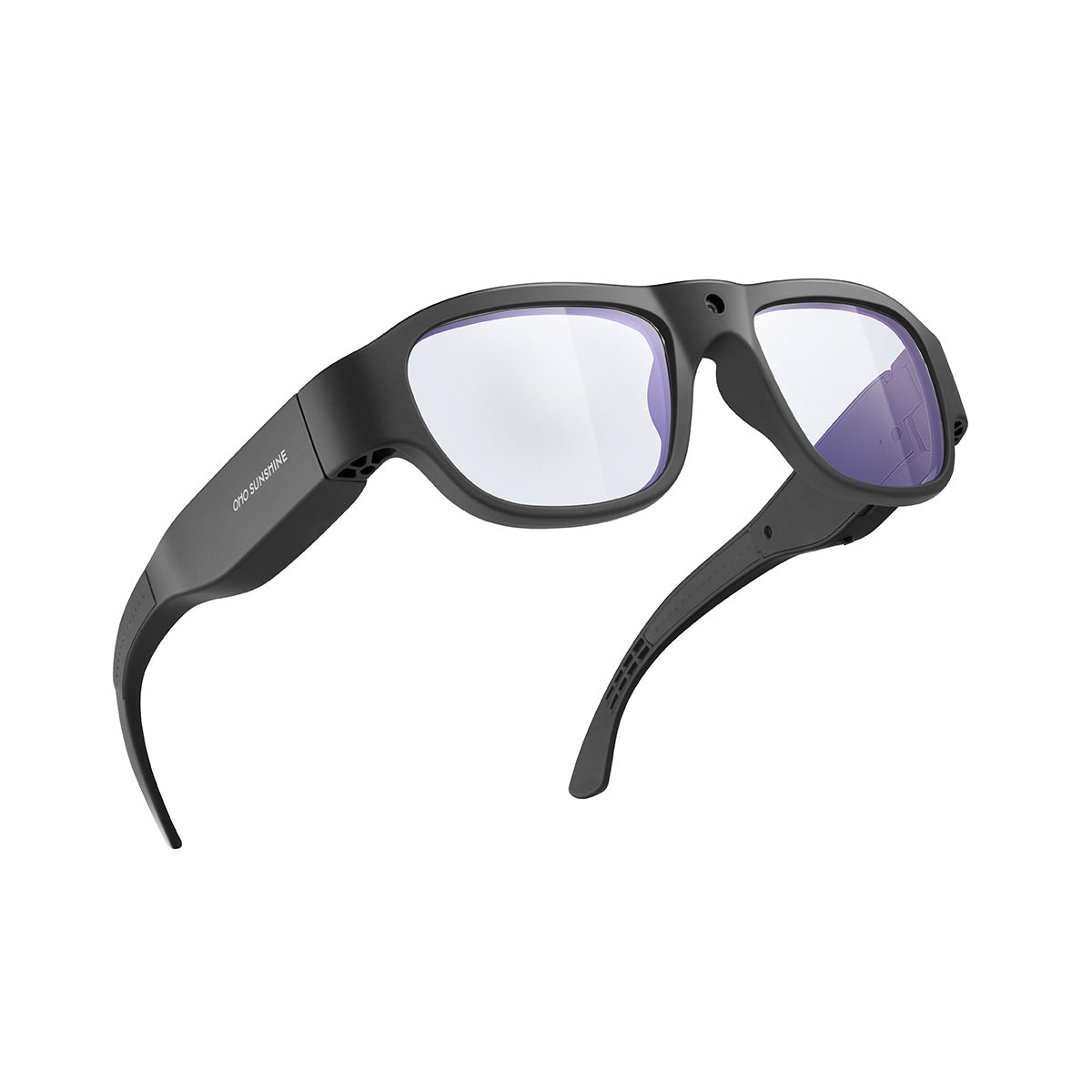

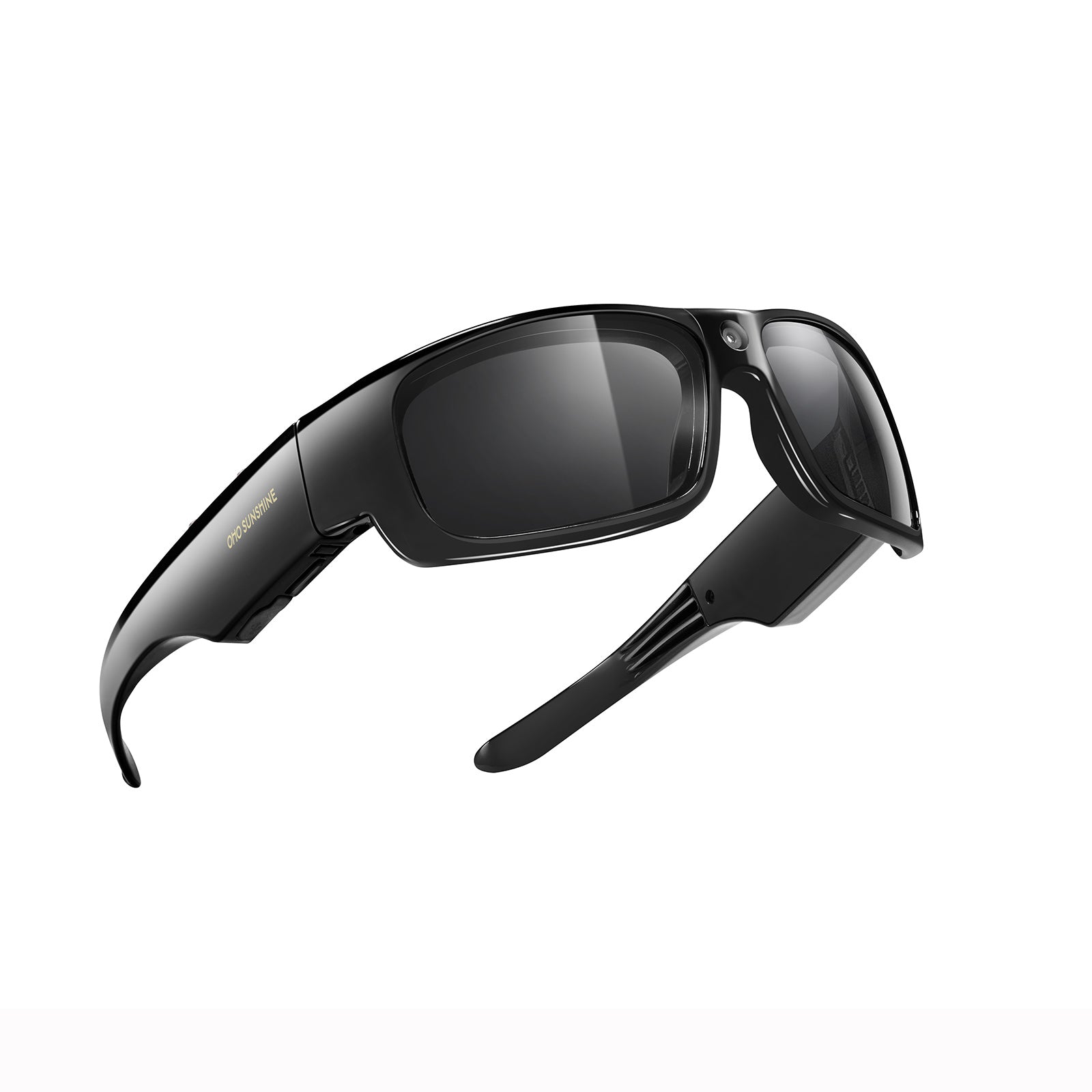


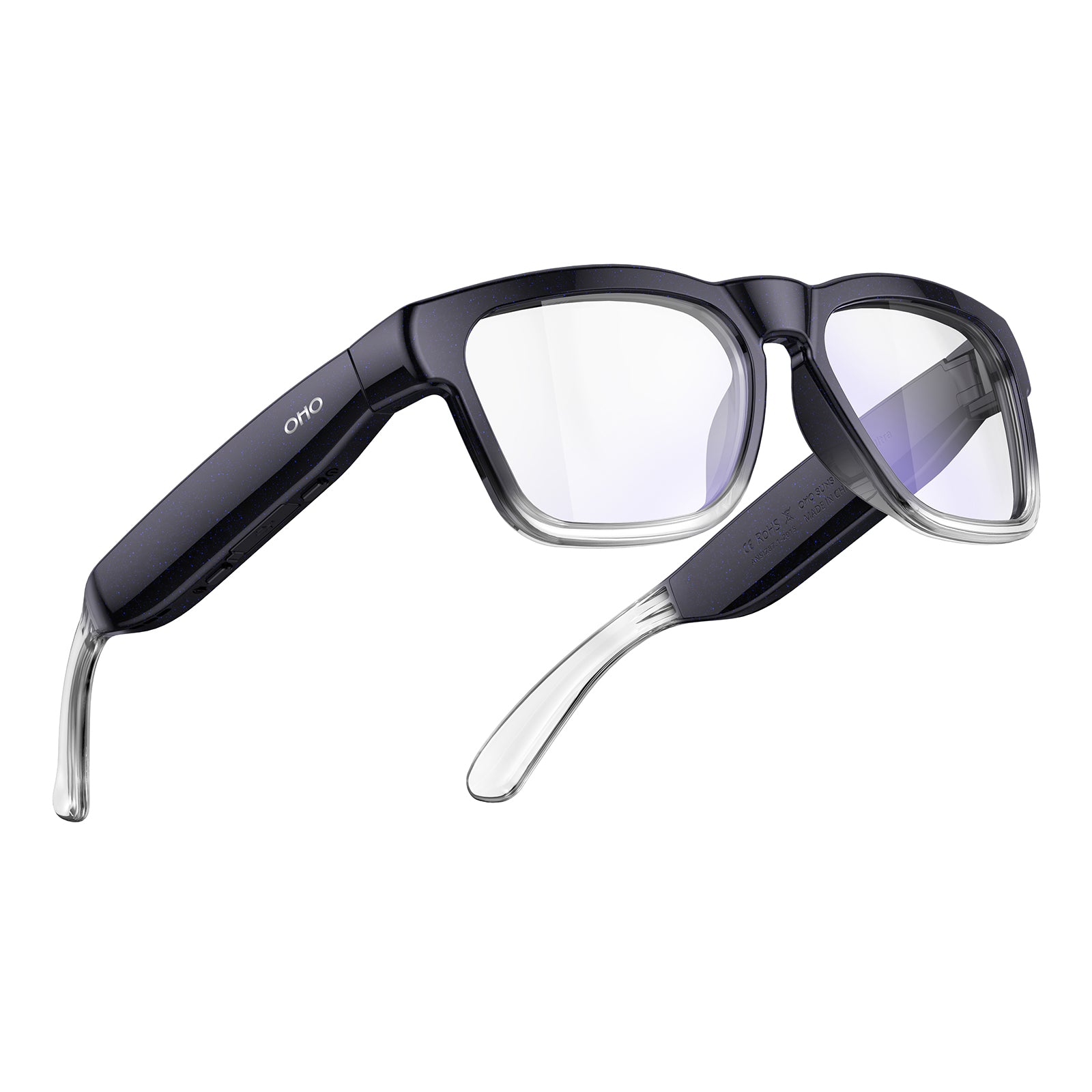
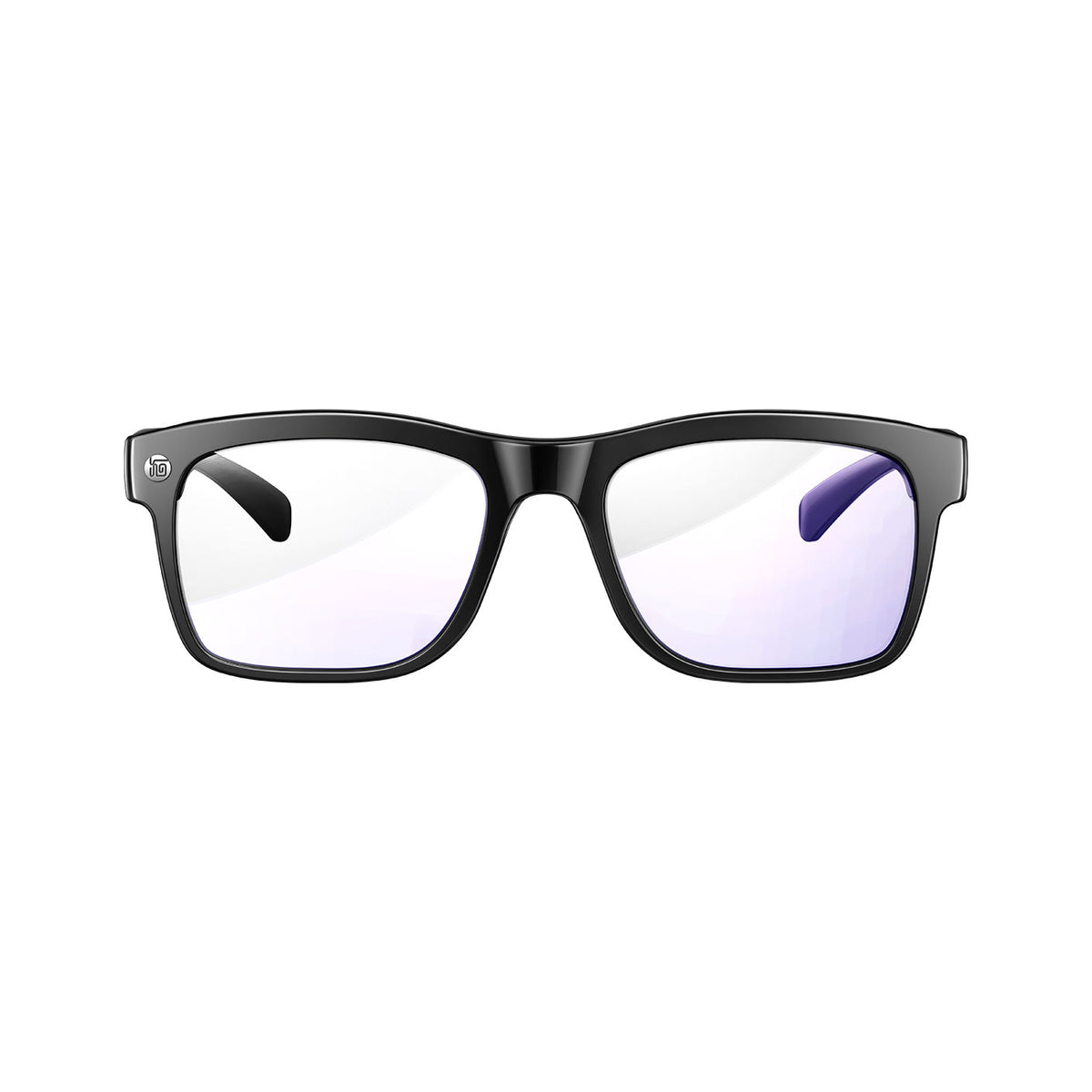







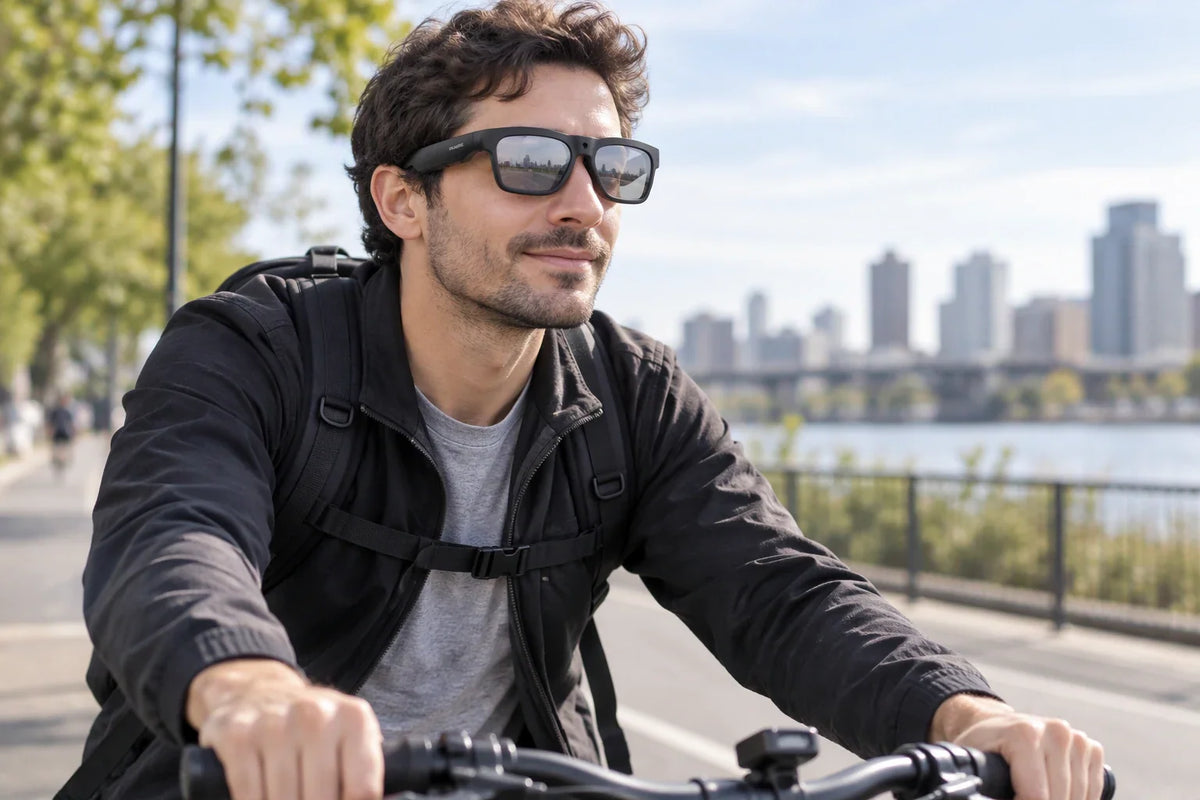
The easiest way to choose glasses with a camera is to start with what you want to record, then answer five questions about capture mode, camera specs and controls, runtime and file handling, frame and prescription fit, and the places where you will record. A pair that checks all five boxes fits your routine, not just a spec sheet. If you want any detail confirmed for the exact model, the seller can help before you buy.
Question 1: What Do You Want to Record?
Your first answer shapes every other choice. Once you know the kind of footage you want, comparing models gets much easier.
Photos, Video Clips, or POV Footage
Pick your main output before you compare models. Still photos, video clips, and hands-free first-person (POV) footage are different jobs. POV footage shows the scene from your eye level while both hands stay free, so it works well when you are carrying something, walking, or doing a task. To see how camera glasses compare with handheld or mounted options for different projects, read our guide to glasses versus action cameras.

A Hands-Free Pick for Everyday Outings
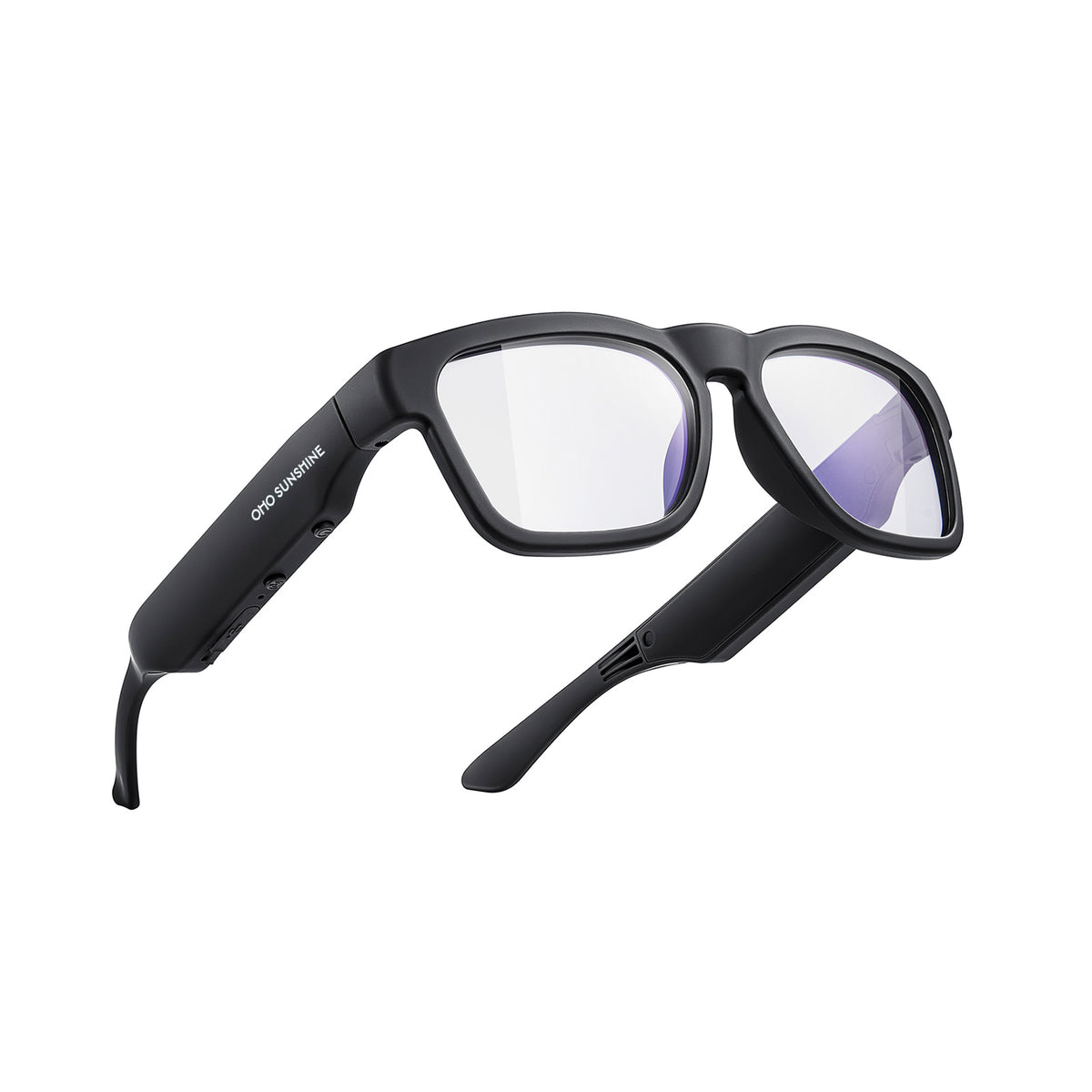
For casual outings where you want hands-free first-person photos and video, we recommend our Touch camera sunglasses. They record 1080p video at 30 fps, take 16MP photos, and support hands-free first-person recording, so one pair covers quick clips and snapshots on a day out. With a listed battery life of 90 minutes, they're a good match for walks, trips, and other everyday outings. If you'd like a different lens style or resolution, our camera glasses collection groups our other POV video recording glasses in one place.
Question 2: Do the Camera Specs and Controls Match How You'll Use Them?
Once you know what you want to capture, check the numbers and the controls for each mode. Both decide how smoothly the glasses fit into your activity.
Video and Photo Specifications
Look at video specs and photo specs on their own. Video resolution and frame rate (frames per second, or fps) describe the clip, while megapixels describe still photos. Check the spec for each mode you actually need. A listed number tells you the format, so sample footage in lighting like yours gives you the fullest picture.
Hands-Free Controls
Next, see how each mode works. On our Touch model, one button does it all: press to start or stop video, press from standby to take a photo, and press and hold to power off. Whatever pair you consider, read the control steps and picture using them mid-activity. Simple controls you can use by feel make quick, hands-free capture easy.
Question 3: Will the Battery and File Workflow Keep Up With Your Sessions?
A good recording day depends on power and on what happens to your files afterward. Plan both before you order.
Battery Runtime
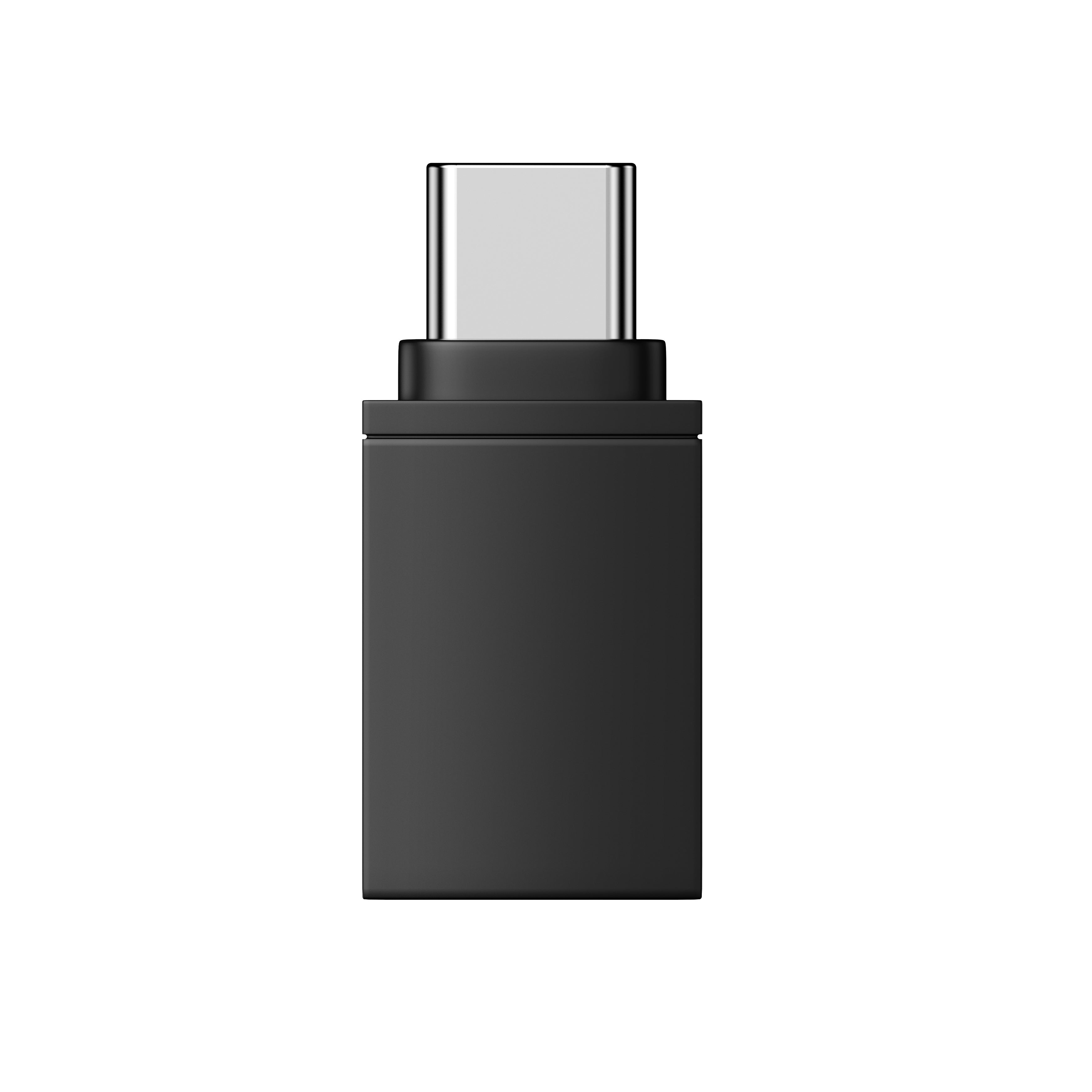
Compare the stated recording time with how long you plan to film. Our Touch model lists 90 minutes of battery life and can record while charging via Type-C USB, so a power bank lets you keep recording longer. For mixed use, our article on smart glasses battery planning explains when a cable or backup power source helps.
Storage and File Transfer
Files deserve the same planning. Check the storage type, whether a memory card comes in the box, and what card capacity the option supports. Also see how you'll move clips to your phone or computer and how you'll watch them. When these steps fit your routine, sharing your footage after a long day is quick and easy.
Question 4: Will the Frame Fit Your Face and Your Prescription?
Camera glasses are still eyewear, so comfort and clear vision matter as much as the camera. Two quick checks cover both.
Frame Measurements
Measure a pair of glasses that already fits you well and compare it with the listed frame. Touch, for example, lists a width of 154.68 mm, arm length of 128.65 mm, and bridge width of 21.19 mm. If your current frame is close to those numbers, that's a good sign the frame will be comfortable for you.

Prescription Compatibility
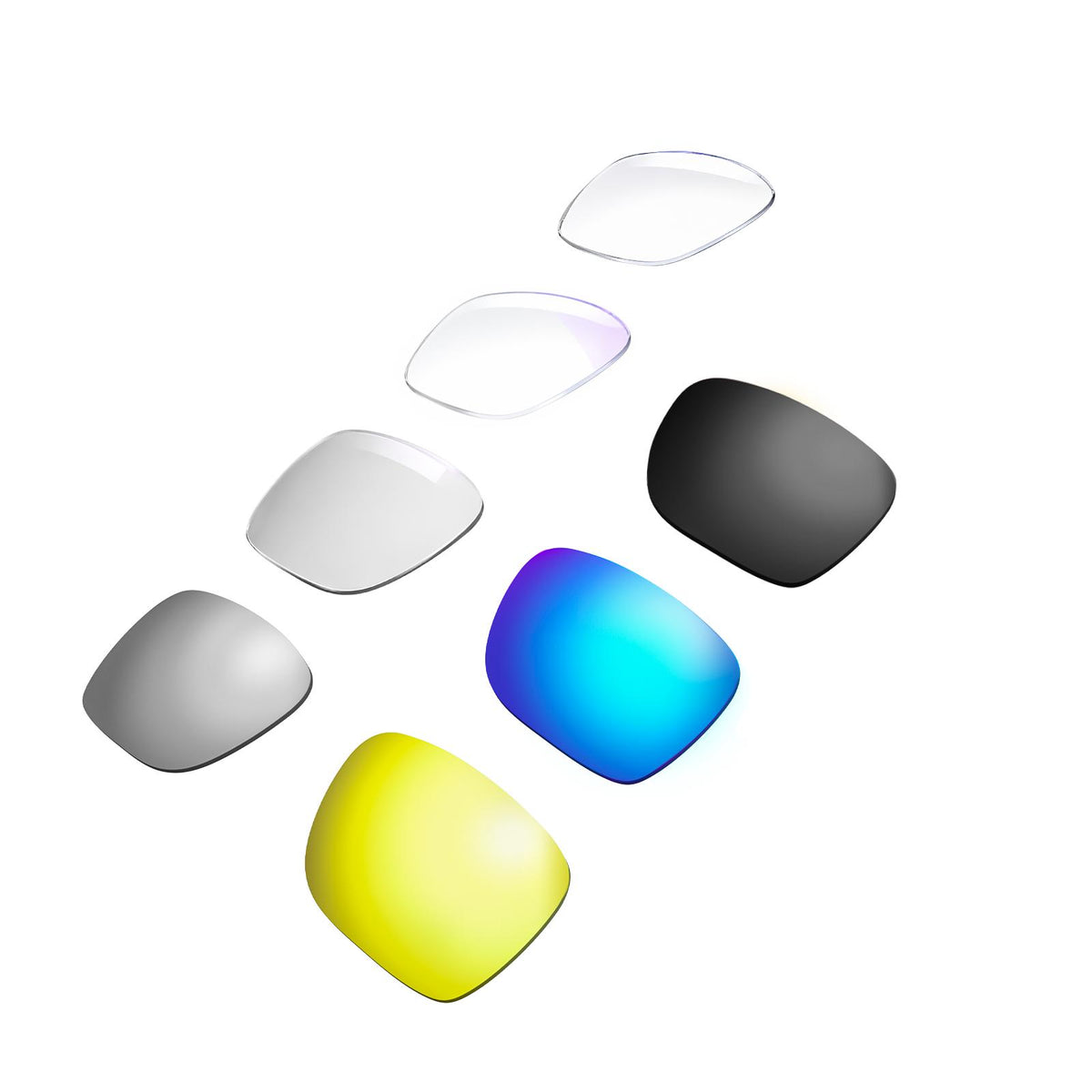
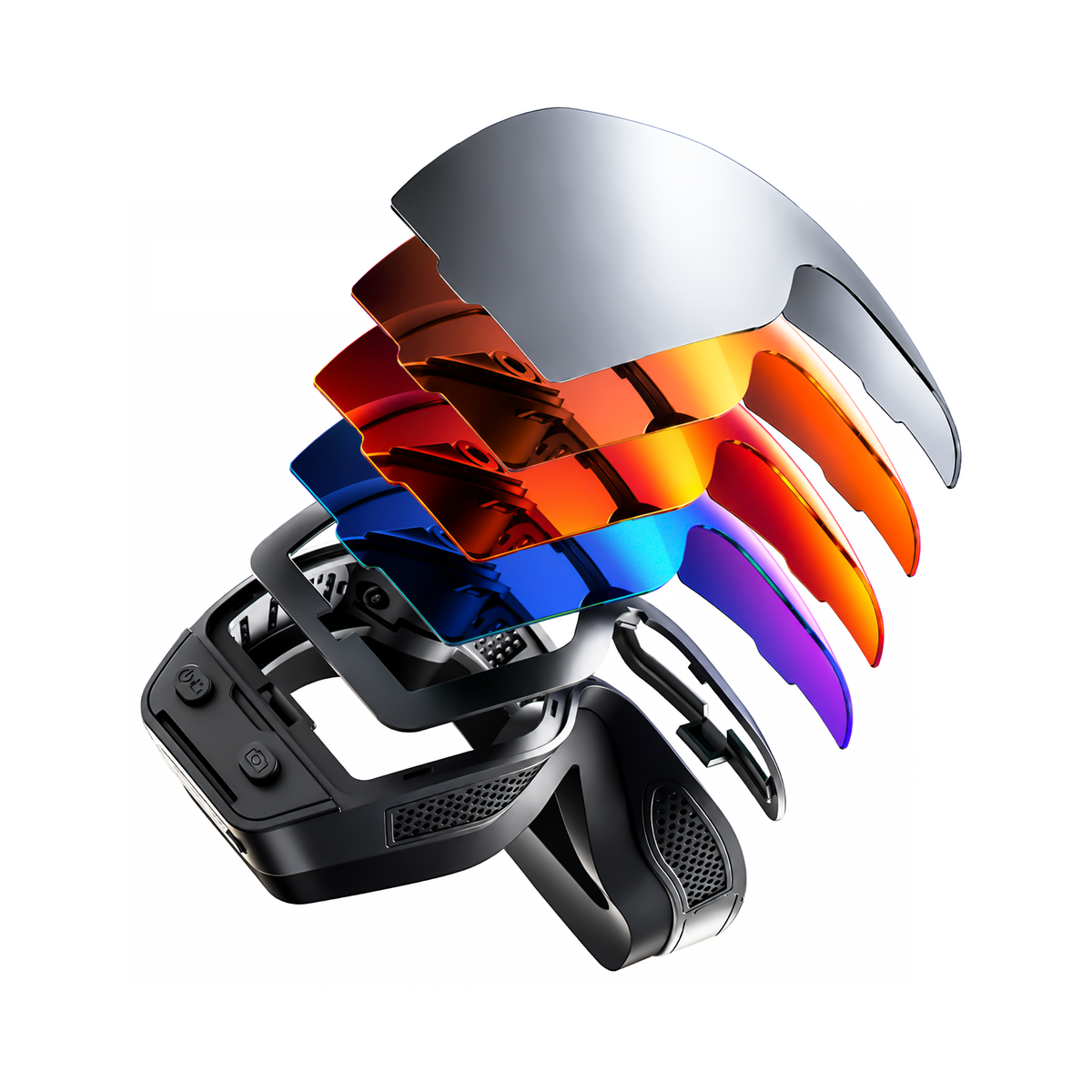
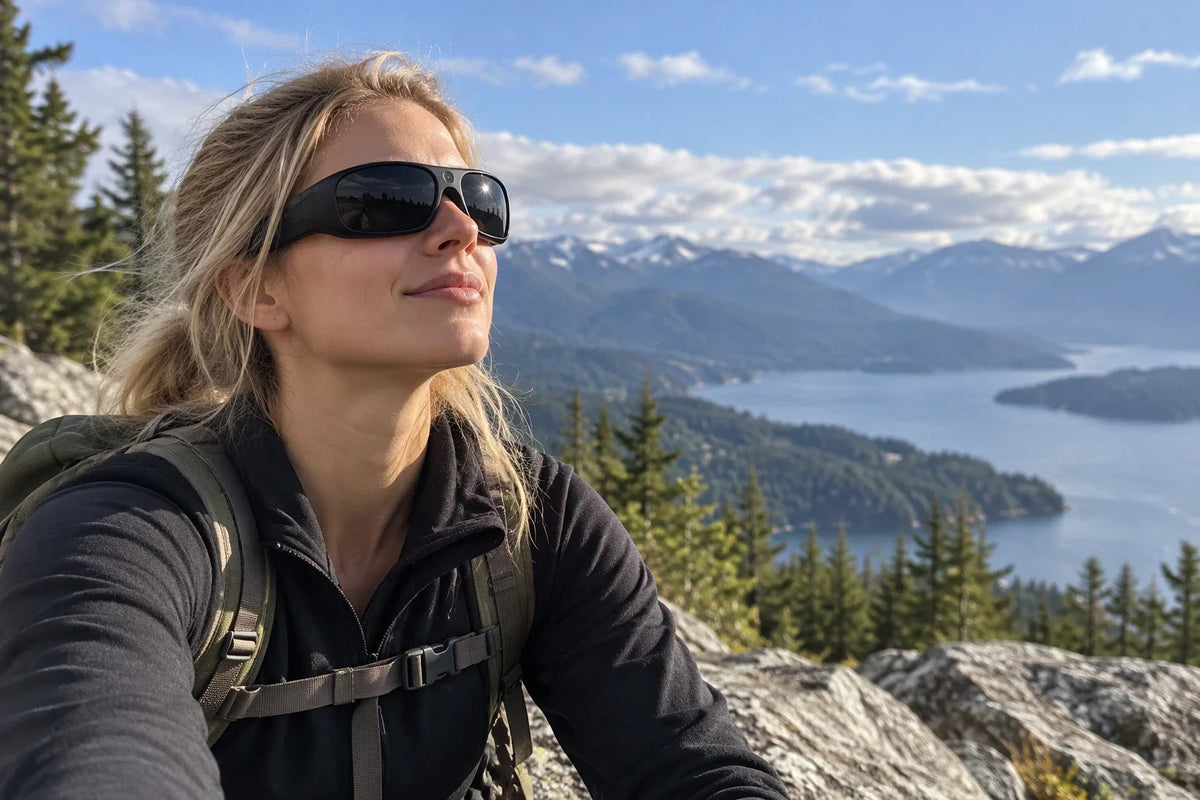
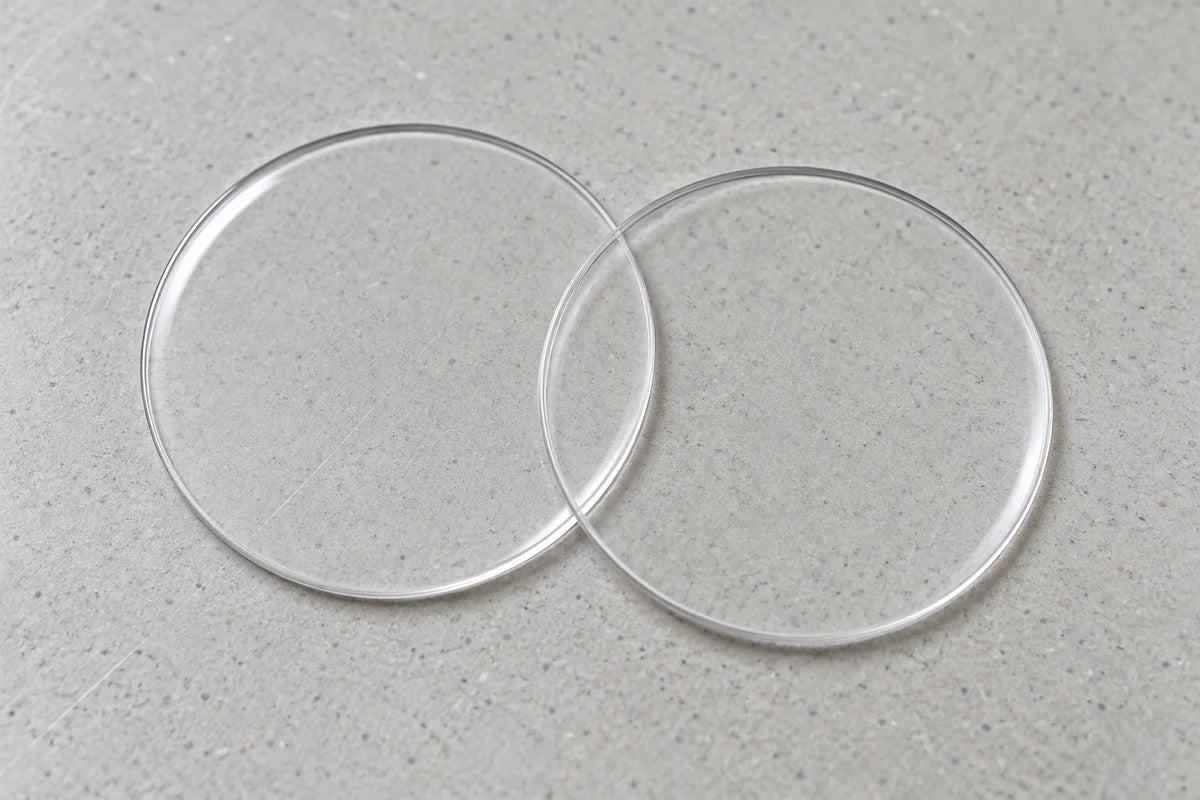
Prescription wearers have one more step. The American Optometric Association's frame and prescription guidance says lens type should match your visual task, and frame choice should match your prescription. It also stresses proper fit and lens positioning. Touch has changeable lenses, so share your prescription details with the seller to find the right lens option for your frame.
Question 5: Where Will You Record, and What Rules Apply?
The last question is about the setting. Knowing where you'll record helps you enjoy your glasses with confidence.
Recording Locations
Think about where you'll wear the glasses and who will be nearby. Footage of strangers, private conversations, or restricted venues raises different questions than a solo hike. Venues such as workplaces, events, or public buildings may have their own policies.
Applicable Consent Rules
The Reporters Committee for Freedom of the Press explains that state recording-consent rules differ, and sometimes vary within a state by type of conversation or circumstances. Before you record somewhere new, check the rules for that state as well as any venue-specific policies.
Conclusion
You're ready to buy when your answers to all five questions line up: capture mode, specs and controls, session length and file handling, eyewear fit, and recording setting. If you'd like any detail confirmed, such as card capacity, card inclusion, file transfer, or prescription options, send the seller a quick message about that exact option. Then you can order with confidence and get a pair that suits how you'll actually use it.
FAQs
Does a camera's listed resolution tell you everything about how the footage will look?
Resolution and megapixels tell you the format of the file. How a clip turns out in dim light, bright sun, or fast movement also depends on sensor tuning, lens quality, and stabilization. When you can, watch sample footage shot in conditions like yours to see what to expect.
Can I use my prescription with changeable lenses?
Changeable lenses make it easy to swap the lens in your frame. Whether a specific prescription lens can be made for it depends on details like frame curvature, lens mounting, and lens thickness. Share your exact prescription and the frame you've picked with the seller, and they can confirm the right option.
Can camera glasses record while charging?
Our Touch model supports record-while-charging via Type-C USB, which makes longer sessions with a power bank easy. Power features vary from model to model, so if you plan to record while charging, check that the pair you choose includes it.


Leave a comment
This site is protected by hCaptcha and the hCaptcha Privacy Policy and Terms of Service apply.