





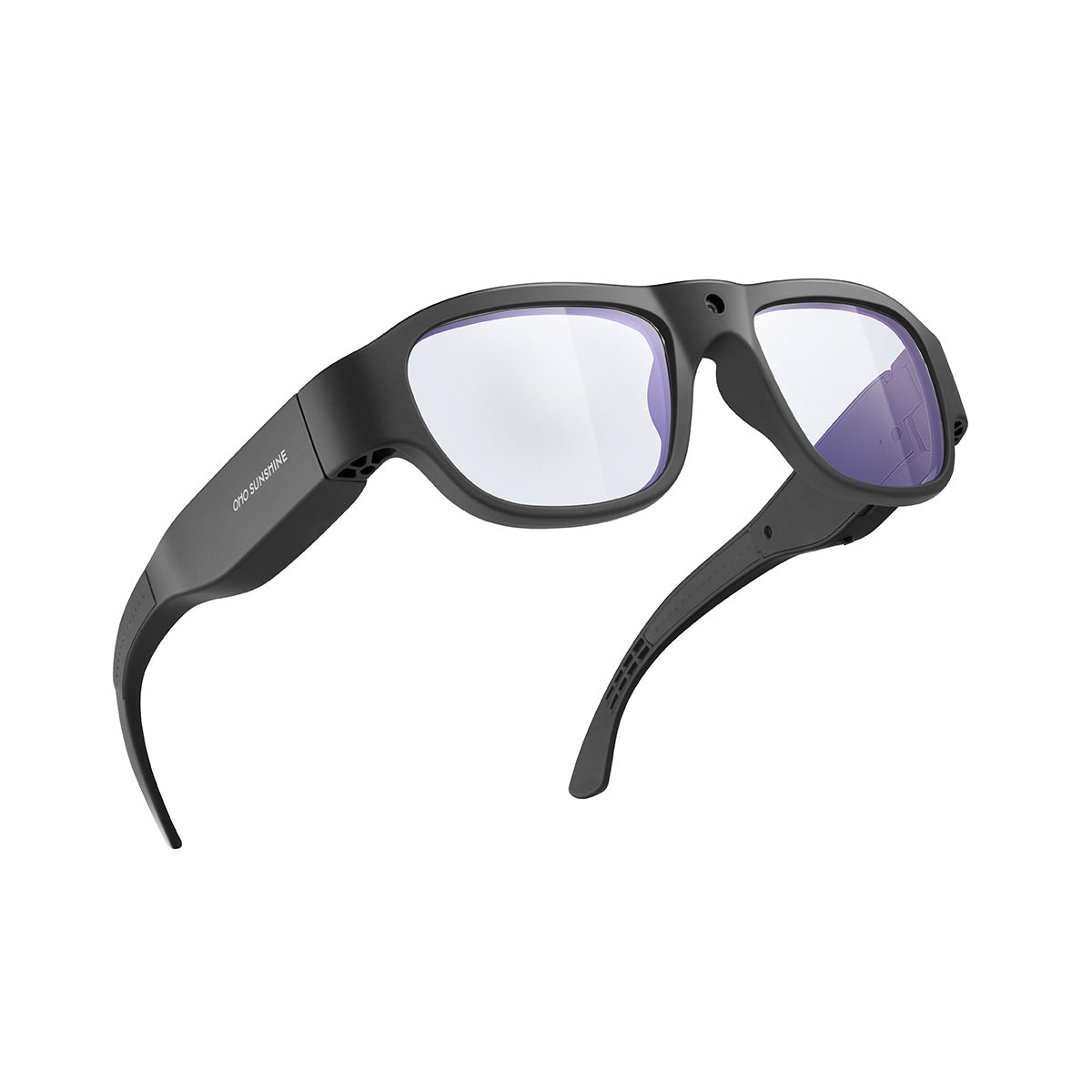

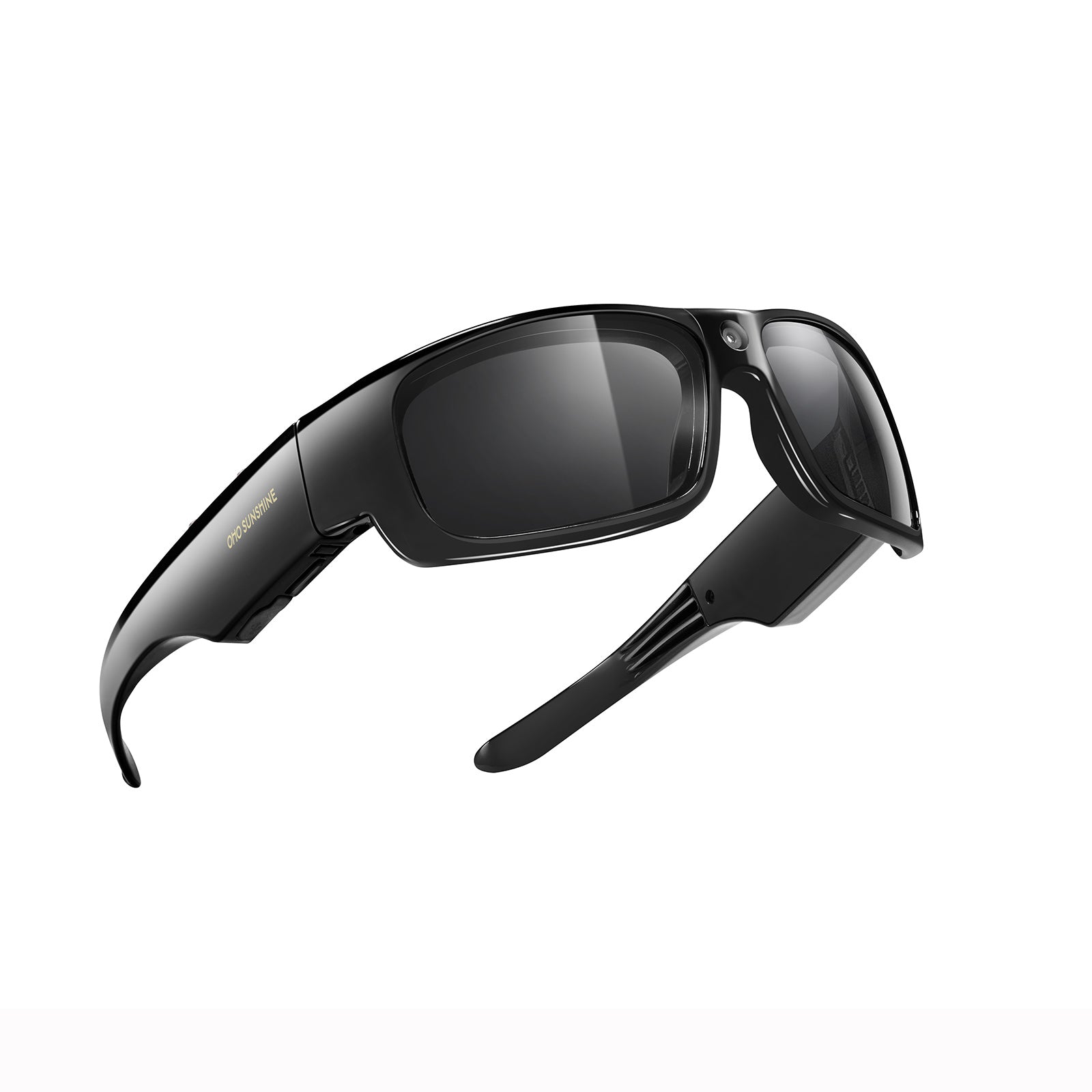


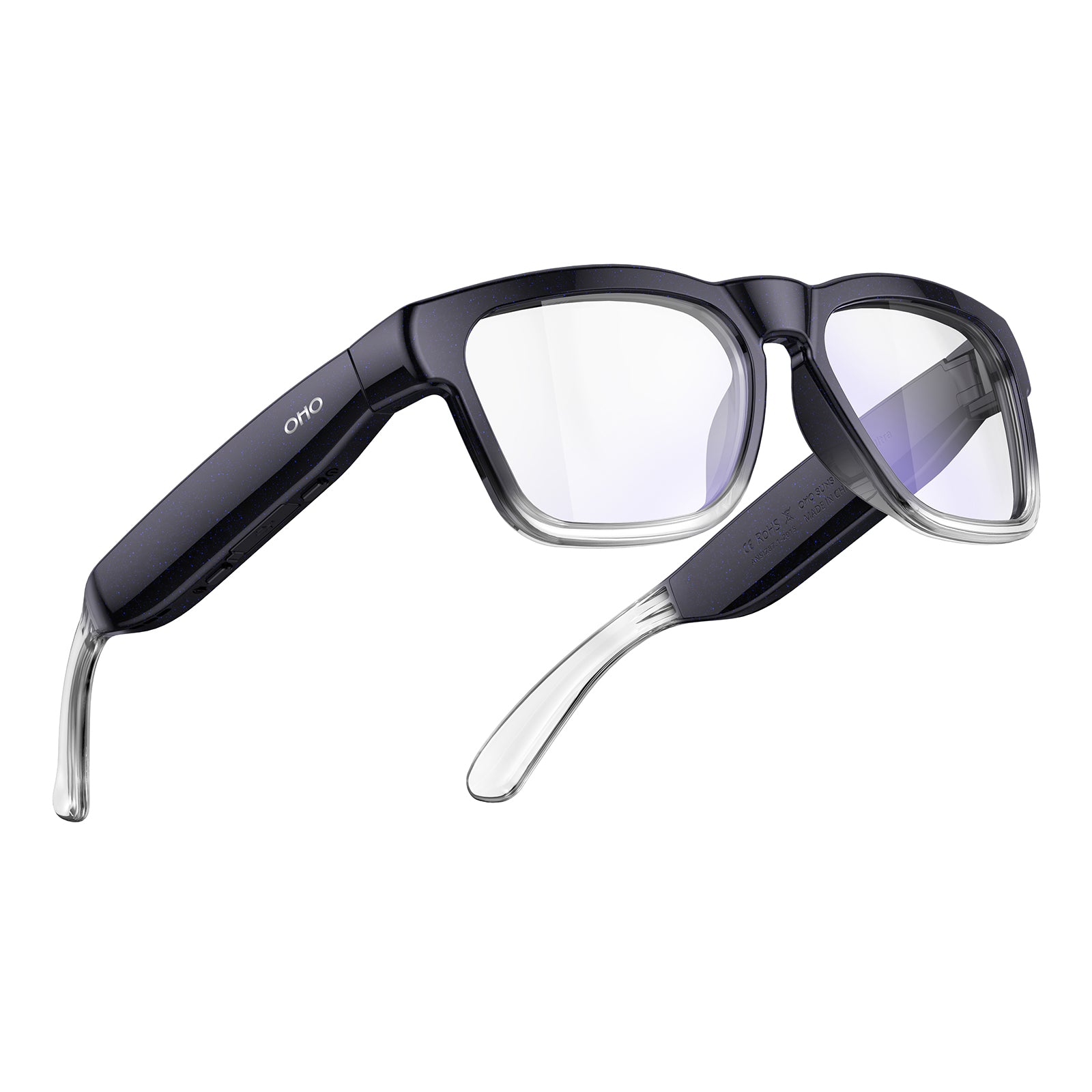
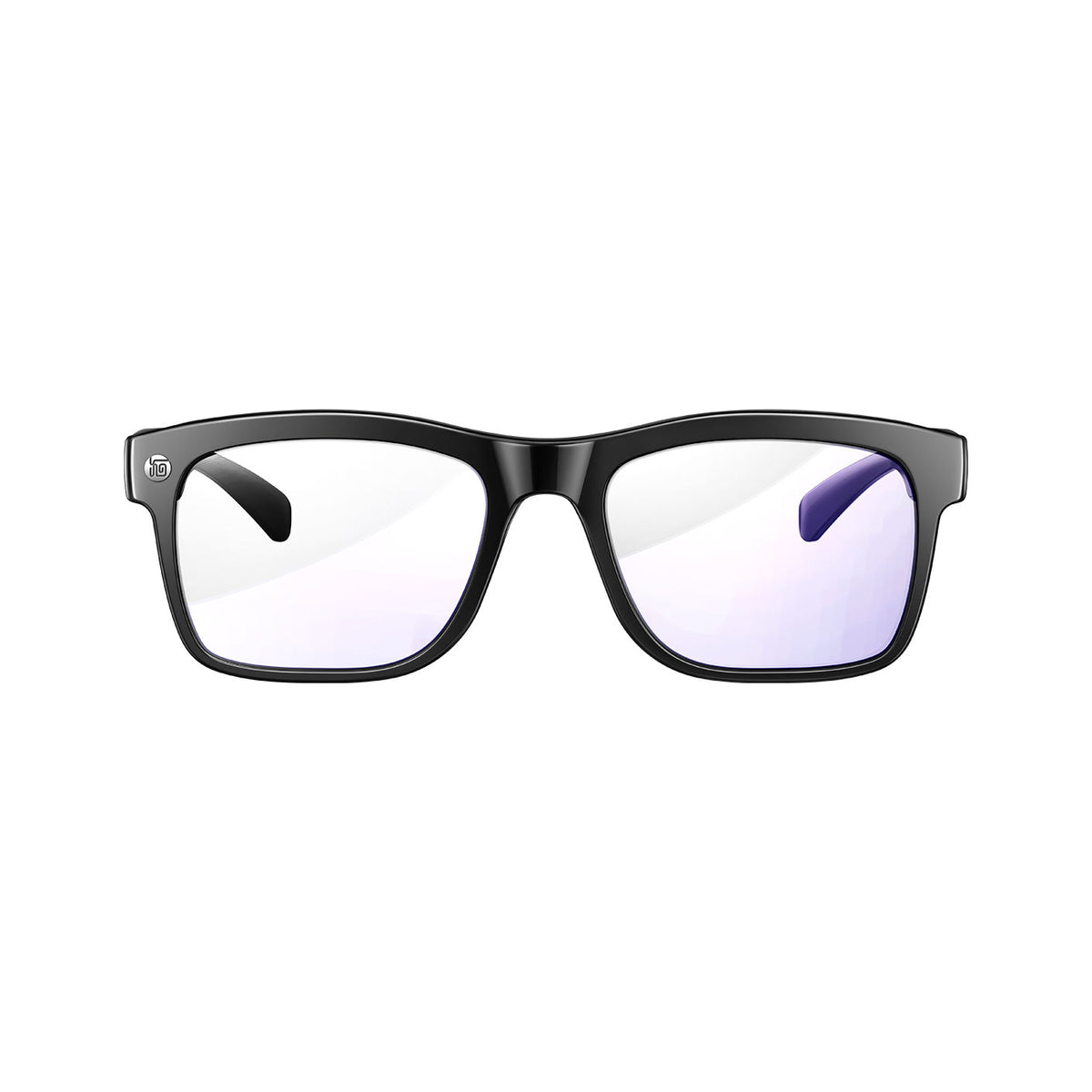


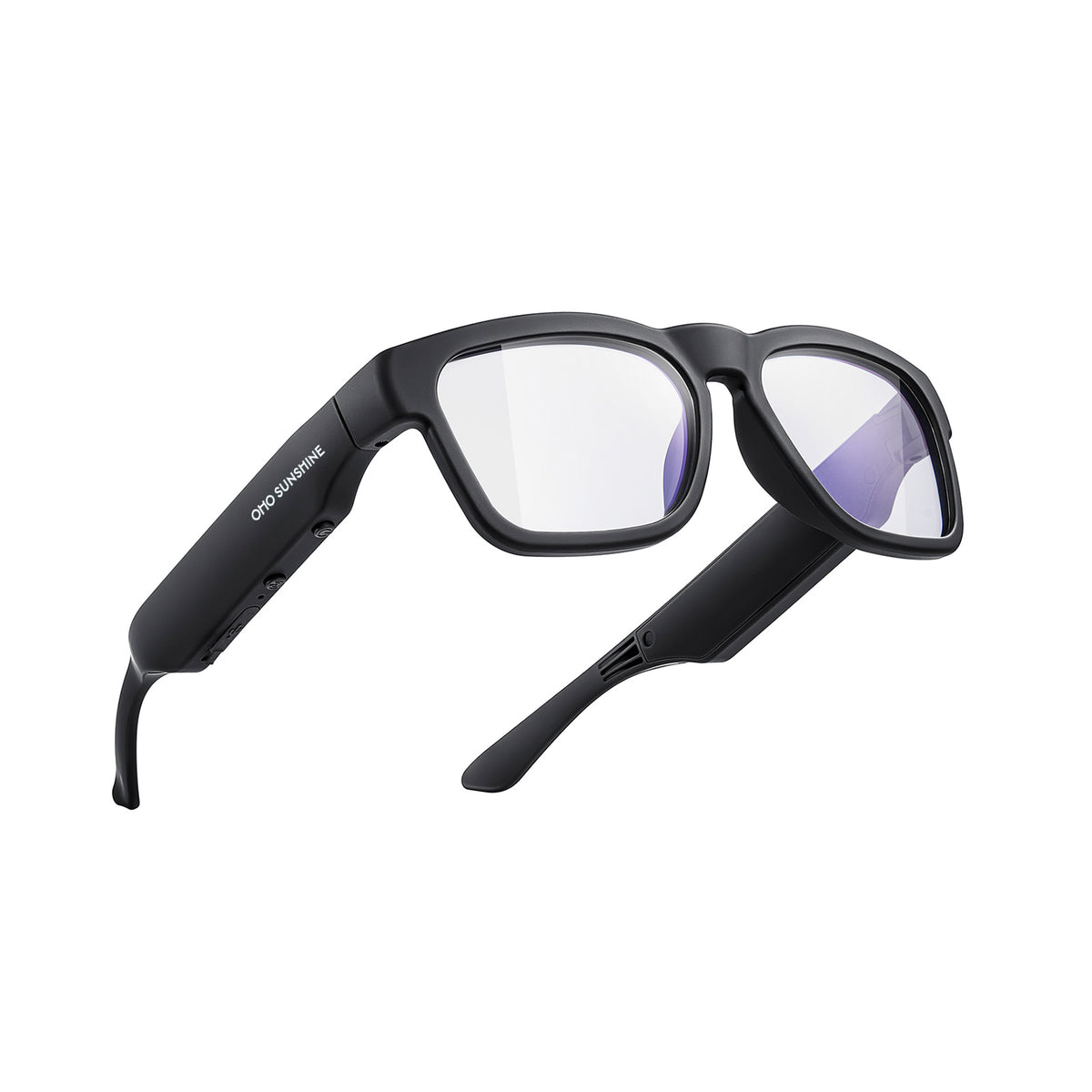


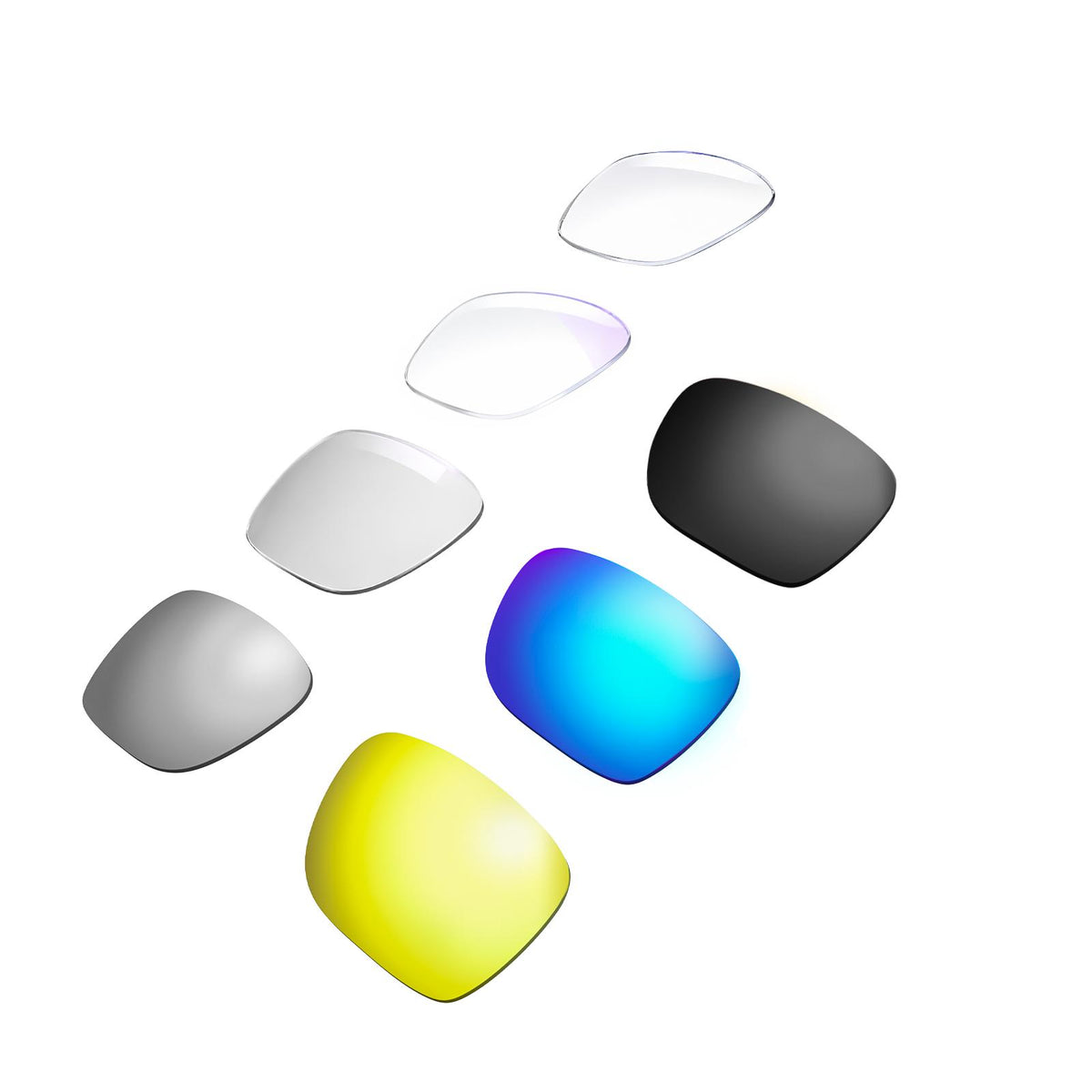
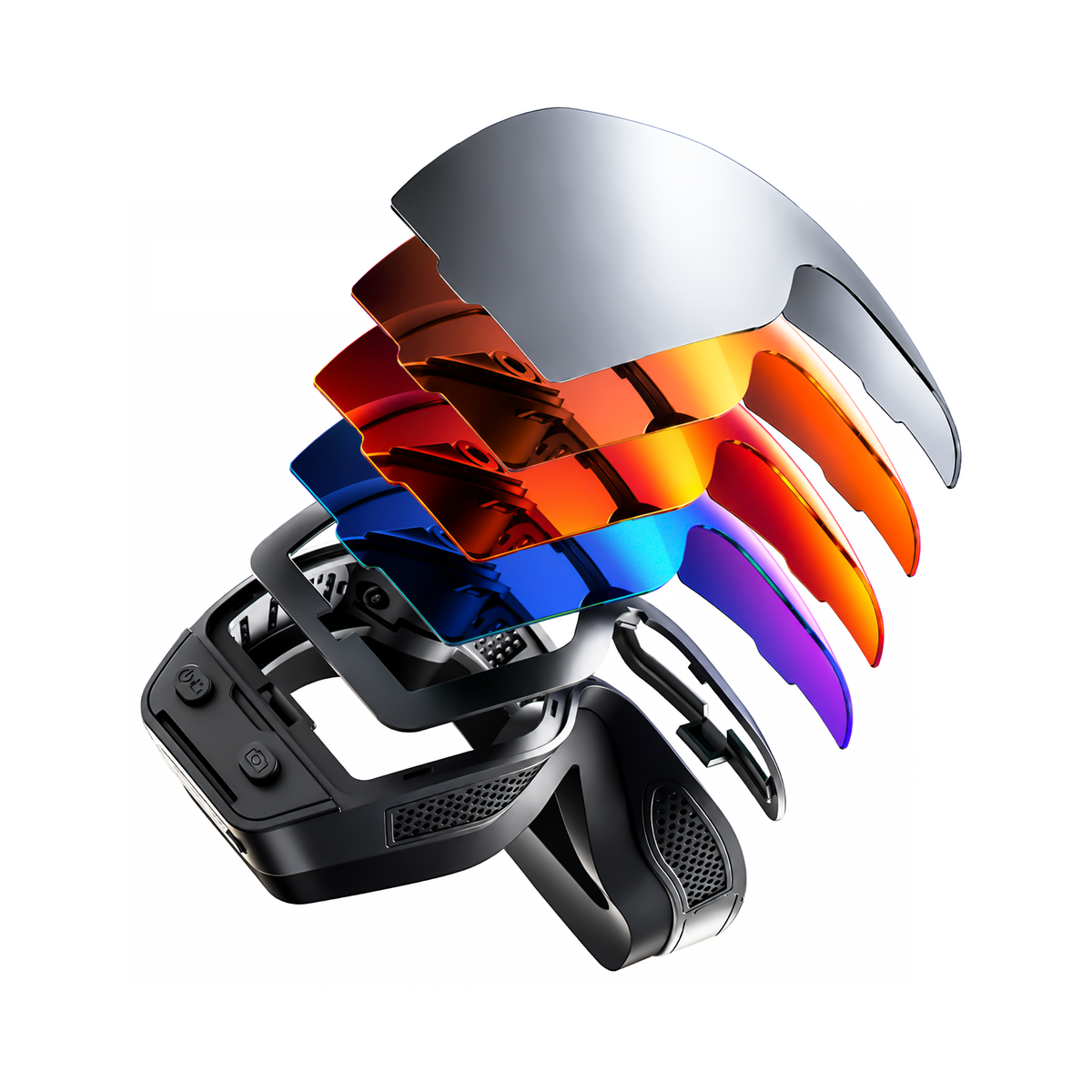



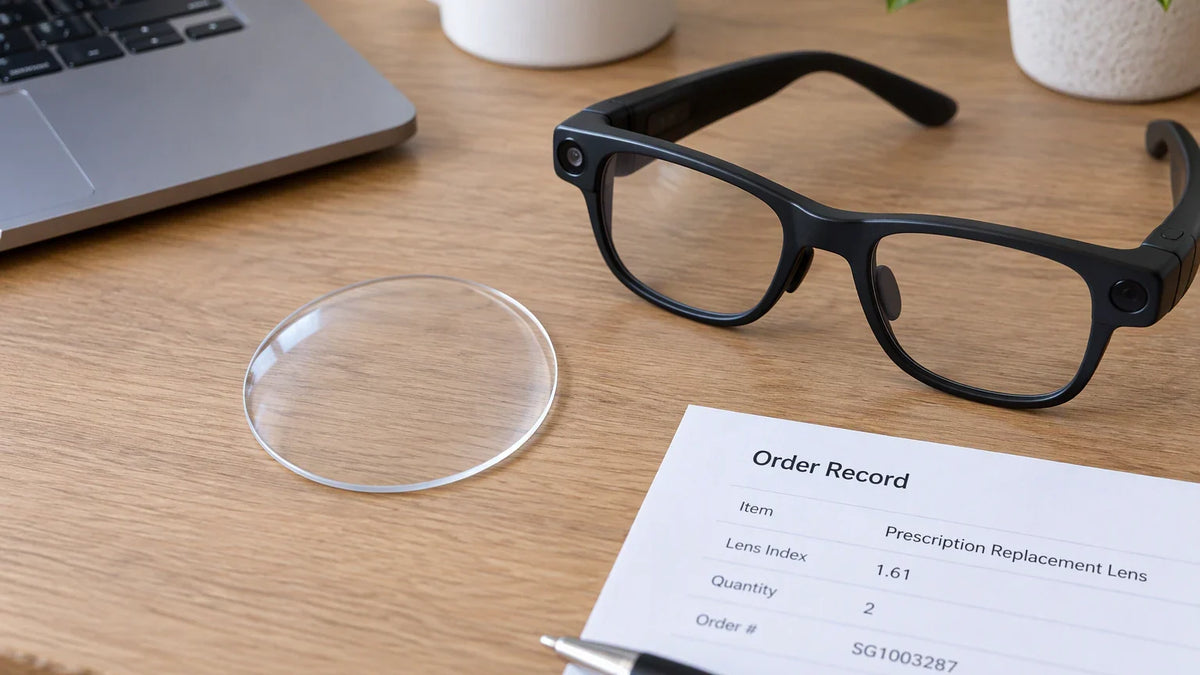
To check if prescription replacement lenses fit your smart glasses, find your frame's full model name and match it against the lens product's compatible-model list. If the exact name appears, it is a listed match; if it is missing or your generation is unlisted, fit is unconfirmed, so contact the seller before purchasing. Never judge compatibility by appearance alone, because two frames can look identical yet take completely different lenses.
Check the exact frame against the prescription-lens list
Find the frame's full model name
Start with the record that names your frame. Your original order confirmation, receipt, or product documentation should list the model. Use the full name exactly as written, because a single word can mean a different product. "Edge" and "Edge Pro" are two separate entries, and so are "Alite" and "Alite Elite." If none of your records name the frame, ask the original seller to identify it. Don't guess by comparing photos.
Why so strict? Smart glasses aren't regular optical frames. Our prescription compatibility guide explains that smart glasses may need lenses that fit around built-in electronic parts and still keep the frame balanced for daily wear. Some frames hold speakers, microphones, batteries, or camera modules. That's why we check prescription compatibility by model instead of by frame shape. It applies to everyday audio frames, curved prescription sports glasses, and prescription smart glasses with camera modules.
Compare it with the correct prescription-lens listing
Check the compatibility list on the exact lens product you're buying. A general claim that smart glasses "support prescriptions" doesn't count. Neither does the list on a different lens product. Our standard (non-prescription) replacement lenses have their own model field, so finding your frame there doesn't confirm it takes our prescription lenses.

For our prescription replacement lenses, the Compatible Models list names 16 frames: Alite, Alite Elite, Elingo, Touch, GlobeEar, Sunblazer, Livi, Edge, Edge Pro, Ease, Pulse, Focus, Vidsoul, Brave, Primex, and EIS. Say your order record reads "Edge Pro." That name is on the list, so it's a listed match for this product. The list doesn't separate frame generations, though, so a listed name doesn't cover a generation the list never mentions.
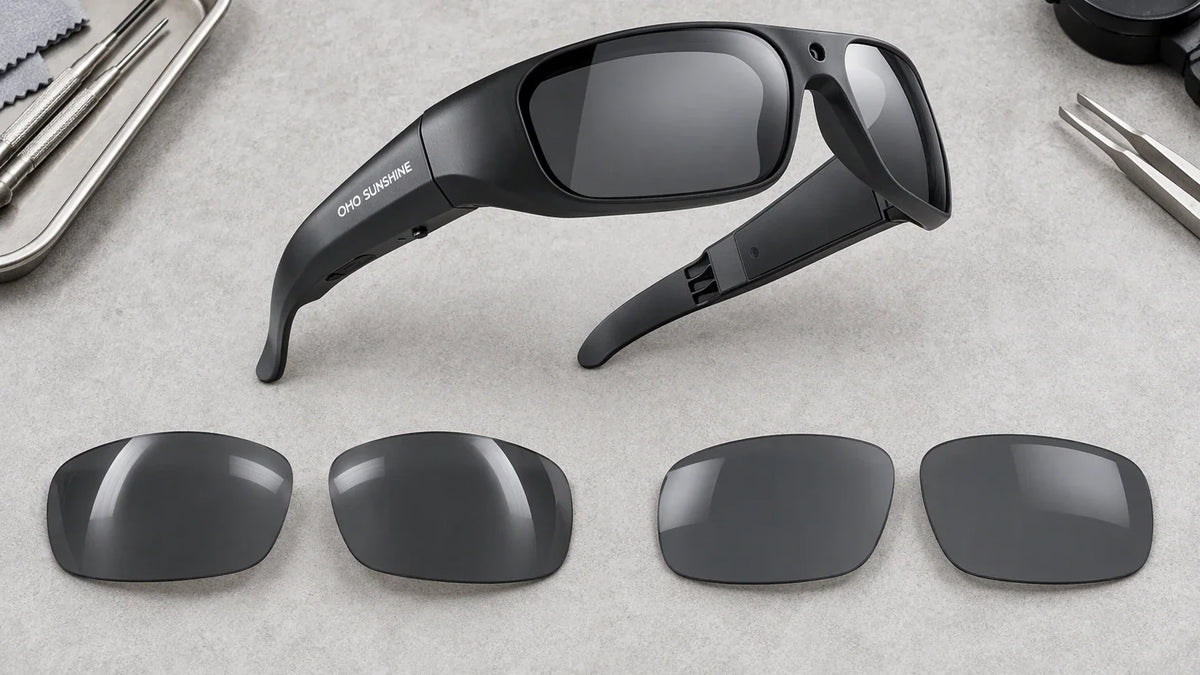
If you own one of these models—and your specific frame version or generation is confirmed compatible—this is the product we recommend; if your generation remains unverified, verify it with the seller first. You pick Single Vision or Progressive, and then a lens type that fits how you use the glasses. Blue Light Blocking lenses suit work, reading, and lots of screen time. Photochromic lenses are clear indoors and darken in brighter outdoor light. Polarized Black lenses cut glare from reflective surfaces, which helps for driving and turns your frames into prescription sunglasses. Index options are Standard 1.56 (SPH -4.00 to +4.00), Thin 1.60 (up to ±6.00), Thin 1.67 (up to ±10.00), and Extra Thin 1.74 (up to ±12.00). The order includes lenses only, not frames. Once they arrive, our lens replacement guide shows you how to remove and install lenses with good alignment.
If the model is missing or unclear, get confirmation
Ask about the exact frame and lens product
If your exact name isn't on the list, or you can't tell which generation you have, the result is unconfirmed. That doesn't mean your frame won't work. It means you shouldn't order until someone confirms it. Prescription lenses are custom-made to your prescription and lens choices, so it pays to settle fit first. Send the seller or manufacturer the full frame name, the generation or variant if you know it, and the exact lens product name. Then ask for a direct yes or no.

This matches general eyewear advice. All About Vision's replacement-lens guide notes that providers ask about your existing frames to judge eligibility, and that some frame-and-lens combinations aren't a good fit. A vague reply like "that frame works with prescriptions" doesn't settle the question for your model. For our lenses, contact our support team and include those details, and we'll confirm before you order.
Keep a different-frame search separate
Maybe you're thinking about getting a new frame instead of replacing lenses in the one you have. Our prescription smart glasses collection lets you choose a model first and then add prescription lenses while you order. That's a separate buying path, so treat it as one. Seeing a frame in that collection tells you nothing about whether replacement lenses fit the frame you already own. That question still depends on the exact-name check above.
Conclusion
Checking smart glasses lens compatibility comes down to matching your exact frame name against the specific lens product's list. If the name appears, it is a listed match; if it is missing or the generation is unclear, fit remains unconfirmed until confirmed by the seller. Pull the name from your receipt or reach out to support with both model names first. Verifying these details before buying custom lenses avoids costly sizing mistakes.
FAQs
What should I include in a compatibility question to the seller?
Use a short message like this: "I have the [full frame name], [generation or variant if known]. Will [exact replacement prescription-lens product] fit this exact frame? Please confirm before I order." Naming both the frame and the lens product gets you a model-specific answer instead of a general one. Keep the reply with your order records.
Can I order prescription replacement lenses for smart glasses I already own?
Yes, if you own a compatible OHO SUNSHINE model. You can order our replacement prescription lenses separately, without buying a new frame. Make sure your exact model is on the list first. Your order covers lenses only, so you'll install them in the frame you already have.
Does the compatible-model list confirm every generation of a listed frame?
No. The list names models but doesn't separate generations. If your frame family is on the list but you have a specific generation or variant, ask us to confirm that exact version before you order. Including your order date or documentation details helps us verify the build before you purchase.
Will prescription lenses change my smart glasses' features?
The lenses handle vision correction and replace the original lenses on compatible models. Built-in electronics such as speakers, microphones, and touch controls remain in the existing frame. Camera, audio, AI, and translation features still depend on the smart glasses model you own. Prescription lenses don't add features your frame doesn't already have.


Leave a comment
This site is protected by hCaptcha and the hCaptcha Privacy Policy and Terms of Service apply.