

























Multilingual tour guides in American cities are turning to AI smart glasses with camera or audio-only translation to answer guest questions without pulling out a phone. The workflow is audio-first: a guide hears a question, waits for the translated reply, answers, and confirms understanding, all while keeping eyes and ears on the group and the street. This guide walks through that sequence, how translation delay changes a guide's timing, and the product checks that decide whether a given model fits professional use.
How guides use AI translation glasses during a walking tour
The core workflow is audio-first: guides configure the glasses before departure, then use them to receive, translate, and answer questions while staying visually engaged with the group. Response delay and traffic conditions determine when to keep talking and when to pause.
Prepare the language pair and connection before departure
Most bluetooth smart glasses need a companion app or phone connection paired before the first use, and that pairing is worth confirming the night before a tour, not on the sidewalk.

- Pair the glasses with the phone or companion app the model requires, and confirm the connection holds before the tour starts.
- Set the exact language pair guests are likely to use, then run a real test question and reply instead of trusting a menu label alone.
- Check the audio output path, confirm battery for the full walking route, and pack a backup device or line up a phone-based interpreter option.
Handle a live question without reaching for a phone
The exchange itself follows a short loop, and it does not require a phone screen. This loop matches other real-time translation scenarios, where fast turnaround on speech translation matters more than typing.
- Let the guest ask the question aloud so the glasses' microphone or paired app picks it up through the built-in translation workflow.
- Wait for the full translated line before responding; speaking over a half-finished prompt can produce a mismatched answer.
- Reply in your own language, then add a short confirmation or follow-up question so the guest can flag anything unclear before the group moves on.
Treat latency as a pause-and-confirm signal
Translation delay is not a flaw to work around silently, it is a signal. When a reply takes longer than expected, the better move is to pause briefly, repeat the guest's question once if the group still looks unclear about it, and confirm the translated answer before continuing to walk.
If the exchange cannot finish while the group is moving, tell the group plainly that you are checking a response rather than guessing at an answer. This keeps the conversation accurate without turning a simple question into a long stop. No fixed delay applies to every model or every language pair, so treat this as a working habit rather than a timed rule.
Keep open-ear audio secondary to traffic awareness
Open-ear speakers let a guide hear a translated answer without blocking street sound, but the volume should stay low enough that traffic and surrounding noise remain audible. Walking-safety guidance recommends keeping a volume where you can still hear traffic and nearby sounds, and stopping away from pedestrian flow before handling any task, electronic or otherwise, that needs focused attention.
At a crosswalk or another visually demanding moment, a translated prompt takes a back seat to the normal crossing routine. Check the signal, watch for drivers and cyclists, and continue watching traffic as you cross rather than reading or listening to a device mid-crossing. If a question needs a longer exchange, step off the curb line first and finish the translation once everyone is clear of traffic.
What to verify before relying on the glasses professionally
Before trusting AI smart glasses with camera or audio-only translation on a live tour, verify a short list of facts that change whether the workflow actually holds up. Then match the camera or audio-first design to the job the guide actually needs.
Verify the facts that can change the workflow
A handful of checks separate a reliable tool from a mid-tour surprise.
- Confirm the exact language pair and whether coverage is online, offline, or dependent on a paired app.
- Check Bluetooth, companion-app, phone, Wi-Fi, or mobile-data requirements for the specific model, since translation glasses commonly route through a smartphone connection.
- Test response behavior with a realistic question, ideally outdoors where street noise is present, rather than relying on a quiet-room demo.
- Check battery life against the actual workload, translation, audio, and any camera use combined, instead of treating a listed battery figure as guaranteed tour-length runtime.
- Confirm microphone behavior, any recording indicator, storage or retention details, and your own guest-facing privacy policy if the model includes a camera.
Choose camera versus audio-first glasses by job
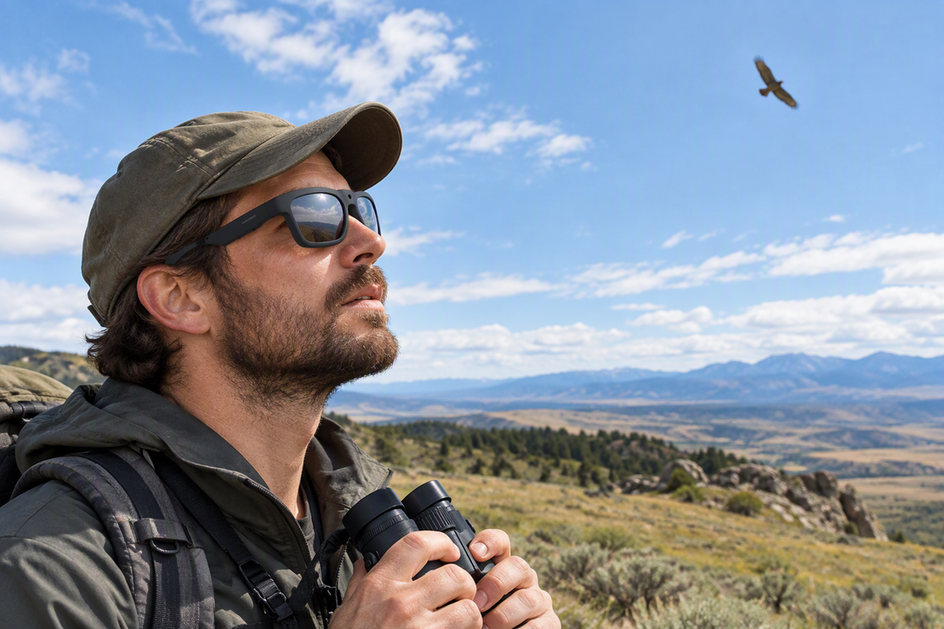
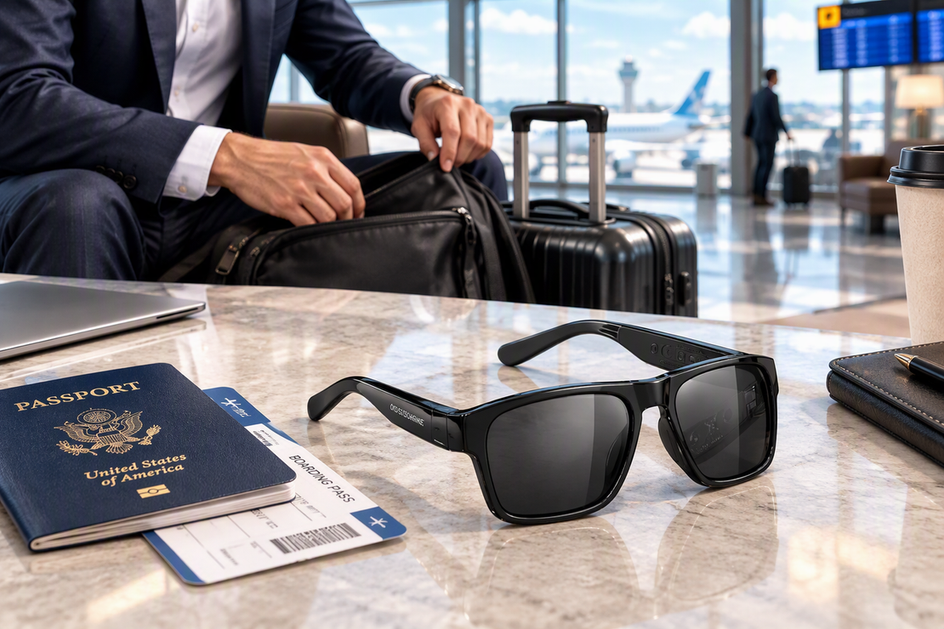
The camera is a job requirement, not proof that a camera model translates better. If the guide mainly needs translated conversation and Bluetooth audio, without a stated need for photos or video, the Elingo translation glasses are listed with AI chat and real-time translation, an open-ear speaker, voice control, and Bluetooth 5.2 with a listed 10-hour battery working time, which fits a lighter, audio-first setup once the language pair and connection are tested.
When hands-free capture is a genuine part of the job, documenting a stop or a group photo alongside the conversation, these smart camera glasses list a built-in camera with 4K/30 fps video and 24MP photos on the Edge Pro camera glasses, plus two-way translation and a listed 165-language real-time translation range on Bluetooth 5.3, with a battery working-time range of 1.5 to 20 hours depending on how the camera and translation features are combined. Neither listed spec sheet establishes conversational response speed, translation accuracy, offline behavior, or how well the audio reaches a full group, so those still need to be tested against your own route and guest mix before the tour.
Keep a phone or human interpreter as the backup
A backup plan earns its place whenever the language pair is missing, the connection drops, the response feels too slow for a live group, several guests need the answer at once, or camera privacy behavior is not fully clear. That backup should already be tested before departure, not improvised for the first time at a crosswalk or another moment that needs full attention.
Treat the glasses as one layer in a tested workflow, useful for one-to-one exchanges, rather than a replacement for a guide's own language judgment or a dedicated interpreter when a tour genuinely needs one. Before adding either model to a regular route, we recommend checking the exact language list, connection requirements, privacy controls, and battery behavior for your own itinerary and running one full test walk.

Conclusion
A multilingual city tour works best when AI translation glasses handle the back-and-forth of a guest question while the guide keeps eyes on the group and the street. Test the exact language pair, connection, audio path, and response behavior before the first tour, not during it. Keep the traffic and crossing routine ahead of any translated prompt, and keep a phone or human interpreter ready for the moments the glasses cannot cover. With that groundwork in place, the glasses become one more tool for a guide's existing workflow, not a replacement for judgment on a busy sidewalk.
FAQs
Can one pair of translation glasses translate questions for an entire tour group?
Treat the glasses as a one-to-one exchange unless the exact model's documentation confirms group-wide audio delivery. The listed features for the Elingo and Edge Pro describe wearer-focused open-ear audio, not a verified system for managing group questions across a whole crowd, so guides leading larger groups should keep a phone-based or printed backup for guests standing too far away to hear the reply.
Can a guide use translation glasses without a phone or internet connection?
Most translation glasses route speech through a paired smartphone's Bluetooth and internet connection rather than working fully offline, and the exact behavior varies by model and language pair. Test the specific connection method before a tour and keep a backup translation option ready in case the connection drops mid-route.
What privacy checks matter before using camera glasses around tour guests?
Confirm the recording indicator, how footage or photos are stored or deleted, and whether guests are told when the camera might be active. If any of that behavior is unclear for a specific model, use an audio-only workflow for that tour instead of a camera-equipped pair.


Dejar un comentario
Este sitio está protegido por hCaptcha y se aplican la Política de privacidad de hCaptcha y los Términos del servicio.