
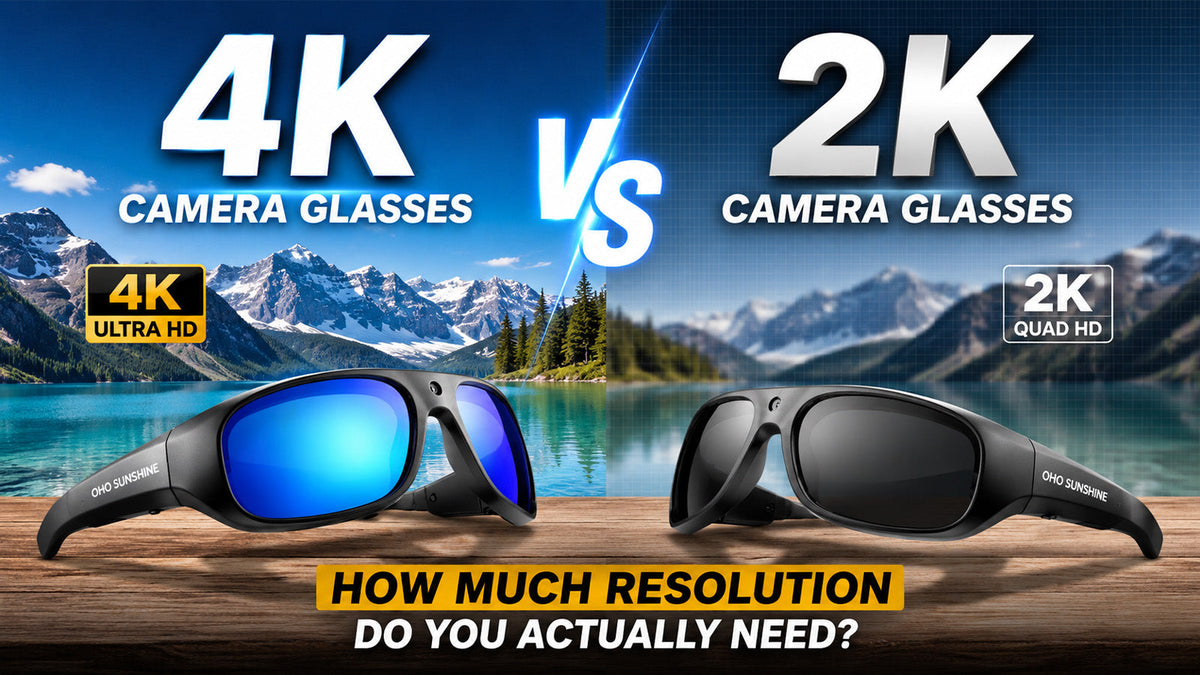
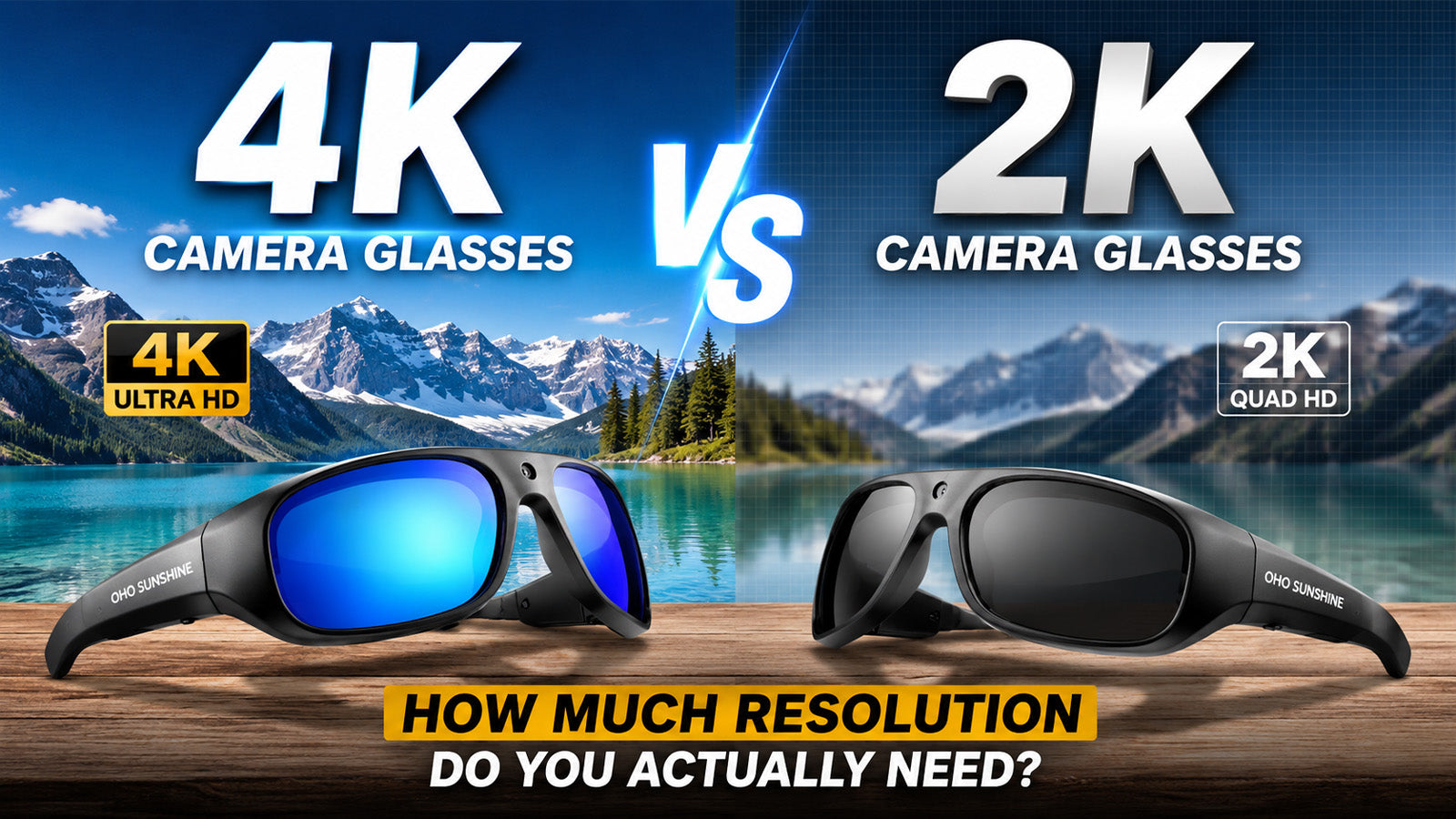
4K has become the magic number in video marketing. But when the camera sits on your nose and runs on a battery the size of a fingertip, more pixels are not automatically better. Choosing between 4K camera glasses and 2K camera glasses comes down to how you shoot, where you share, and how long you need to record. This article walks through the real differences so you can spend wisely.
What 4K and 2K Actually Mean in Camera Glasses
4K records at 3840 × 2160 pixels per frame. 2K records at 2560 × 1440. In raw numbers, 4K captures about 2.25 times more pixel data, which means sharper edges and more room to crop or zoom during editing. That advantage is clearly visible on a large monitor or TV.
On a phone screen, though, the gap shrinks fast. At normal viewing distance on a 6.5-inch display, most people cannot tell the two apart. Add social media compression from Instagram, TikTok, or YouTube Shorts, and a 4K upload often looks nearly identical to a 2K one. So resolution matters, but it is not the whole story.

How Higher Resolution Affects Battery Life and Storage
Higher resolution costs power and space. Every extra pixel demands more processing, more heat, and more current from a small battery.
Most 4K camera glasses last around 40 minutes of continuous recording on a single charge. 2K glasses, handling fewer pixels, can record up to 60 minutes under the same conditions. Both types support charging while recording via USB-C, so a portable power bank extends recording to virtually unlimited length.
File size follows the same pattern. Even with H.265 (High Efficiency Video Coding), a modern compression standard that cuts file size roughly in half compared to older H.264, 4K footage still fills storage faster. Practical impact:
- 4K files take longer to transfer and eat more phone storage
- 2K files allow more total recording time on the same memory
- Both formats play on standard media players without special software
For users who record multi-hour sessions, this difference is not a footnote. It is a daily workflow decision.
When You Should Pick 4K Camera Glasses
4K is not always overkill. There are scenarios where the extra resolution genuinely matters.
- Landscape and travel content. If you film wide scenic shots and plan to edit them on a computer, 4K gives you the freedom to crop, reframe, or zoom in post-production. A 4K frame has enough pixel data that you can punch in 2x and still hold roughly 1080p quality.
- YouTube long-form video. YouTube preserves 4K uploads at their native resolution. Viewers on desktops and smart TVs will see a real difference in sharpness and detail. If you publish full-length travel vlogs or tutorials, sunglasses camera 4K resolution pays off on this platform.
- Documentation and evidence. Some users rely on camera glasses to record job sites, commutes, or outdoor incidents. Maximum resolution captures the most information per frame, which can matter when you need to read a license plate or identify a distant detail after the fact.
- Slower-paced shooting. 4K works best when the camera is relatively stable. Casual walking, standing still at a viewpoint, or sitting at an outdoor event all suit 4K well because the footage stays steady enough to show off the extra detail.

When 2K Camera Glasses Are the Smarter Choice
2K resolution at 2560 × 1440 is far from low quality. It sits well above standard 1080p Full HD and handles most use cases with plenty of clarity to spare.
- Social media short-form content. As mentioned earlier, platforms compress aggressively. A clean, well-lit 2K clip looks virtually identical to a 4K clip once Instagram or TikTok finishes processing it. If social sharing is your primary output, 2K delivers the quality you need without the overhead you don't.
- Longer recording sessions. Lower resolution means lower power consumption and smaller files. For all-day hikes, cycling trips, or extended travel recordings, 2K lets you capture more total footage before hitting a battery or storage wall.
- Active and high-motion scenarios. Running, cycling, skiing, and other dynamic activities introduce a lot of head movement. In these situations, footage stability plays a bigger role in watchability than resolution alone. Some 2K camera glasses use the processing headroom saved by the lower resolution to run features like EIS (Electronic Image Stabilization), which smooths out vibrations in real time. This is a meaningful advantage for sports and action use.
- Everyday convenience. Smaller files transfer faster, take up less phone storage, and are quicker to edit and share. For casual daily recording, 2K removes friction from every step of the workflow.

Side-by-Side Specs That Help You Decide
Here is a quick comparison of the differences that affect daily use most.
| Spec | 4K Camera Glasses | 2K Camera Glasses |
| Resolution | 3840 × 2160 | 2560 × 1440 |
| Typical Battery Life | around 40 mins | around 60 mins |
| File Size Per Minute | Larger | ~40–50% smaller |
| Crop and Zoom Flexibility | Excellent | Good |
| Quality After Social Compression | High | Nearly identical to 4K |
| Best For | Travel, vlogging, documentation | Sports, daily use, social content |
Both types can share key baseline features like polarized UV400 lenses, lightweight TR90 frames, H.265 encoding, and built-in storage up to 512GB. Resolution is the variable. The right pick depends on where your footage goes and how you shoot.
Find the Right Camera Glasses for How You Shoot
Resolution is just one piece of the puzzle. Battery life, file size, image stability, and your primary sharing platform all carry equal weight in the decision. If you need maximum detail for large screens and post-production flexibility, 4K is the clear choice. If you value longer recording sessions, smaller files, and smoother footage during active use, 2K delivers more practical everyday value. Know your shooting style first, then let the specs follow.
FAQs about 4K Camera Glasses Performance
Q1. Do 4K Camera Glasses Produce Noticeably Better Video Than 2K on a Phone Screen?
At normal viewing distance on a typical phone display, the difference is minimal. The human eye has a resolution limit based on screen size and distance, and most phones cannot fully render the extra 4K detail. The gap only becomes clear on larger monitors or when cropping footage.
Q2. How Does Social Media Compression Affect 4K Camera Glasses Footage?
Platforms apply heavy compression to every upload regardless of source resolution. This significantly narrows the visible quality gap between 4K and 2K. For content that lives on Instagram or TikTok, the practical difference after compression is often negligible.
Q3. Are 4K Camera Glasses a Good Fit for Sports Like Cycling?
4K camera glasses can record during movement and still capture usable footage during moderate activity like casual cycling or jogging. However, higher resolution alone does not improve stability. For intense sports with heavy head movement, dedicated stabilization features provide an extra advantage in producing smooth, watchable clips.
Q4. What File Format Do Most Camera Glasses Use for 4K and 2K Video?
Most current models save footage as MP4 files using H.265 (HEVC) compression. This format works on standard Windows and Mac players without extra software. H.265 cuts file size roughly in half compared to older H.264 while keeping the same visual quality.