
























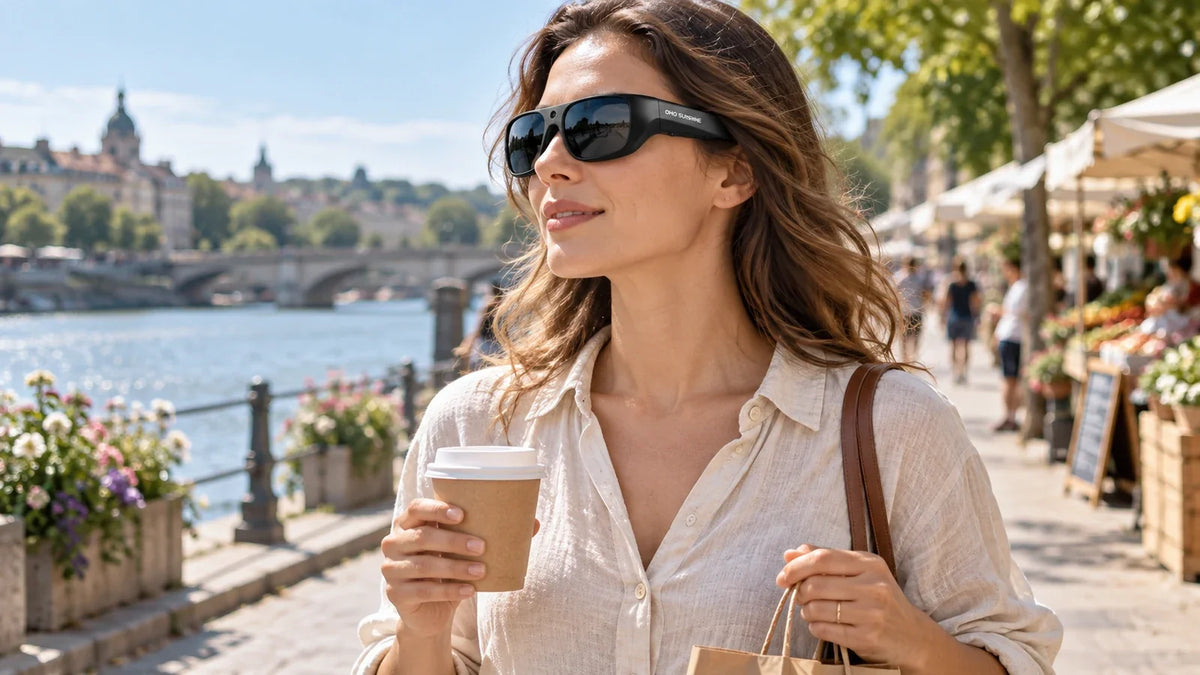
Camera glasses can make vlogging feel more natural because they record from the way you actually see the world. Instead of holding a phone in front of your face, you can walk, talk, cook, travel, or explore with both hands free. The key is not just recording more footage. It is learning how to plan, move, frame, and edit first-person clips into a vlog people want to watch.
Understand Vlog Angles and Where Camera Glasses Fit
A good vlog usually uses more than one angle. Each angle gives the viewer a different feeling, and camera glasses work best when you know which moments should feel personal, interactive, or more cinematic.
The first-person angle, also called POV, makes the camera act like the creator’s eyes. Viewers see what the creator sees while walking through a market, cooking, riding a bike, opening a package, or exploring a new place. This is where camera glasses are strongest because they record from the wearer’s point of view and create a more immersive, real-life feeling.
The second-person angle makes the camera feel like the viewer. This is the classic talking-to-the-camera vlog shot, where the creator looks into the lens, shares thoughts, explains what is happening, or reacts to the moment. It feels like a direct conversation with the audience, so it is better for intros, personal updates, opinions, and emotional reactions.
The third-person angle records the creator from the outside, like a viewer watching the scene happen. This can be a tripod shot across the room, a camera placed on a table, a wide shot from a doorway, or footage filmed by another person. It helps show the full environment, body movement, outfit, activity, or atmosphere.
Camera glasses are not meant to replace every angle in a vlog. They are best for first-person moments where the viewer should feel like they are experiencing the scene through the creator’s eyes. A stronger vlog can mix camera glasses footage with second-person talking clips and third-person scene shots, so the final video feels more complete and easier to follow.
Plan Your Vlog Before You Start Recording
Hands-free recording can make vlogging easier, but it still needs a plan. If you record everything from start to finish, you may end up with a long video that is hard to edit and hard to watch.
Before you start, decide what the vlog is about. A simple story is enough. You might film a morning walk, a travel day, a shopping trip, a cooking process, a bike route, or a behind-the-scenes work task. The viewer should understand why they are watching and what moment you are taking them through.
A simple vlog plan can look like this:
- Opening: Tell viewers where you are and what you are doing.
- Main experience: Use camera glasses to show the action from your point of view.
- Details: Capture signs, food, tools, views, products, or hands-on steps.
- Reaction: Add your voice, thoughts, or short face-to-camera clips.
- Ending: Show what changed, what you learned, or what the viewer should remember.
The plan does not need to be complicated. It only needs to stop you from recording random clips with no connection. Camera glasses work best when you already know what experience you want to share.
Use Your Head Like the Camera Frame
When you vlog with a phone, your hands control the frame. When you vlog with camera glasses, your head controls the frame. That is the biggest difference.
If you look too quickly from left to right, the footage can feel jumpy. If you stare at the ground while walking, the viewer will mostly see pavement. If you talk to someone but look away, the viewer may miss the person or object you are discussing.
Try to move your head like a camera operator. Look at the subject long enough for the viewer to understand it. If you are showing a sign, pause for a second. If you are showing food, hold your view steady before taking the first bite. If you are showing a street or trail, move your head slowly so the viewer can follow the scene.
This is why a centered camera matters for first-person video recording. When the camera sits near the center of the frame, the footage can feel closer to the creator’s natural line of sight, which is useful for walking tours, travel routes, shopping trips, or hands-on activities where viewers need to see what the creator sees.
For creators who want to film without holding a phone, OHO SUNSHINE camera glasses can support this kind of POV filming by combining hands-free video capture with an everyday glasses form. That makes them especially useful for scenes where the creator is moving, carrying items, cooking, testing a product, or exploring a place while still keeping the vlog view close to real life.
Keep Your Head Movement Slow and Steady
Camera glasses make recording easy, but they also record every head movement. That means your normal habits can show up in the footage. Looking around too much, nodding often, or turning quickly can make the video harder to watch.
Move slower than you think you need to. When walking, keep your head level and avoid sudden turns. If something catches your attention, turn toward it smoothly and hold the view for a moment. This gives the editor enough usable footage.
If you are filming while doing an activity, focus on steady movement. For example, when cooking, look at the cutting board before you start the action. When cycling, keep your eyes on the road and avoid unnecessary head swings. When shopping, pause briefly on the shelf or item before moving on.
Smart glasses with camera features are helpful because they let you record without holding a device, but watchable footage still depends on your body movement. Treat your head like the camera mount. Keep it calm, steady, and intentional.
Choose Scenes That Fit Hands-Free Recording
Not every vlog scene should be filmed with camera glasses. They work best when the viewer benefits from seeing what you see.
Good scenes for hands-free recording glasses include:
- Walking tours
- Travel routes
- Bike rides
- Cooking or coffee making
- Shopping trips
- Product testing
- Pet walks
- Fishing, hiking, or outdoor activities
- DIY or repair steps
- Behind-the-scenes work
These scenes feel natural because your hands are doing something or your body is moving through a space. The first-person angle helps the viewer feel present.
Some scenes may work better with another camera. If you want a clear talking-head intro, use a phone or tripod. If you want a wide shot of your full outfit, use a third-person angle. If you want close detail on a small object, a phone camera may be easier to control.
Camera glasses are strongest as part of a vlog kit, not always the only camera. Use them when the moment feels better from your eyes.
Handle Audio, Privacy, and Public Recording Properly
Good vlog footage also needs clear audio. Built-in microphones can help capture your voice and nearby sounds, but noisy places still need planning. Wind, traffic, crowds, and music can make speech harder to hear.
Speak clearly and keep your main comments short. If the scene is loud, you can record the visuals first and add voiceover later during editing. This works well for travel days, outdoor walks, store visits, and busy streets.
Privacy matters too. Camera glasses can look like normal eyewear, so people may not always know when recording is happening. Use them respectfully in public spaces, stores, schools, workplaces, events, and private homes. Follow local rules and ask permission when a person is the clear focus of the video.
For vlogging, trust is part of good content. A viewer should feel that the footage was captured naturally, not secretly. When in doubt, record the environment, your own activity, or objects related to the story instead of focusing on strangers.
Turn POV Clips Into a Complete Vlog
Raw POV clips are not a full vlog yet. Editing turns them into a story.
Start by choosing the best moments, not the longest clips. Look for parts where the view is steady, the action is clear, and the scene moves the story forward. Cut out long walking sections, repeated movements, and clips where the camera looks away from the subject.
A simple edit can include:
- A short intro explaining the day or goal
- A few first-person clips showing the main experience
- Quick detail shots for context
- Voiceover or captions to explain what is happening
- A short ending with a result, reaction, or takeaway
Use POV clips to make the viewer feel present. Use phone or tripod clips to give structure. For example, you can start with a face-to-camera intro, switch to camera glasses footage during the activity, then return to a short closing clip.
This mix keeps the vlog from feeling like one long unbroken recording. It also helps the viewer understand where they are, what they are seeing, and why the moment matters.

Plan and Film a Clear POV Vlog
Camera glasses are useful for vlogging when you want natural first-person footage without holding a phone. They work best for movement, travel, hands-on activities, and daily scenes where the viewer should see what you see. Plan the story, move your head slowly, choose the right scenes, and edit the clips into a clear vlog. The best result comes when the camera disappears into the experience.
Camera Glasses Vlogging Questions
Q1. Can You Use Camera Glasses for Vlogging?
Yes, camera glasses can be used for vlogging, especially for first-person scenes. They are helpful when you want to walk, cook, travel, ride, shop, or record an activity while keeping your hands free.
Q2. Are Camera Glasses Good for YouTube Videos?
Camera glasses can be good for YouTube videos when they are used for POV footage and real-life scenes. For a stronger vlog, mix them with other angles such as phone clips, tripod shots, or short face-to-camera segments.
Q3. How Do You Make POV Camera Glasses Footage Look Stable?
Move your head slowly, keep your view level, and hold the frame on important subjects for a few seconds. Avoid fast turns, constant nodding, and recording long clips with no clear focus. Good movement makes POV footage easier to watch.
Q4. What Should You Record With Camera Glasses?
Record scenes that feel natural from your point of view, such as walking tours, travel routes, cooking, shopping, biking, hiking, fishing, product testing, or behind-the-scenes work. Camera glasses work best when the viewer benefits from seeing the moment through your eyes.


Leave a comment
All comments are moderated before being published.
This site is protected by hCaptcha and the hCaptcha Privacy Policy and Terms of Service apply.