





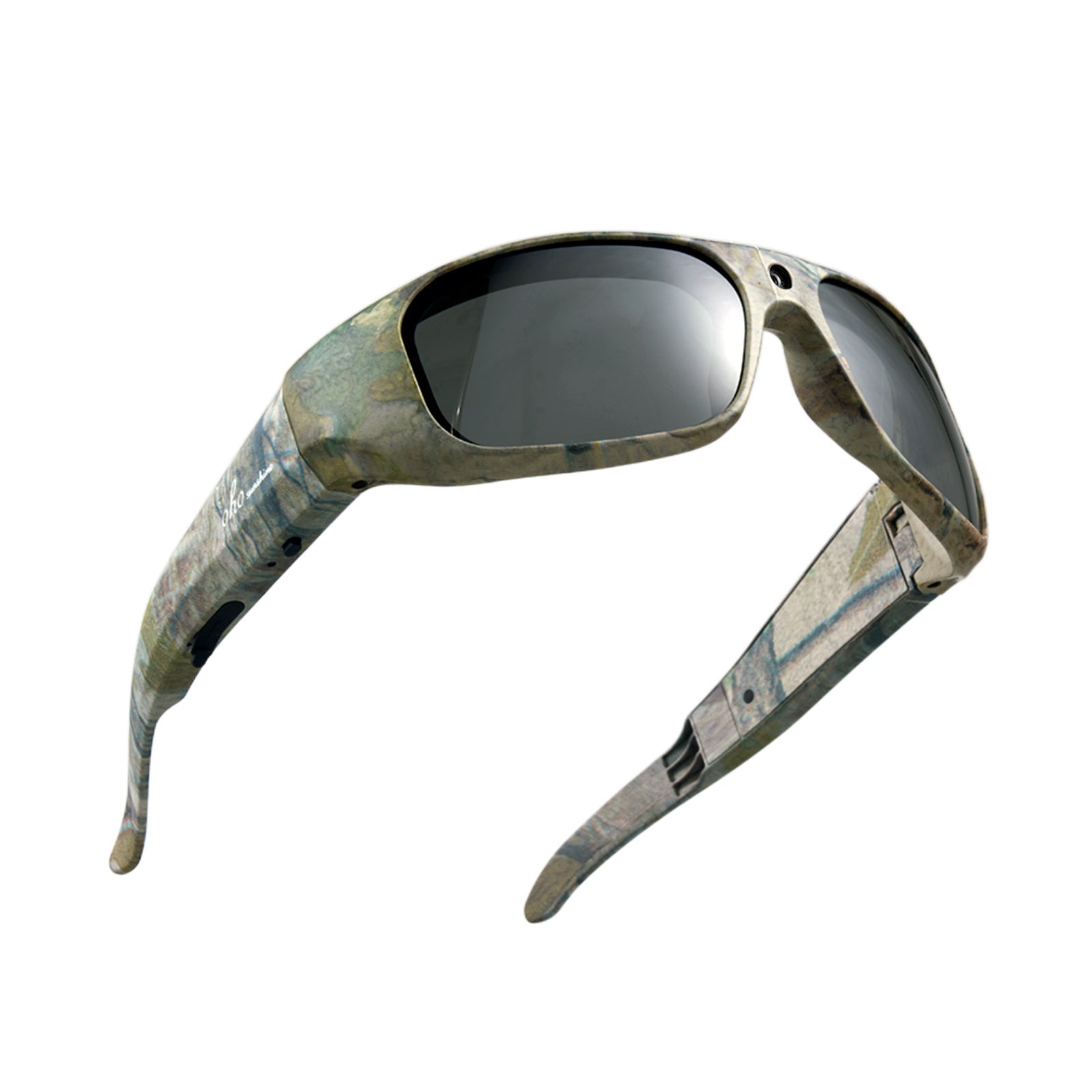


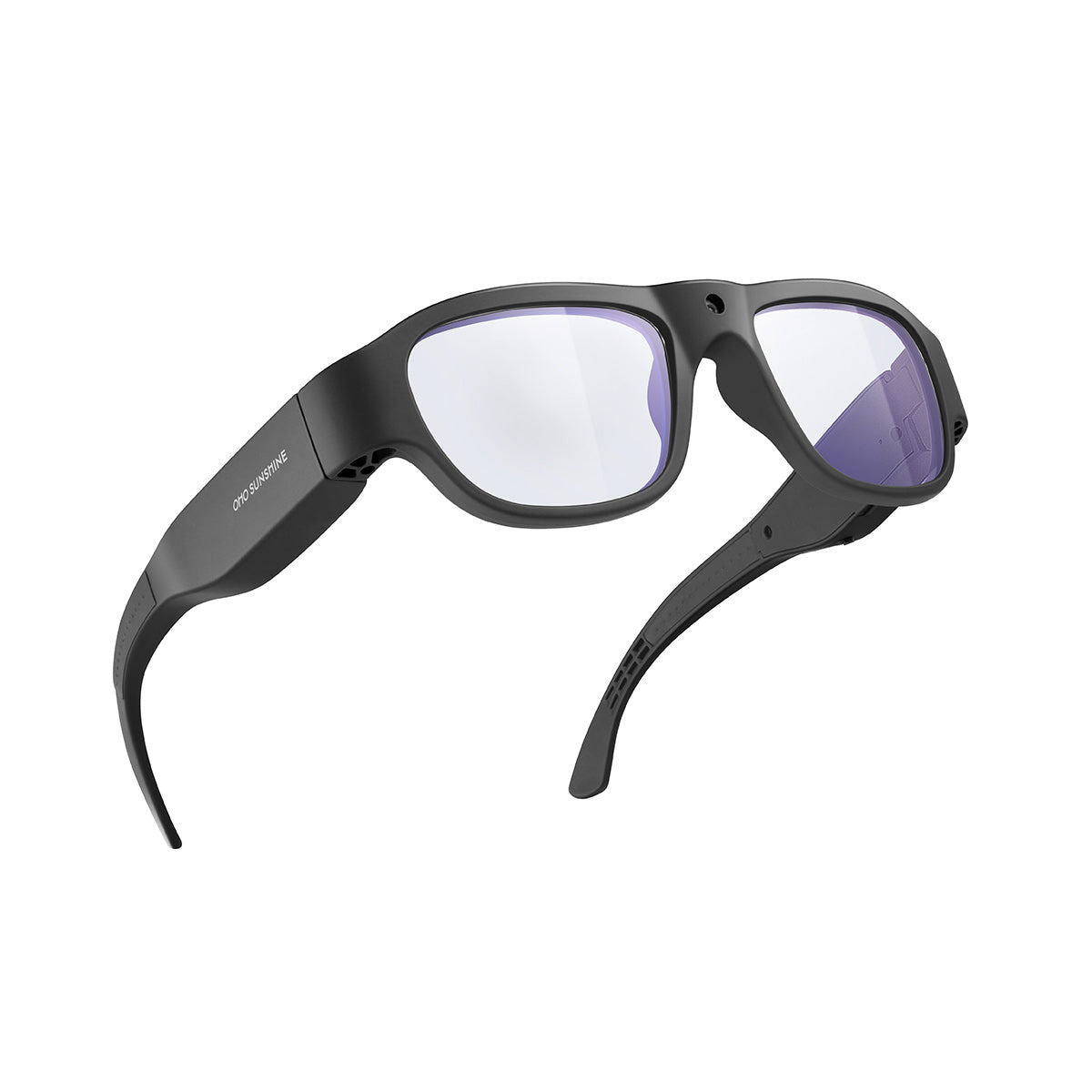

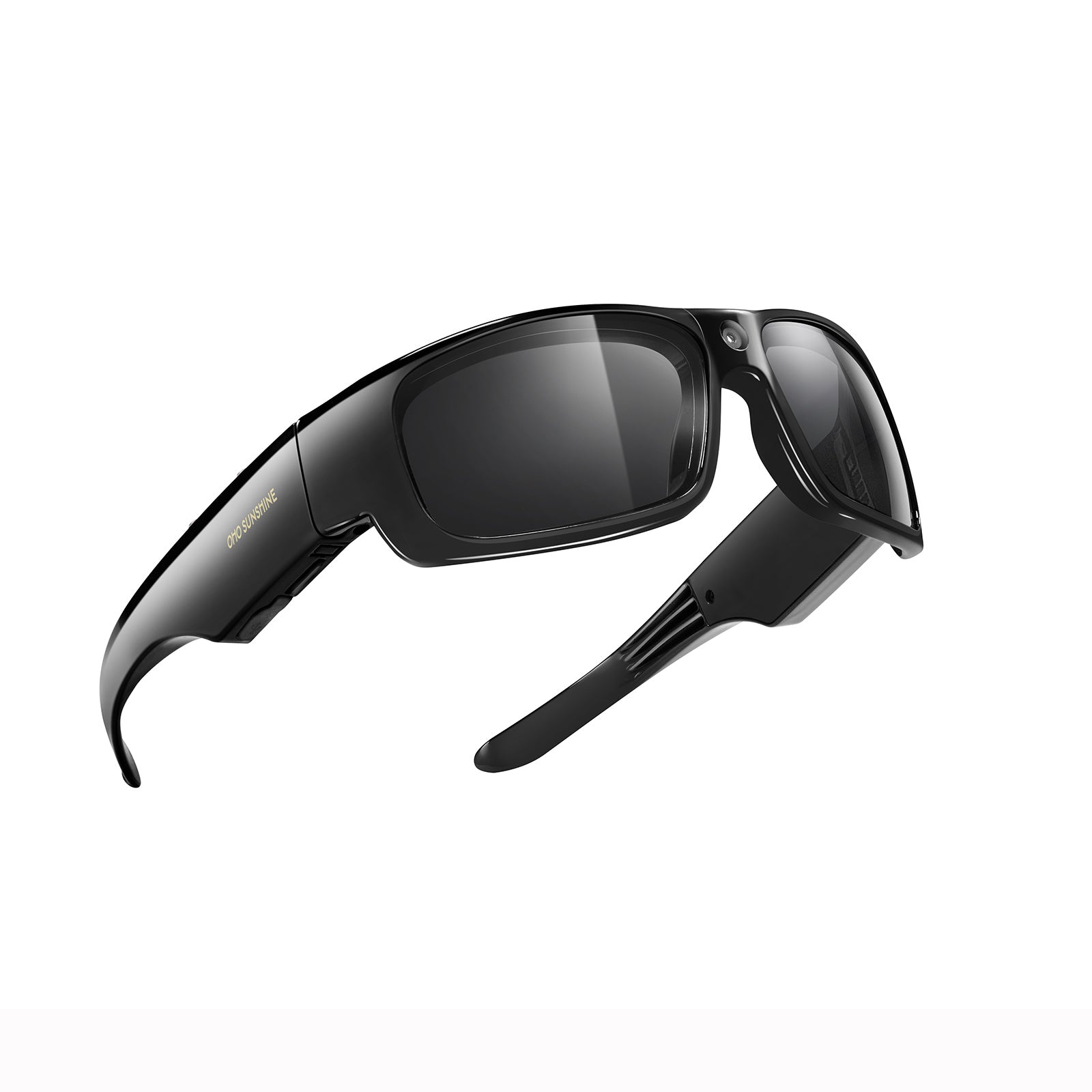


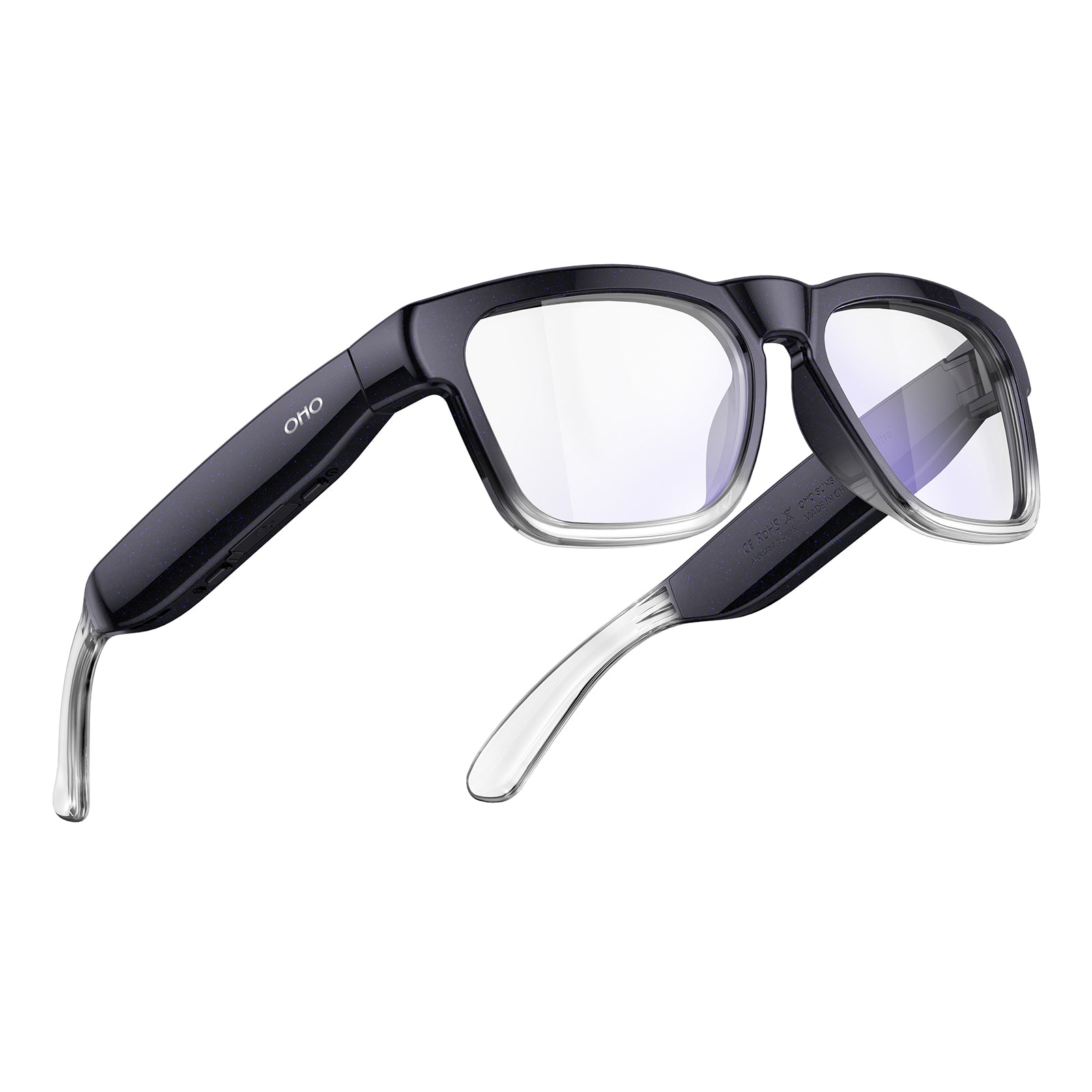


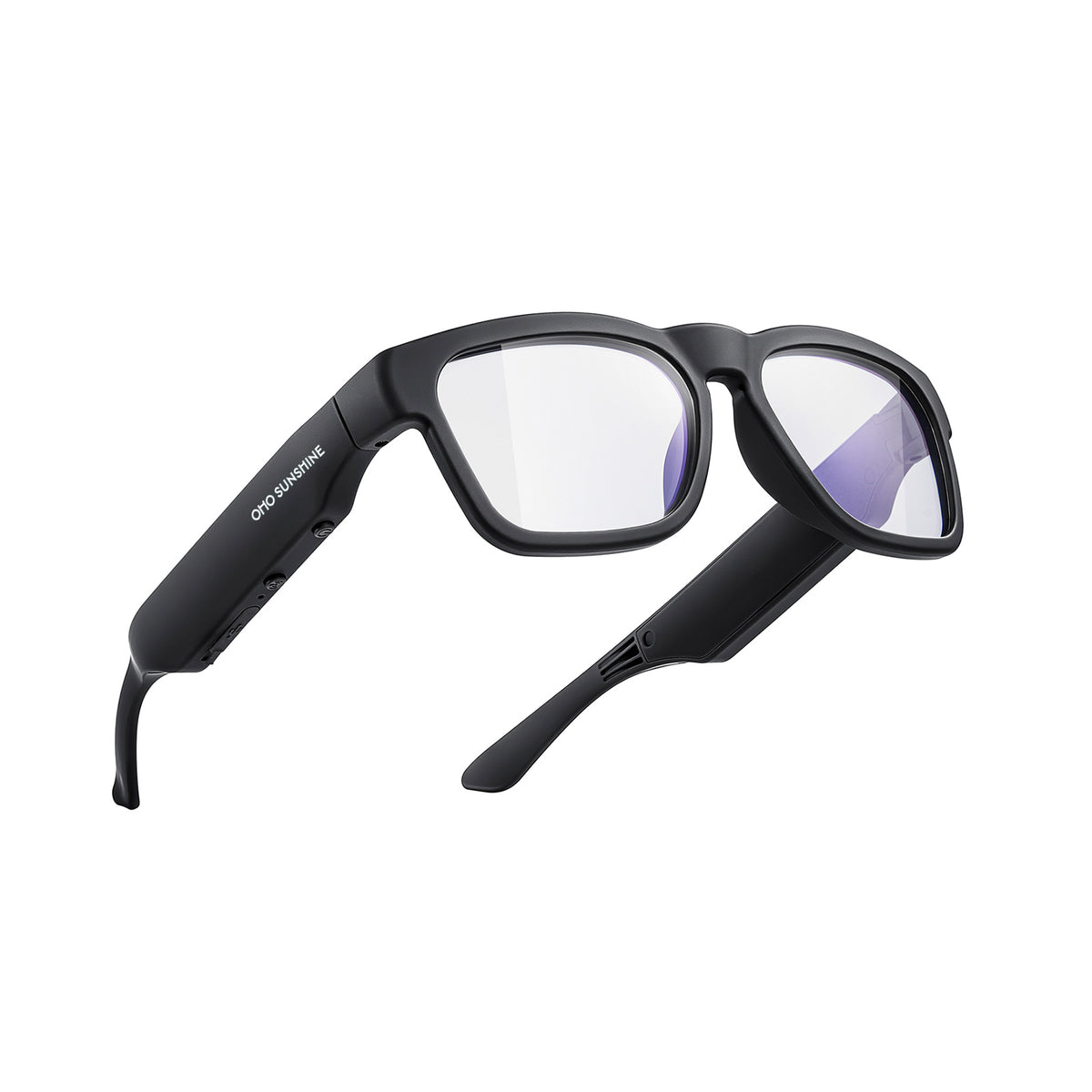


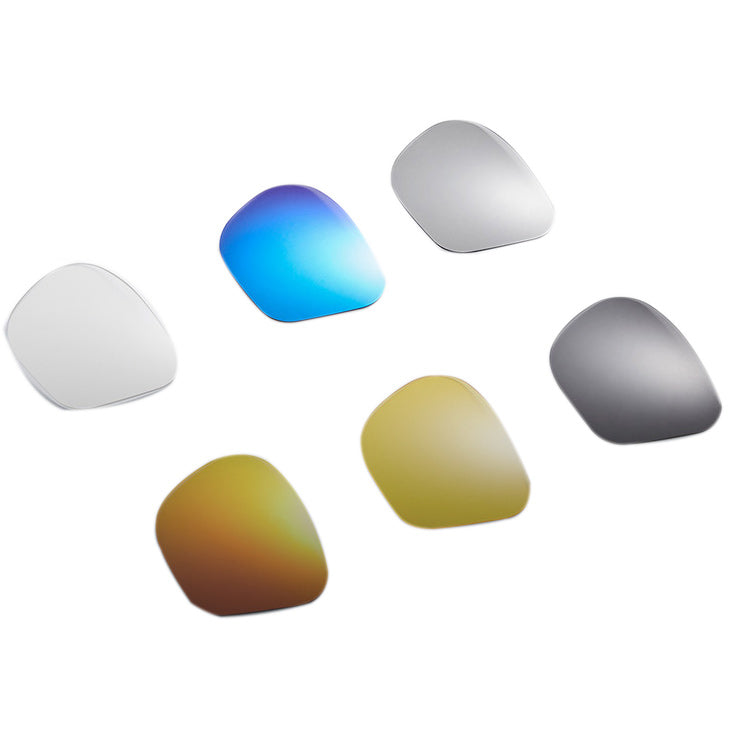
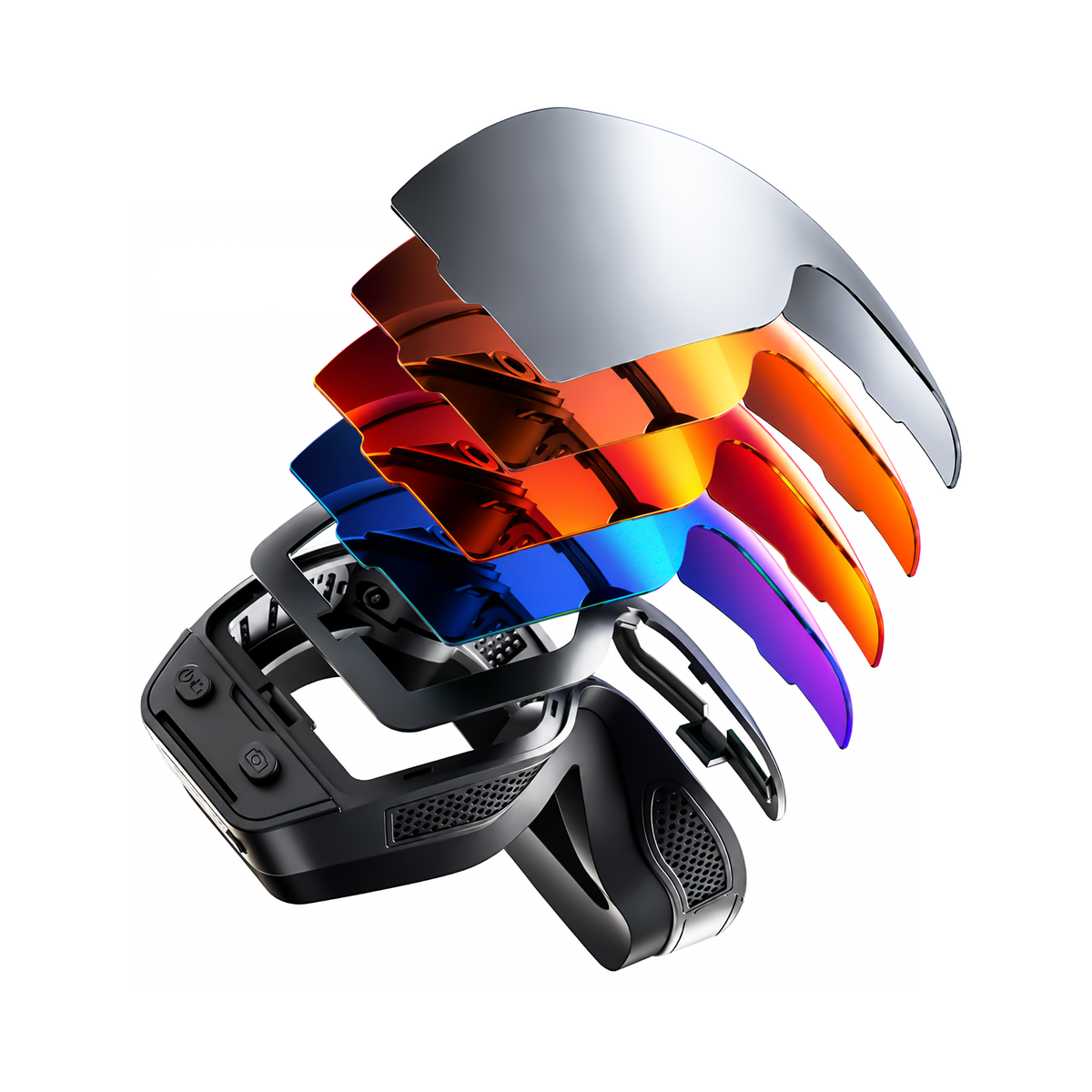



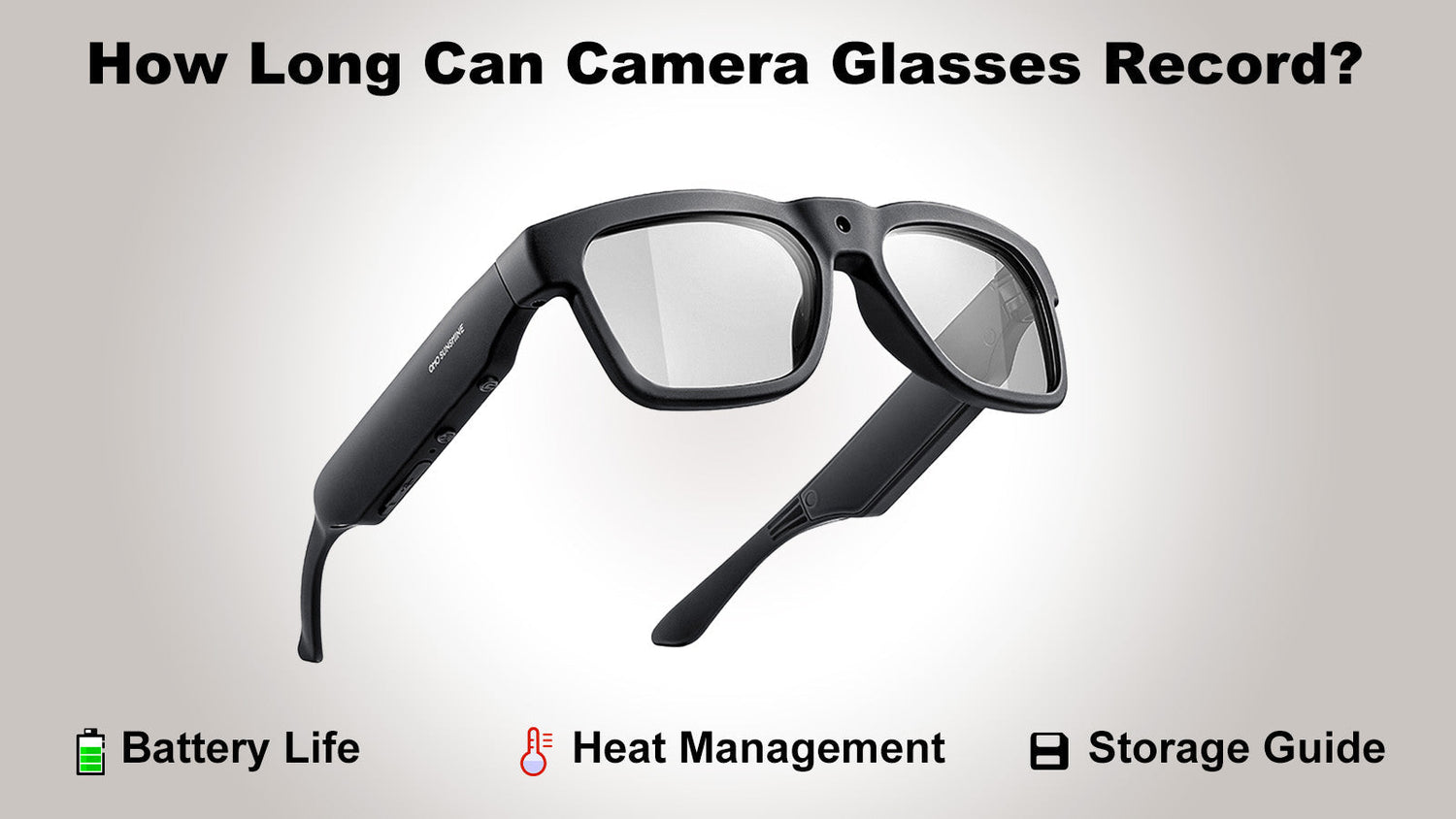
Imagine filming your entire hike or a busy street festival while keeping your hands completely free. Camera glasses turn that dream into a reality, but these slim frames are actually tiny computers doing a lot of work. To keep your lens running all day, you have to balance power, storage, and temperature. Getting the best performance starts with knowing what happens inside the hardware during a long recording session. This look into wearable tech helps you stay prepared for every adventure.
4 Factors That Affect Camera Glasses Recording Time
While these devices look like standard eyewear, they contain advanced circuitry that manages several intense tasks at once. To maximize your session, you must account for the primary variables that drain energy.

Internal Battery Capacity
The physical dimensions of the frames limit the size of the power source. Manufacturers use lithium-polymer (Li-Po) batteries, which are lightweight, rechargeable units designed to fit into narrow spaces. Because these batteries are small, they hold a finite amount of energy. Efficiency is the key here; well-designed components can extend the runtime by using that energy more effectively. Environmental factors, such as extreme cold, can also slow down the chemical reactions inside the battery, leading to a faster power drop than you would see on a mild day.
Video Resolution Settings
Resolution describes the number of pixels—the tiny dots of color—that form the digital image. When you record in high-quality formats, the camera sensor captures millions of pixels every second. This requires the internal processor to work at high speed, which pulls a significant amount of power from the battery. Lowering the resolution is a practical way to save energy when you need the camera to stay active for an all-day event.
Frames Per Second (FPS)
FPS stands for Frames Per Second, which is the frequency at which a camera captures consecutive images to create motion. Most professional video camera glasses are optimized at 30 FPS, which is considered the cinematic standard for natural-looking motion. This setting is ideal because it mimics the way the human eye perceives movement while being incredibly energy-efficient. Some models offer higher frame rates for specialized action shots, but the 30 FPS standard remains the most popular choice for all-day vlogging and travel because it maximizes the available battery life.
Operating Heat and Temperature
Heat is an unavoidable side-effect of electronics in motion. As the processor and battery work together, they generate warmth that must escape the device. If the glasses become too hot, the system may reduce its performance or stop recording entirely to prevent damage. External factors like direct sunlight or high humidity can trap this heat, causing the device to reach its thermal limits much faster than it would in a cool, indoor setting.
4K Camera Glasses vs. HD Models: Real Performance Expectations
Choosing the right resolution is a major decision that impacts every other part of your recording experience. 4k camera glasses provide professional-level detail that looks stunning on large monitors, capturing every texture with incredible precision. On the other hand, HD camera glasses—usually recording at 1080p—provide a clean, sharp image that is perfect for social media without putting as much stress on the internal hardware.
The following comparison table breaks down the technical trade-offs and typical runtimes for these formats.
| Feature | HD Camera Glasses (1080p) | 4K Camera Glasses (UHD) |
| Typical Runtime | ~70-90 Minutes | ~30-60 Minutes |
| Visual Sharpness | Clear and standard for web use | Professional grade with intense detail |
| Power Efficiency | High; lasts longer on a charge | Optimized for high-impact short clips |
| Storage Usage | Economical; stores hours of video | Heavy; fills memory cards quickly |
| Thermal Profile | Stays cool for extended periods | Efficiently dissipates heat during processing |
Selecting the appropriate format ensures that you do not run out of storage or power before your activity is finished.
Storage Capacity for Video Camera Glasses: Memory Limits and File Management
Data storage is just as important as battery life when planning a long shoot. Most video camera glasses rely on built-in flash memory or removable micro-SD cards to hold your digital files.
Memory Card Write Speeds
Write speed refers to how fast the device can save information. High-quality video creates a massive stream of data that must be recorded instantly. To prevent "dropped frames," ensure you use a high-speed card. Many advanced models now support up to 512GB of expandable memory, allowing you to store an entire weekend of adventures without needing to transfer files to a computer.
File Splitting Logic
To protect your data, most cameras are programmed to split long recordings into smaller individual files. This prevents a single large file from being lost if the battery runs out unexpectedly. Most devices handle this automatically, starting a new file the millisecond the previous one ends. This logic makes it easier to manage your footage later, as you can quickly sort through shorter clips.
Loop Recording vs. Manual Mode on Video Recording Glasses
How you manage your storage determines whether you have to stop and delete files during your day. Different recording modes cater to different types of users and goals.
- Manual Recording: This mode gives you total control. You decide when to start and stop, ensuring that every second of video is saved. It is the best choice for vacations or special events where every moment is a memory you want to keep forever.
- Loop Recording: This is a set-and-forget feature commonly found on video recording glasses. When the memory card is full, the camera automatically deletes the oldest clip to make room for the newest one. It is ideal for security, daily commutes, or situations where you only need the footage if something unexpected happens.
Manual mode is for the storyteller who wants to curate their content, while loop mode is for the person who wants constant coverage without worrying about storage limits. Both modes are useful, but choosing the right one for your specific activity will save you from losing important data.
Heat Management and Stability for Video Glasses
Stability is vital for wearable cameras because they sit directly against your skin. Proper temperature control ensures the video glasses remain comfortable and functional.
- Integrated Protection: Modern devices include safety sensors that monitor internal temperature. If the device reaches a specific thermal limit, it will intelligently manage its performance to ensure the hardware remains in peak condition.
- Effective Airflow: Because these devices are worn on the face, they rely on natural air movement. Keeping the area around the temple of the glasses clear from thick hats or hair allows heat to dissipate more effectively.
- Insulated Design: The temples of the glasses house the battery and processor. High-quality designs use materials that help move this warmth away from your skin, ensuring comfort even during active use.
Proper heat management ensures your hardware lasts for years. By following these small steps, you can maintain a stable recording environment regardless of the weather.
Gear Up for Your Next POV Adventure
Capturing the world through your own eyes is an incredible way to share your experiences. By selecting the right resolution and understanding how storage and heat affect your device, you can film with total confidence. For those planning a trip, the Spring Break promotion features specialized gear built for the outdoors. Choose your favorite frames and start creating high-quality content that truly reflects your perspective.

FAQs about Video Camera Glasses
Q1. Can I Charge My Video Camera Glasses While I Am Still Recording?
Some models support a feature called pass-through charging, which allows you to plug the glasses into a portable power bank while the lens is active. While this technically extends your battery life indefinitely, it can cause the device to generate much more heat than usual. You should monitor the temperature of the frames closely if you choose to record while charging to ensure the safety of the internal components.
Q2. Does Recording Audio Have A Large Impact On The Total Battery Life?
The power used to capture sound is very small compared to the energy required to process high-definition video frames. Turning off the microphone might save a few seconds of runtime, but the difference is generally not noticeable during a standard session. Most creators prefer to keep the audio active to ensure their videos have a full, immersive feel.
Q3. Why Do Some Video Recording Glasses Use Removable Cards Instead Of Built-In Memory?
Removable cards give you the flexibility to swap out storage once it becomes full, allowing you to keep filming without needing a computer to transfer files. This is also a safety benefit, as you can easily replace a card if it becomes damaged or slow. Built-in memory is often used in thinner designs, but removable storage is the preferred choice for people who film for many hours at a time.
Q4. Does Cleaning The Lens Help Improve The Battery Performance?
While a clean lens doesn't directly save battery power, it ensures the internal light sensors operate at peak efficiency. If the camera can easily "see" the scene without struggling through smudges, the processor can run more smoothly. Keeping the lens clean with a soft cloth is the simplest way to maintain professional image quality.



Leave a comment
All comments are moderated before being published.
This site is protected by hCaptcha and the hCaptcha Privacy Policy and Terms of Service apply.