
























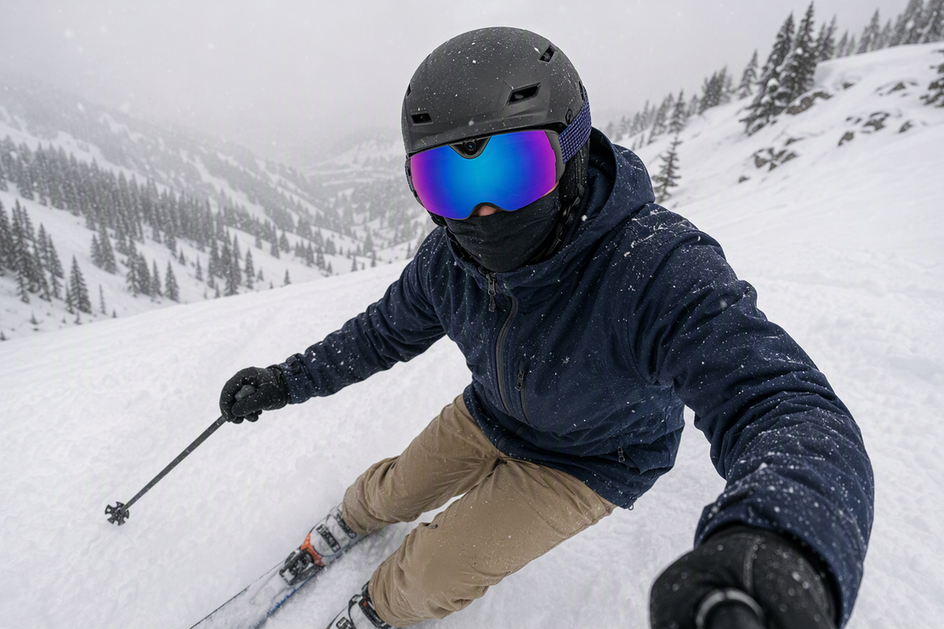
Camera snow goggles promise a hands-free way to capture a run, but flat light, overcast skies, and falling snow put real strain on that promise. Skiers often assume that if the goggles can record, the footage will look the way the day felt — but a working camera and a watchable clip are not the same thing. This guide walks through what actually happens to footage in flat light and snowfall, why your eyes and the camera sensor can disagree about the same slope, and how to run a short test clip before committing to a full run. The goal is a practical, repeatable way to decide whether to record, adjust your setup, or wait for better conditions.
Can Camera Snow Goggles Record Usable Footage in Flat Light?
Snow goggles with a camera can record through overcast skies, tree shade, and light-to-moderate snowfall. Whether that recording is worth keeping is a separate question. The camera will produce a file in almost any of these conditions, but a file is not the same as usable footage.
Usable footage means you can still make out terrain edges, the lens stayed clear enough to see through, the clip holds some real detail instead of a gray blur, and motion looks controlled rather than smeared. When those four things hold up in a short test clip, keep recording. When framing is off, the lens has fog or flakes on it, or a camera setting is the obvious culprit, change the setup and try again. When the skier cannot see well enough to read the terrain safely, or the lens is fouled beyond a quick wipe, postpone filming rather than push through it. The next sections break down why the eye and the sensor can disagree, and how to run that quick test before a full run.
Why Your View Through the Lens Can Look Better Than the Video
Your eyes and the camera sensor look at the same slope but process light differently, which is why what you see is not always what you get on playback. A lens tuned for your vision can look great while the recorded clip looks flat or dark.
On the eye side, a higher-VLT lens lets more light reach your eyes, and a contrast-oriented tint can make terrain edges easier to read on a cloudy day. Anti-fog coatings and ventilation help keep that view clear by deterring condensation. None of that changes how the sensor behaves.
On the sensor side, camera exposure balances shutter speed, aperture, and ISO, and raising ISO to compensate for low light can add visible noise. A moving subject, like a skier carving through shade, adds another constraint: the camera must choose between more noise or more blur. That is why a bright, easy-to-see run can still produce a soft, grainy, or dim clip.
| Condition | What you may see | Likely footage issue | Practical next action |
|---|---|---|---|
| Overcast flat light | Muted but readable terrain | Flattened contrast, soft detail | Test clip; check edge definition |
| Bright snow, cloudy sky | Clear, bright surface | Gray or underexposed snow | Review highlights and shadows |
| Tree shade | Sudden dimming | Noise or blur in dark patches | Shorten shaded segments or retest |
| Active snowfall | Flakes visible but manageable | Streaks, haze, blocked lens | Wipe lens; check for moisture |
The table is a starting checklist, not a guarantee for any one run. Treat it as a way to guess which problem you are looking at before you review the actual clip.
How Snow, Condensation, Exposure, and Resolution Change the Clip
Different symptoms point to different fixes, and some of them cannot be fixed at all once the clip is recorded. Sorting the symptom from the cause tells you whether a setting, a wipe of the lens, or a change in plans is the right move.
Gray or muddy-looking snow is usually a metering problem, not a lens problem. Snow-heavy scenes can fool automatic metering, since most systems assume a mid-tone scene and underexpose bright white surfaces as a result. There is no single fix that works for every scene, so review a short clip's highlights and shadows and adjust only the controls your camera actually offers.
Noise, blur, or soft-looking motion during turns is an exposure trade-off, not a color issue. When light is low, the sensor either raises gain, which adds noise, or slows the exposure, which can blur fast movement. Neither problem comes from lens tint.
Condensation and wet flakes are physical, not digital. Fog or moisture on the lens creates a hazy or partly blocked view that no recording setting can undo after the fact; the only fix is a dry, clean lens before you start. Anti-fog treatment and ventilation help deter this problem but do not correct exposure once fog has already formed.
Resolution sets a ceiling, not a cure. Recording in 4K preserves more of whatever detail the sensor captured, but it cannot add contrast, brightness, or clarity that was never captured in the first place.
Should You Record, Change the Setup, or Postpone?
This sequence turns everything above into one quick pre-run check. Run it before committing to a full descent in flat light or snowfall.
- Inspect the lens and vents. Wipe away moisture or flakes without pressing hard enough to scratch the coating.
- Confirm you can see terrain, signs, and other people clearly enough to stay in control. If you cannot, stop here and postpone.
- Record a short, low-consequence test clip, either stationary or on an easy section.
- Review the clip while stopped. Check framing, moisture on the lens, whether snow looks gray or blown out, shadow detail, and motion clarity.
- Decide: keep recording if the clip holds up, change the setup if the issue is framing or a fixable setting, or postpone if visibility or the lens itself is the problem.
A quick way to judge the test clip is to check terrain edges, snow highlights, shadow detail, moisture, and framing together rather than one at a time. If any of that review shows you cannot see hazards clearly enough, treat that as the deciding factor, not the quality of the video. Skiers must stay in control and be able to stop or avoid other people and objects, and must read signs, warnings, and hazard markings before anything else. If you cannot do that, filming gives way to stopping or postponing the run, regardless of how the last clip looked. For a longer look at getting the shot itself right, see this framing test before skiing.

Where OHO SUNSHINE Skyshot Fits This Use Case
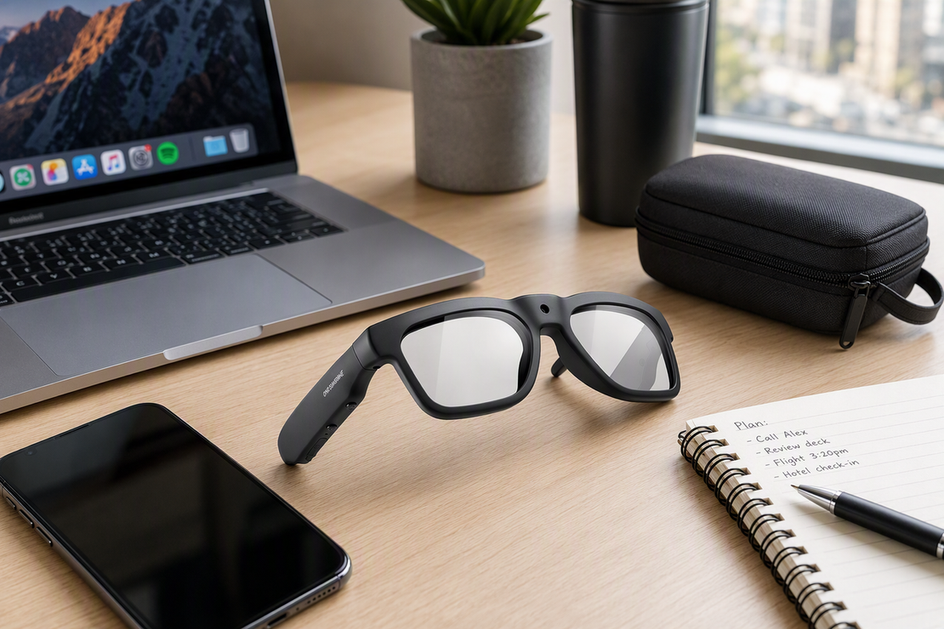
We built the OHO SUNSHINE Skyshot for skiers who want hands-free capture built into the goggles rather than a separate action camera to mount and manage. It fits riders who value one integrated setup and are comfortable running the test-clip check above before trusting it on a stormy or shaded day.
Skyshot records 4K video at 30 fps with a 140-degree wide-angle view, which matches the detail-capture needs described earlier: more resolution preserves more of what the sensor sees, though it does not create contrast or brightness that low light removes. The anti-fog lens helps deter fogging, while the polarized lens can reduce glare for the wearer. Neither feature is a low-light exposure fix. WiFi connectivity and USB-C charging round out the hands-free workflow, and the goggles carry a 90-minute battery-life specification.
We have not published a VLT rating or sensor sensitivity spec for Skyshot, so we cannot claim it delivers clean footage in every storm or every shaded run. If you want integrated hands-free 4K capture and anti-fog support, our Skyshot goggles fit that use case. Record a short clip in the flat light or snowfall you expect and review it before relying on the goggles for a full day; choose another setup if the test does not retain usable detail.
References
- REI (2024). How to Choose Goggles for Skiing and Snowboarding.
- Nikon USA (2024). Understanding ISO Sensitivity.
- Canon Europe (2024). Exposure Compensation.
- National Ski Areas Association (2024). Your Responsibility Code.
FAQs

Can snow goggles with a camera record in cloudy weather?
Yes, but conditionally. A camera can record in cloudy or flat light, and the file will save normally. The catch is contrast: low light flattens the difference between snow, sky, and terrain, so the sensor may capture less detail than your eyes pick up. Run a short test clip before you trust the footage for a full day.
Can camera ski goggles record during active snowfall?
They can, as long as you can still see the run and keep control, and the lens stays clear. Falling flakes near the lens can show up as bright streaks or blur, and moisture can fog or spot the glass. Heavy snowfall raises the odds of a hazy or blocked clip even when the recording itself works fine.
What lens is best for flat light?
For your own eyes, a higher-VLT lens lets in more light, and a contrast-boosting tint can help you read terrain on a cloudy, socked-in day. That lens choice improves what you see, not what the camera sensor records. A bright, easy-to-see run can still produce dim or gray-looking video.
Why does snow video look washed out, gray, or too dark?
Snow-heavy scenes can trick automatic metering into underexposing the shot, since most systems assume a mid-tone scene. Low light can also push the sensor to add noise or soften motion. Check a short clip's highlights and shadows before relying on the camera for an entire run.


Lämna en kommentar
Denna webbplats är skyddad av hCaptcha och hCaptchas integritetspolicy . Användarvillkor gäller.