
























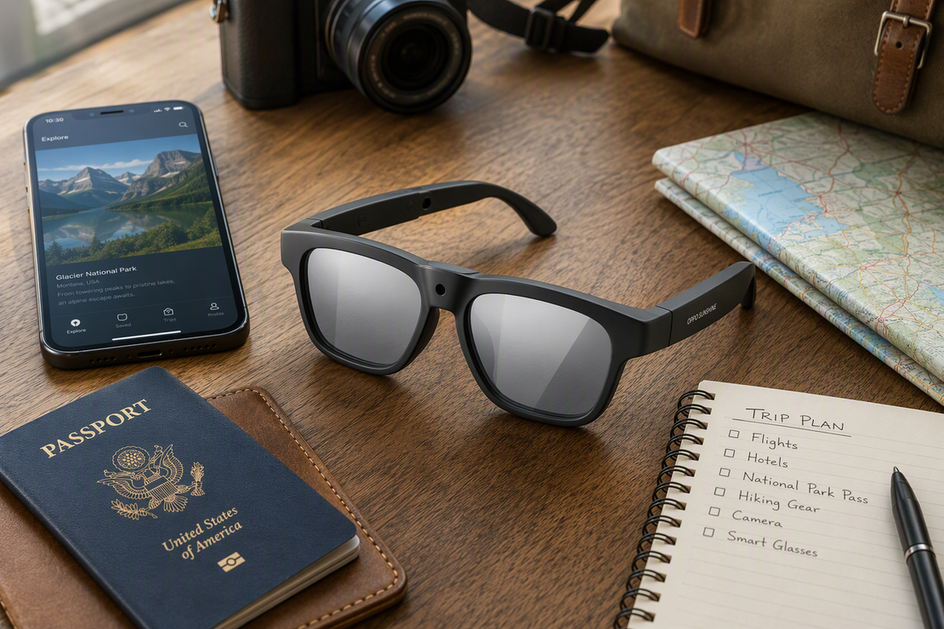
AI translation glasses can make ordering food or asking for directions feel effortless, but the language count on the box does not tell you whether the device will actually work on your trip. The real question is whether you have a complete, testable translation workflow, phone, app, connection, and a fallback, that matches the situations you will face. When an exchange is visual, urgent, or too important to get wrong, a phone or a human interpreter is often the safer primary tool, with the glasses as a convenience layer on top.
Start With the Travel Job, Not the Language Count
The travel job you need done, not the number of languages listed, decides whether translation glasses make sense. Match the scene to a mode first: spoken conversation, visual text, or a high-stakes exchange, each needs a different verified capability.

Short Spoken Exchanges
A quick back-and-forth with a shop clerk or a taxi driver is the strongest candidate for translation glasses, but only once you have confirmed the exact language pair and the two-way spoken workflow. These low-stakes moments are forgiving. If the first translation sounds off, you can repeat the sentence, slow down, or ask the other person to say it again without real cost.
Menus, Signs, and Labels
Reading a menu, a street sign, or a product label is a text or optical character recognition task, not a spoken-translation task. Treat it as a separate capability. If you need this, use a phone app that specifically documents camera-based text translation and check that it works on the fonts and languages you expect to encounter.
Business and Higher-Consequence Exchanges
Contract terms, medical instructions, and other exchanges where a misunderstanding is hard to undo deserve a phone workflow you already trust or a human interpreter. Keep that fallback ready any time getting the wording wrong could affect safety, a legal outcome, or another decision you cannot easily reverse.
| Travel Scene | Verified Glasses Fit | Fallback if Unverified |
|---|---|---|
| Quiet one-on-one conversation | Conditional: confirm language pair and two-way mode | Repeat, slow down, or switch to phone |
| Menus, signs, and labels | Not established: this is a text/OCR task | Documented phone camera-translation app |
| Noisy restaurant, airport, or transit | Test-first: confirm in the real scene | Move closer, repeat, or use phone |
| Business or high-consequence talk | Not recommended as sole method | Human interpreter or verified phone workflow |
Verify the Full Translation Workflow Before Buying
Before you buy, trace the entire path a sentence travels from your mouth to the listener's ear. A workflow you can verify beats a device label every time.

Trace the Input-to-Output Path
Find out whether the glasses capture your speech, hand it to a paired phone app, send it to a cloud service, and return the result through the built-in speaker or a phone screen. Confirm that your phone model and operating system are compatible with the companion app. Bluetooth pairing or voice control alone does not tell you which of these steps happen or where your speech actually goes.
Verify Language and Mode Support
Check the exact source and target language pair for spoken conversation separately from text and offline modes. A device that lists dozens of languages for spoken translation may support far fewer for offline or downloadable use, so confirm each mode on its own terms rather than trusting a single combined number.
Confirm the Recovery Path
Ask what happens if your phone loses signal, the companion app signs you out, or the first translation is unclear. You want a documented way to repeat the phrase, correct a misheard word, or drop back to typing on your phone. Our smart glasses connection checklist walks through the phone, app, Bluetooth, and Wi-Fi checks worth running before you commit to a pair for travel.
Test Latency and Noise Before You Trust the Experience
A quiet store demo tells you almost nothing about how the glasses will perform at a busy gate or a crowded café. Test the same language pair in the actual conditions you expect before you rely on it.
Why a Quiet Demo Is Not Enough
Background noise, room reverberation, microphone placement, and the transmission path between the glasses and the processing app can all change what the microphone actually picks up. Research on speech systems shows that background noise, microphone placement, and transmission conditions can affect speech-system performance, which is why a calm living-room test says little about a train platform.
Use a Three-Tier Travel Test
Run the same phrase through three tiers. Verified means the exchange is clear and you can recover easily in that exact scene. Conditional means you need to slow down, move closer, or repeat yourself, but it still works. Not ready means the workflow breaks down often enough that it should not be your only plan there. As a general testing principle, test under the conditions in which you expect to use the system: a quiet room, a restaurant, a transit hub, and a group conversation before you travel.
Check Latency by Consequence, Not by a Made-Up Number
Instead of chasing a specific delay figure, watch whether the pause between speaking and hearing the translation causes interruptions or missed replies. For anything important, build in a short confirmation step, such as repeating the key detail back, or switch to a method you can control more directly.
Choose the Right Translation Backup for Each Trip
No single tool covers every travel conversation, so match the option to the task and keep the other two ready as backup.
| Best-Fit Trip Task | Dependencies to Verify | Fallback or Limit |
|---|---|---|
| AI translation glasses: Hands-free, verified, recoverable spoken exchanges | Exact language pair, spoken mode, phone and app path, connection state, and recovery method | Make the phone primary if any required language, mode, or connection check fails |
| Smartphone translation apps: Documented visual text tasks or prepared offline use | Compatible phone and OS, app support, camera text mode, account, and data or offline behavior | Use glasses only for a separately verified spoken mode; do not assume one mode proves another |
| Human interpreters: Nuanced communication where context and recovery matter | Availability, language pair, and ability to handle the subject of the conversation | Keep a tested phone workflow for simpler exchanges when an interpreter is not available |
Ask Privacy Questions Before You Turn on Camera or Microphone Features
Camera and microphone features raise a separate decision from translation quality: who else can hear or see what the device captures. Ask these questions before you use the features around other people.
Understand Capture and Transmission
Look for a visible listening or recording indicator and learn what actually activates the microphone or camera. Then find out whether audio, transcripts, images, or video ever leave the device and travel to a server.
Check Retention, Review, and Deletion
Review the privacy policy for how long recordings are stored, whether a person can review them, how accounts are linked, how account authentication works, and how deletion and other security settings actually work. Consumer guidance on connected voice devices recommends that you check when audio is captured, where it goes, how long it is kept, and whether you can delete it before you trust a feature with sensitive conversations. A delete option in an app does not always guarantee that every stored copy or transcript is removed.
Use the Device Respectfully in Public
Follow local rules and venue policies before recording anyone, and give people a reasonable chance to know they are being recorded. For confidential conversations, choose a workflow whose data handling you already understand.
Run a Five-Step Pre-Trip Readiness Test
Turn everything above into one short readiness check before your trip.
- Confirm the exact spoken, text, and language-pair support you need for your destination.
- Pair the glasses and test the app, account login, phone and operating-system compatibility, Bluetooth connection, and data path at home.
- Role-play one quiet exchange and one loud one, such as a mock restaurant order with background music.
- Set up your phone's translation app as a backup, including any offline language packs it documents.
- Charge the glasses fully, pack the cable and case, and confirm camera or microphone permissions and recording controls before departure. Apply the same phone, app, Bluetooth, and Wi-Fi checks before you leave.
Where OHO SUNSHINE Edge Pro Fits
The OHO SUNSHINE Edge Pro is a candidate once your travel job is a verified, recoverable spoken exchange, not before.
The Buyer Condition It Matches
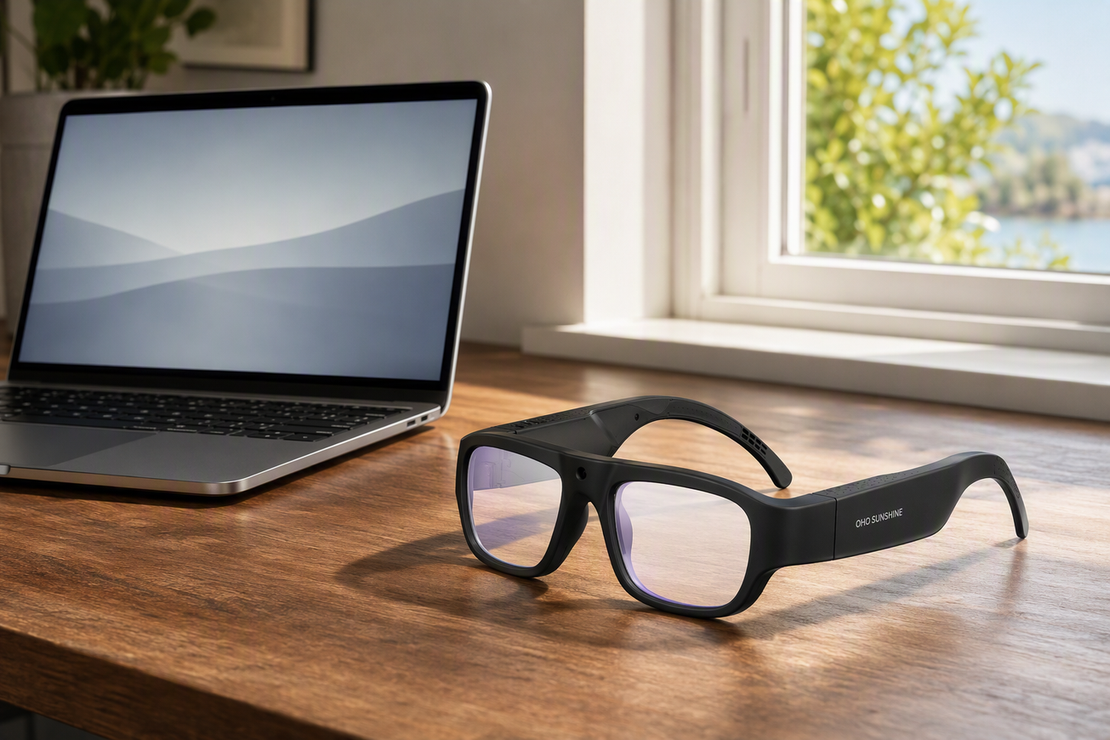
Edge Pro suits a traveler who wants one pair of glasses offering listed two-way translation across 165 languages, open-ear audio, a built-in microphone, Bluetooth 5.3, and voice or app control for hands-free use. It is a fit for someone willing to verify the complete workflow, not someone looking for a plug-and-play guarantee.
What the Listing Does Not Prove
A 165-language listing describes advertised capability, not proven accuracy for your specific language pair, and it does not establish phone independence, offline operation, or optical text reading. The listed 4K/30 fps camera is a recording feature; it does not establish translation latency, OCR, or noisy-environment performance. Confirm the phone, app, cloud, and internet path, the offline behavior, the noise and latency results, and the available privacy controls in your own checks before treating it as your primary travel tool.
When to Choose the Collection Instead
If you are still comparing options rather than ready to commit to a spoken-translation workflow, keep shopping instead of treating this model as a match. Compare listed features only after you have identified the language mode and connection state your trip requires.
FAQs
Do Translation Glasses Need a Phone?
Many models depend on a paired phone, a companion app, an account, or an internet connection for some or all of their translation modes, but the exact requirement is specific to the product and the mode you plan to use. Verify this for your exact language pair before you travel, and keep your phone's translation app ready as a fallback either way.
How Accurate Are Translation Glasses in Noisy Environments?
There is no reliable category-wide accuracy figure for noisy settings, so test your specific glasses and language pair in the actual restaurant, airport, or street conditions you expect. If the exchange is not recoverable there, switch to your phone or another method for that scene.
What Is the Difference Between Text and Spoken Translation?
Spoken translation processes a live conversation as you talk, while text translation reads printed or displayed words, usually through a phone camera and optical character recognition. A camera or 4K video specification on a pair of glasses does not by itself prove that it can read and translate text.
Are AI Translation Glasses Useful for Business Travel?
They can work for short, recoverable exchanges once you have verified the workflow and are comfortable with the device's privacy practices. For confidential, nuanced, or high-consequence business conversations, keep a trusted phone workflow or a human interpreter as your primary method.
References and Further Reading
- NIST Speech Signal to Noise Ratio Measurements: general guidance on how noise and microphone conditions affect automated speech-system performance.
- NIST OSAC technical guidance on data processing and relevant population selection: background for careful testing, not a translation-glasses benchmark.
- FTC voice assistant privacy guidance: consumer-facing questions to ask about recording, retention, and deletion for connected voice devices.


Lämna en kommentar
Denna webbplats är skyddad av hCaptcha och hCaptchas integritetspolicy . Användarvillkor gäller.