
























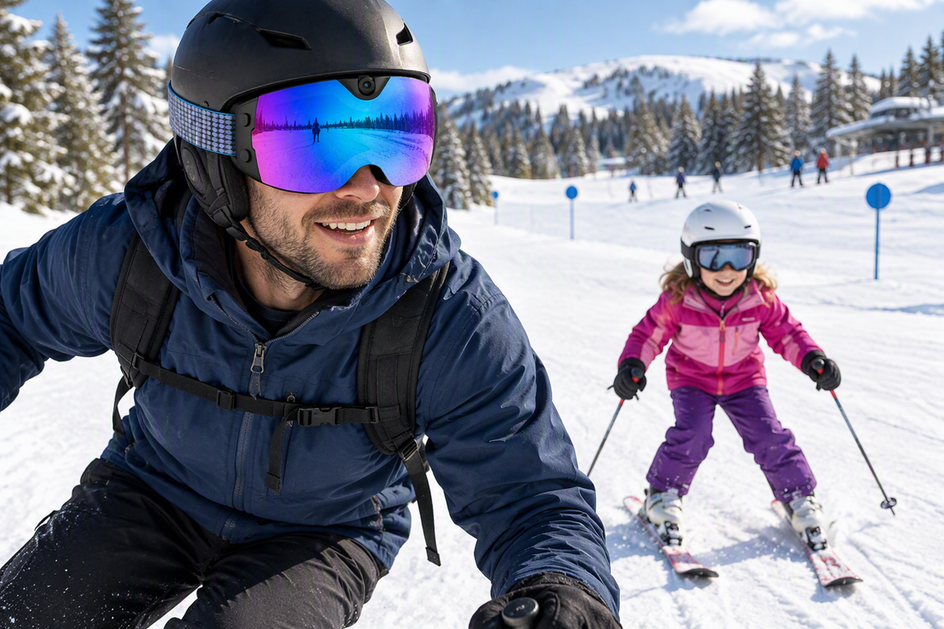
Hands-free camera goggles work best for filming a child's first ski lesson when an adult parent wears them, not the child, and the helmet-and-goggle fit has already been checked for clear vision. Most snow goggles with camera hardware are built and sized for adult wearers, so treat the camera feature as a tool that helps you supervise with both hands free, not as protective gear for your kid.
Before you rely on one for a real lesson, run a stationary test of the controls and framing. If that test fails, or the wearer or fit questions below are not resolved, a phone or a separate action camera used off to the side stays the more practical starting point.
When Hands-Free Camera Goggles Are a Fit for a Beginner's Ski Lesson
Camera goggles are conditionally suitable for this scene, not automatically safer than any other option. The three checks below decide whether they belong on your gear list for lesson day.
Choose the Wearer Before the Gear
Put the goggles on the parent, not the child, when the product is built for adult wearers. A camera feature does not change what protective gear a child needs, and assigning an adult-oriented product to a child just because the child is the subject of the footage skips that step. The parent stays responsible for watching the child ski; recording is a secondary task layered on top of supervision, never a replacement for it.
Check the Helmet, Fit, and Sight Lines Together
Try the goggles on with the exact helmet your child will wear, not a different one from a fitting room shelf. According to child helmet-and-goggle fit guidance from Boston Children's Hospital, the helmet should sit over the goggles without pushing them into an uncomfortable position, and your child should be able to see clearly in front and to both sides. An independent goggle and helmet fit checks guide from REI adds a practical detail: look for a "gaper gap," the space between helmet and goggle, and rule out pressure points on the nose, forehead, or eye corners. Anti-fog coatings, impact resistance, or UV protection on a camera goggle say nothing about whether it clears this fit test with your child's specific helmet, so this check needs to happen in person. A first-party helmet compatibility check walks through the same strap, frame, and gap questions if you want a structured list to work from.
Prove the Controls and Framing While Stopped
Practice every button or app control with the gloves and jacket sleeves you'll actually wear on the mountain, since thick gloves change what you can feel and press. Confirm the recording indicator is active, check that the framing looks reasonable, and pull one short clip off the device to review before the lesson starts. If you find yourself reaching to adjust the camera once you're moving next to your child, the hands-free setup has already failed the one job it's supposed to do.

Camera Goggles vs. a Phone or Action Camera for the Run
The right setup depends on the footage you actually want, not on which device has a camera built in. Match your filming goal to one of the three paths below.
Choose Goggles for a Simple Forward-Facing Clip
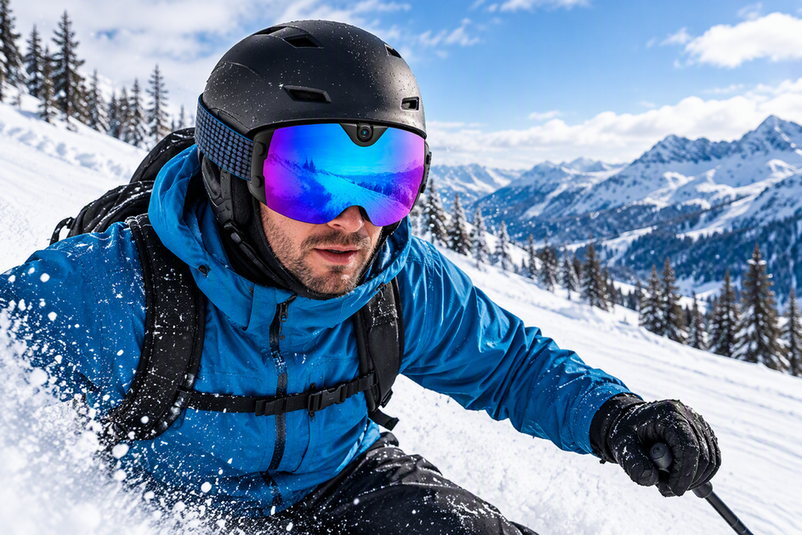
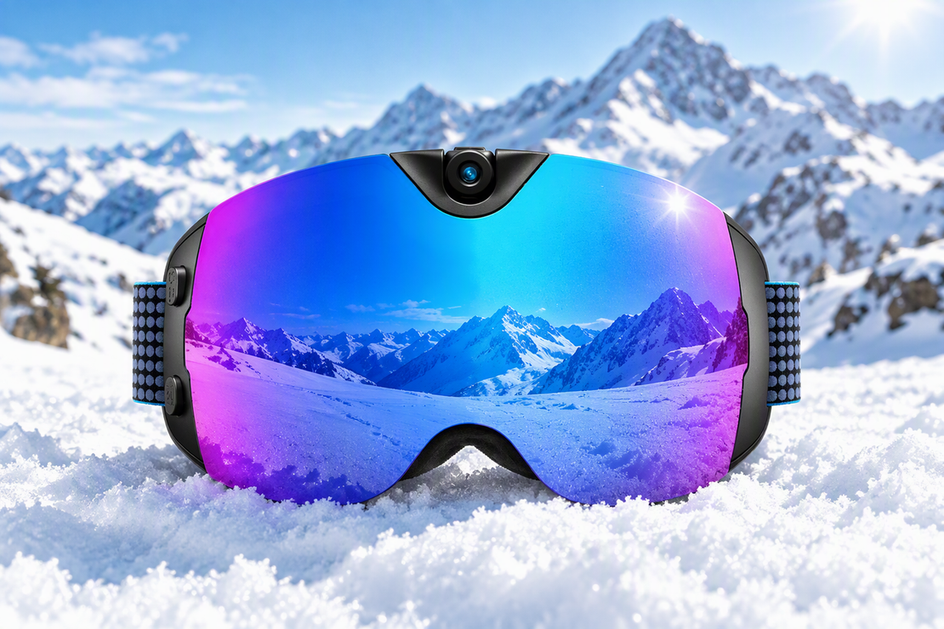
Camera goggles fit best when you want a straightforward, hands-free clip of the run from the parent's point of view and you accept that the frame follows head movement. Because the camera is integrated into the goggles, you skip a separate mounting decision, but the stationary control, framing, and clip-review test from the previous section still applies before you trust the setup on a real run. Our Skyshot goggles are one adult-oriented example built around this scenario: the listed specs include 4K/30 fps video, 24-megapixel photos, Wi-Fi transfer, USB-C charging, and button controls, and the anti-fog lens is meant to keep the view clear during active skiing. Those are useful features for this exact clip-capturing job, but they don't establish that the product fits a child wearer, works with every helmet, or holds up in every weather condition, so keep the adult-wearer and fit checks from the first section in place before you connect the Skyshot camera ski goggles to your own lesson-day plan.
Choose an Action Camera for Adjustable Viewpoints
A separate action camera is the better tool when you want self-facing shots, a repositioned angle, or footage that isn't tied to the direction the parent's head happens to be pointing. Mount, aim, and lock it down before anyone starts moving; the extra flexibility only pays off if the camera position is already settled, not something you fix mid-run while also watching your child. There isn't strong evidence that a separate action camera is more reliable than camera goggles overall, so the choice comes down to what angle your footage actually needs, not a general performance edge.
Use a Phone Only as a Stop-and-Record Fallback
Keep phone use to moments when you're stopped, or hand it to a second adult who isn't actively skiing next to the child. There isn't direct evidence comparing phone image quality or handling to camera goggles in this scenario, so treat this as a practical fallback rather than a technical verdict. If your goal is continuous hands-free footage while you're moving and supervising, a phone in your pocket or hand doesn't meet that condition without another person managing it.
If your wearer, helmet fit, and stationary test all check out and your goal is a simple forward-facing clip, take a closer look at the goggles above; if any of those checks are unresolved, a phone or action camera fallback is the more practical choice for now.
FAQs
What should I do if the first test clip is tilted or poorly framed?
Review the clip on a stationary preview before the lesson, not on the slope. If the shot is sky-heavy, ground-heavy, tilted, or off-center, adjust the goggle position or angle while stopped and record a new short test clip. A framing test walks through the same tilt, sky, ground, and centering checks if the first pass doesn't look right.
What if the child's helmet and goggles feel uncomfortable or leave a gap?
Stop using that particular helmet-and-goggle combination for filming until the fit is corrected. Adjust the strap, try a different goggle size, or swap the pairing entirely, and only resume once forward and side vision are clear with no pressure points or gap. A camera feature is never a reason to keep a combination that doesn't fit properly.
How should I plan recording time for a full day of skiing?
Plan around the goggles' listed battery life and the actual number of minutes you intend to record, not around an assumption that the device will capture an entire day. Our Skyshot goggles list a 90-minute battery figure, so build in a charging break or a spare device if you're filming multiple lessons; a battery life guide covers how clip length, settings, and cold weather affect that runtime in practice.



Zostaw komentarz
Ta strona jest chroniona przez hCaptcha i obowiązują na niej Polityka prywatności i Warunki korzystania z usługi serwisu hCaptcha.