
























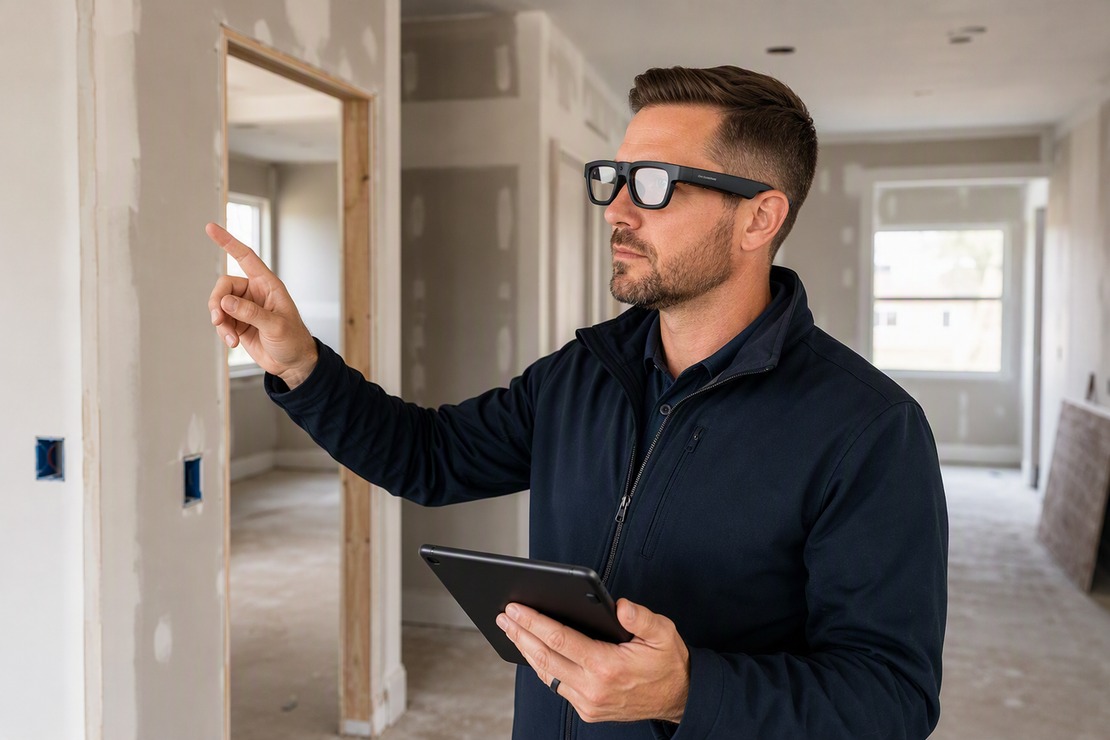
Sunglasses with camera and Bluetooth can record first-person video and voice notes for property and site walkthroughs, but the microphone and wireless audio do not by themselves prove a usable, synchronized file. Before you rely on this type of eyewear for inspection records, confirm three things: the glasses actually create video, the recorded voice track stays clear as noise changes, and the audio lines up with what you see.
This guide walks through that test and shows where camera focused and Bluetooth focused models fit a real walkthrough.
What can camera and Bluetooth glasses document on a walkthrough?
Camera and Bluetooth glasses can capture a first-person video of the space you walk through and, on many models, an audio track from a built-in microphone. That combination supports room-by-room inspection notes, renovation progress records, and hands-free visual documentation once you confirm the audio is actually working.

Before you count on that record for a real job, it helps to separate what the hardware promises from what a finished file actually proves.
The minimum useful walkthrough record
Seeing a room through a camera lens is not the same as producing a file you can hand to a client or file for later review. The useful record is a video that includes spoken notes you can still understand when you play it back later. Confirm that the audio track exists and lines up with the video in an actual test recording, not just in the spec sheet, before you trust the workflow for a real property or site. Our field inspection workflow guide covers a fuller capture-and-review routine if you want a repeatable process for regular inspections.
Where the workflow fits and where it does not
- Fits: room-by-room inspections, renovation progress notes, and hands-free visual documentation once the video and audio are verified together.
- Does not fit: Bluetooth listening, calls, or voice commands on their own. Those features prove the glasses connect and play audio; they do not prove the glasses recorded video, so treat them as a separate capability until you confirm otherwise.
- Does not fit: live translation or AI chat features as a substitute for the recorded documentation task. Those are useful add-ons, not evidence of a working walkthrough file.
How microphone placement affects voice commentary
An integrated microphone records from wherever it sits on the frame, so its distance from your mouth and from the nearest noise source both shape whether your commentary stays understandable. No spec sheet claim about Bluetooth or "built-in mic" tells you how that plays out on your actual route.

Fieldwork guidance built for interview-style audio recording still applies here: choose a recording location away from vents, traffic, and machinery, and keep the microphone as close to the speaker as the design allows, according to the Library of Congress's fieldwork recording guidance. That same principle should shape how you judge glasses-based commentary before testing specific environmental conditions.
Evaluate the microphone in three sound conditions
- Quiet indoor baseline: speak normally in an empty room and check whether the playback sounds natural without you raising your voice. If it does not, shorten your notes and try again before moving to a noisier space.
- Moderate noise: test near HVAC, running appliances, or ordinary site activity. If speech is still clear, the glasses can likely handle routine walkthroughs; if it is muffled, plan to pause near quieter spots to narrate.
- High noise: test in wind, near machinery, or in traffic. If speech is masked, the video may still be useful for visual evidence, but treat spoken narration as unreliable in that setting rather than assuming the microphone will compensate.
What microphone placement can and cannot tell you
Placing the microphone closer to your voice and away from noisy fixtures is good recording practice, and it is one reason to test a given frame's physical design before you buy. It is not proof of noise cancellation, and it does not guarantee clear speech in every environment. Treat the placement as a factor worth checking on your intended route, not as a performance claim from the listing.
How to test audio-video synchronization before relying on glasses
A microphone listed in the specifications is not the same as a verified annotated video file, so test the pairing before you depend on it for a real walkthrough. The same fieldwork guidance that supports close microphone placement also supports checking recordings against a known event, and the Library of Congress's recording verification advice is a useful model to borrow for a short glasses test.
- Put on the glasses and start a recording in a quiet room.
- Speak a short phrase, such as a room name or a number, at the same moment you create a visible event: open a door, tap a surface, or hold up a card with a number on it.
- Stop the recording and review the exported file. Confirm it contains audio, that the speech is understandable, and that the spoken phrase lines up with the visible event.
- Repeat the same test in the noise conditions you actually expect on the job. If the file passes in both settings, proceed. If it fails, retest after checking your recording mode and the manual, or plan to narrate separately.
How to plan battery for one or multiple sites
Once you know the recording and sync workflow works, the next practical question is whether the battery will last the route. A listed "battery working time" describes the manufacturer's test conditions, not necessarily continuous video and microphone use on your specific walkthrough.
For one property or site
Estimate the whole visit, not just walking time: include pauses, retakes if the sync test failed somewhere, and any review you do on site. Run a short recording-mode battery check using the same video setting and microphone use you plan to rely on, since that combination draws more power than standby or audio-only use. Leave enough charge in reserve to finish and safely stop the file rather than cutting it short mid-property.
For multiple properties or sites
- Schedule routes around your measured continuous recording runtime in the actual mode you use, not the full range on the spec sheet.
- Identify a charging or transfer point between sites, and carry a spare battery or power bank if the day cannot tolerate a dead pair of glasses.
- Match your storage capacity to the number of clips you expect, and confirm each transferred file still plays with audio before you clear device storage. Our camera-glasses file management guide walks through storage and transfer planning for repeated workdays in more detail.
Which glasses fit your walkthrough?
When choosing sunglasses with camera and Bluetooth for site walkthroughs, the remaining choice is which type of glasses matches the job. If the glasses themselves must produce the first-person video, a camera-equipped model is the relevant starting point; if the task is Bluetooth audio or voice interaction while another device handles the visuals, a Bluetooth-focused model is the better fit.
Camera-first versus Bluetooth-first fit
| Product | Supported capability | Walkthrough fit | Next verification |
|---|---|---|---|
| Edge Pro camera glasses | Listed 4K/30 fps camera, built-in microphone, Bluetooth 5.3 | Best starting point when the glasses must capture first-person video and spoken notes | Confirm the recorded file embeds audio and passes the sync test on your route |
| GlobeEar Bluetooth glasses | Listed Bluetooth audio, built-in microphone, no camera or video-recording spec on record | Fits Bluetooth audio or voice interaction only when a separate device captures video | Confirm your visual-capture device separately; do not expect video output from this model |
Our Edge Pro's listed camera and microphone make it the supported starting point for a walkthrough that needs the glasses themselves to produce video, provided you still run the audio and sync test above. GlobeEar's listed Bluetooth audio and microphone can support hands-free calls or narration alongside a separate camera, but the product record does not list a video-recording capability, so do not treat it as a camera substitute. For a broader look at which specs matter for hands-free video beyond these two models, our camera glasses buyer framework compares stabilization and resolution trade-offs.
The final site and PPE boundary
Camera glasses do not replace the eye and face protection required on an active construction site. Federal rules require appropriate eye or face protection when workers face hazards such as flying particles or chemical exposure, per OSHA eye and face protection standard, and that requirement stands regardless of what any eyewear claims to record. Confirm your site's PPE, access, privacy, and recording rules before you rely on any glasses for a walkthrough, and only proceed once the file and site requirements both pass.
FAQs
What should I do if the test audio is clear but out of sync with the video?
Treat the workflow as unverified. Check your recording mode and the manual for that setting, then repeat the landmark test rather than assuming the misalignment was a one-time glitch. Do not rely on the footage for timestamp-sensitive records, such as a dated inspection log, until a repeat test confirms the audio and video stay aligned.
How should I organize camera-glasses files from multiple properties or sites?
Use a separate folder or a consistent filename convention for each property or site, such as the address and date, so clips do not get mixed up during a busy day. Transfer and spot-check files after each stop when your schedule allows, and confirm the copied file still contains its audio track before deleting or reusing the device's storage.
How should you handle voice commentary in loud or windy site areas?
If heavy machinery or wind masks your speech during a walkthrough, record the visual footage hands-free and pause in a quieter, sheltered area to narrate summary notes. Do not assume built-in frame microphones feature active noise cancellation capable of isolating speech in high-noise environments.



Leave a comment
This site is protected by hCaptcha and the hCaptcha Privacy Policy and Terms of Service apply.