























Smart glasses now range from premium fashion technology to practical, feature-focused wearables. Some buyers want a polished brand ecosystem and a familiar frame. Others care more about audio, translation, recording, battery life, or price. The better choice is not always the most expensive model. It is the pair that matches how you plan to use it.
Why Premium Smart Glasses Appeal to Some Buyers
Premium smart glasses often combine recognizable design with a connected software experience. Ray-Ban Meta glasses are a clear example. They pair familiar Ray-Ban styling with Meta AI, open-ear audio, hands-free calls, messaging, and built-in camera functions.
That combination can appeal to buyers who value fashion as much as technology. The glasses look familiar, work within a major digital ecosystem, and include connected features that can fit naturally into daily routines.
Premium options may be a strong fit for people who want:
- A well-known fashion brand
- Integrated AI and social features
- Hands-free photos and videos
- Open-ear music and calls
- A broad selection of frame and lens combinations
The main value is not one isolated feature. It is the way design, hardware, software, and brand experience work together. Buyers who already use Meta services may also find the ecosystem more familiar.
Still, premium positioning does not automatically make one pair the right choice for every person. Some users need a simpler tool with a clearer purpose.
When Affordable Smart Glasses Make More Sense
Affordable smart glasses can make sense when buyers care more about specific functions, style options, and budget flexibility than a premium brand or tightly integrated ecosystem. They can also be useful when one function matters more than the rest.
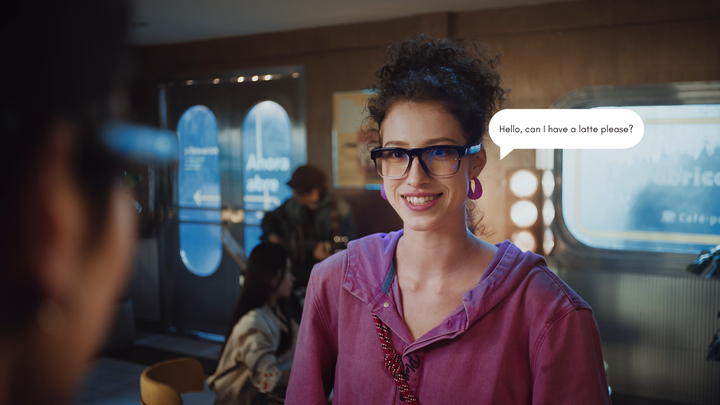
A traveler may care most about real-time translation. A cyclist may want hands-free recording. A commuter may prioritize Bluetooth audio glasses with long battery life. Another buyer may prefer a different frame shape from the styles commonly associated with premium smart eyewear.
Feature-focused models can be especially practical for:
- First-time smart glasses buyers
- Users with a specific audio, translation, or camera need
- People who want more frame or lens choices
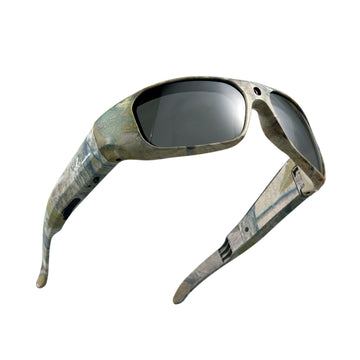
- Outdoor users who want hands-free recording
- Buyers who prefer a lower entry point
Affordable does not have to mean basic. Affordable models can still deliver strong audio, translation, camera, and lens features when those functions match the buyer’s main use case.
The most valuable smart glasses are often the ones that solve a regular problem without adding unnecessary complexity.

Features to Compare Before Buying Smart Glasses
Price and brand recognition matter, but they should not be the only deciding factors. Buyers should compare how each pair handles the tasks they expect to use most often.
AI and Translation Features
AI smart glasses may provide voice assistance, answers, translation, or app-based tools. However, these functions are not identical across brands.
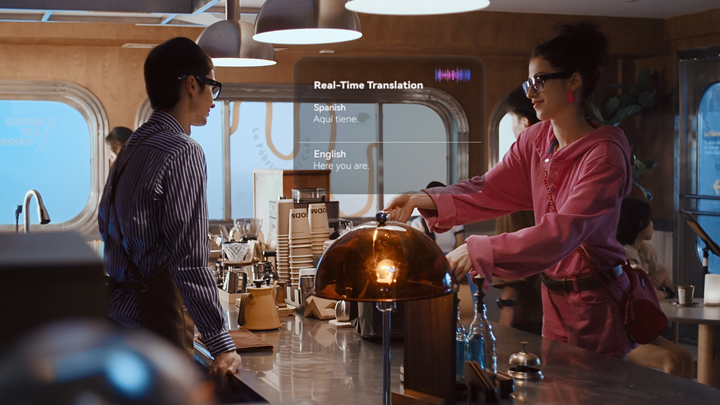
Some premium glasses connect closely with a larger AI ecosystem. Other models focus on practical travel features, such as real-time translation across many languages. Buyers should check whether a feature requires a phone app, internet access, an account, or availability in a supported region.
The most useful AI feature is the one that fits a real routine. A traveler may value translation more than social sharing, while a commuter may care more about quick voice controls.
Audio and Hands-Free Calling
Open-ear audio places speakers near the ears without sealing the ear canal. This lets users hear music, calls, and spoken content while remaining aware of nearby sounds.
Premium and affordable Bluetooth audio glasses can both use this format. The important differences may include volume, microphone clarity, bass response, call quality, battery life, and physical controls.
Buyers should also consider where the glasses will be used. Audio that sounds clear in a quiet office may perform differently near traffic, wind, or a busy station.
Camera and Recording Quality
Camera features vary widely. Some smart glasses focus on quick social photos and short clips. Others are built around longer first-person recording, greater storage, or image stabilization.
Electronic Image Stabilization, commonly shortened to EIS, helps reduce visible shake during movement. It can be useful for cycling, hiking, walking tours, and travel recording.
Buyers interested in smart glasses with camera functions should also compare:
- Video resolution
- Recording time
- Available storage
- Audio recording
- Camera controls
- File transfer methods
A larger feature list does not always produce better footage. Stability, lens position, ease of control, and the intended activity may matter as much as resolution.
Comfort Style and Battery Life
Smart glasses are still glasses. Weight, frame shape, pressure points, lens type, and material affect whether they remain comfortable after several hours.
Premium buyers may prefer iconic frame designs and a wider fashion selection. Feature-focused brands may offer more sport frames, camera designs, photochromic lenses, blue light blocking lenses, or impact-resistant options.
Battery life should be compared according to actual use. Continuous audio, video recording, calls, and AI functions can consume power at different rates. Actual runtime can vary with audio volume, call time, video recording, and AI use, so buyers should compare battery life based on the features they expect to use most.
Price and Device Ecosystem
Premium pricing often reflects established design, ecosystem integration, software support, and brand positioning. Affordable models may focus more closely on individual functions and offer a wider range of entry prices.
Before buying, check:
- Phone compatibility
- Required apps and accounts
- Charging method
- Prescription lens support
- Storage options
- Warranty and return policy
A connected ecosystem can be valuable, but only when the buyer plans to use it. Someone who mainly wants Bluetooth audio or outdoor recording may not need every available feature.
Which Smart Glasses Fit Different Use Cases
Different priorities can point buyers toward different types of smart glasses. The table below is not a ranking. It is a practical way to narrow the search.
|
Buyer Priority |
Type That May Fit Better |
Why |
|
Premium fashion and brand recognition |
Premium smart glasses |
Familiar styling and a polished brand experience |
|
Integrated AI and social features |
Premium smart glasses |
Stronger connection to a large software ecosystem |
|
First smart glasses purchase |
Affordable smart glasses |
Lower entry point for testing everyday usefulness |
|
Real-time language support |
Translation-focused smart glasses |
Communication features are central to the product |
|
Outdoor POV recording |
Greater focus on movement, storage, and recording controls |
|
|
Music and hands-free calls |
Bluetooth audio glasses |
Audio and microphone performance take priority |
|
Different frame and lens options |
Feature-focused smart glasses |
More options across sport frames, camera designs, photochromic lenses, and blue-light-blocking lenses |
The best fit depends on the main task. Buyers who search for one pair that leads every category may end up paying for features they rarely use.
Where OHO Sunshine Fits in the Smart Glasses Market
OHO Sunshine offers a broad smart eyewear lineup built around different daily, travel, audio, translation, and hands-free recording needs.
For everyday audio, models such as Elite and Pulse combine open-ear listening, hands-free calls, adjustable sound, and long playback time. Selected Bluetooth models also emphasize fuller audio output, low distortion, and comfortable frames for commuting, driving, and outdoor use.
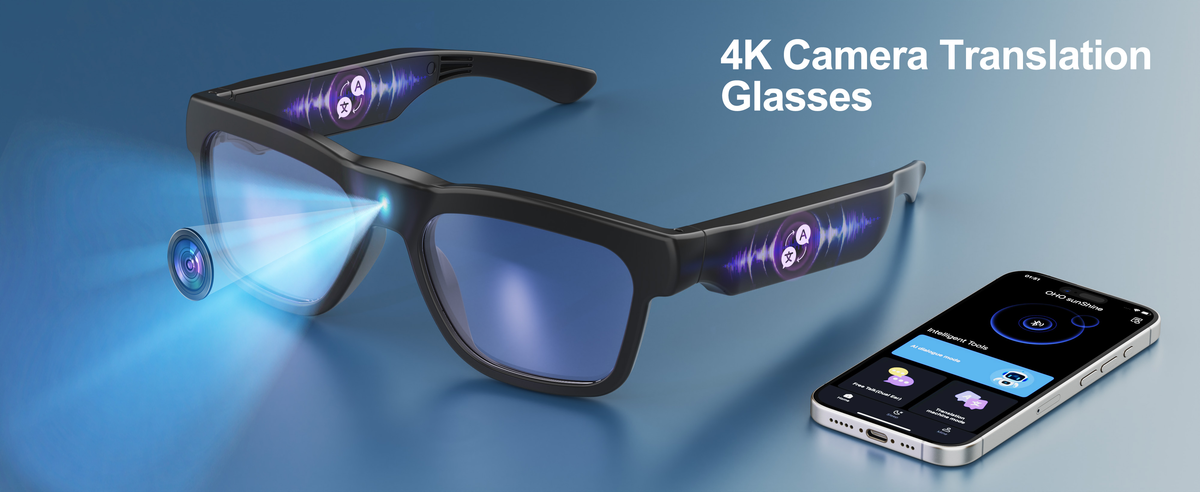
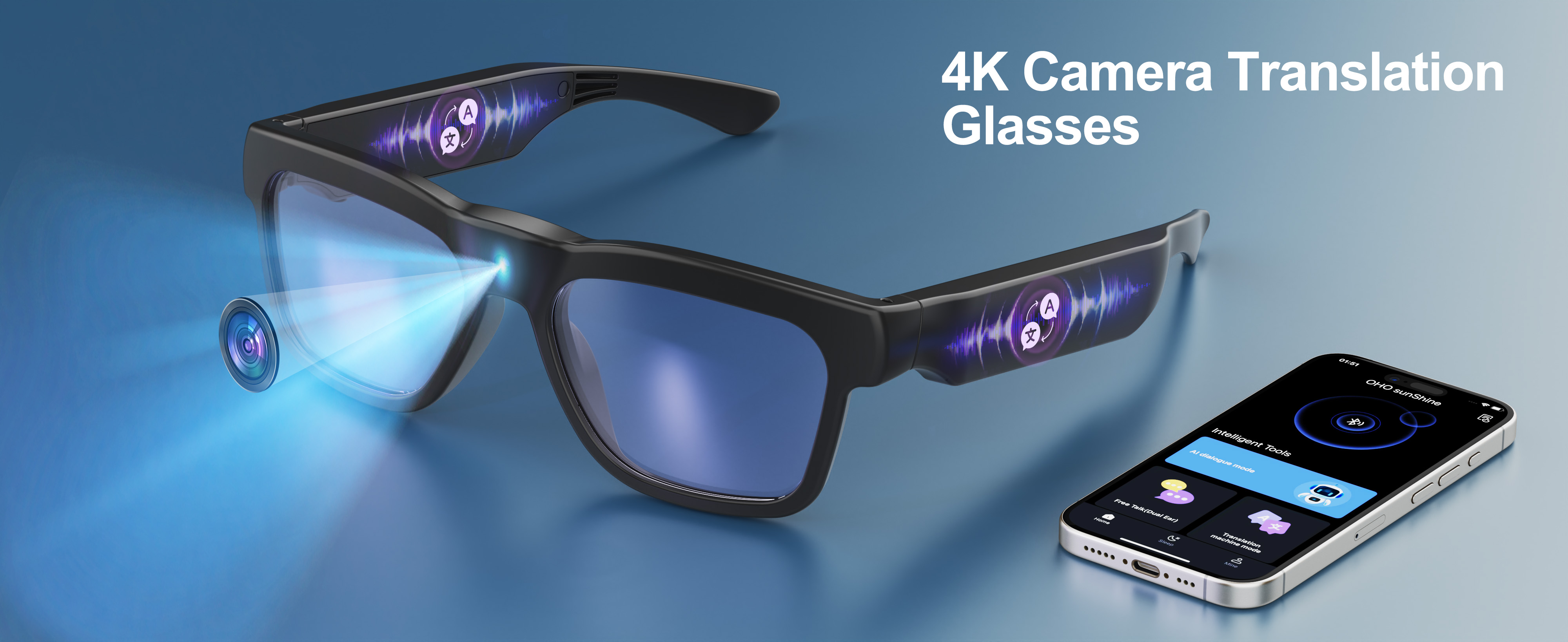
For AI-assisted communication, GlobeEar and Elingo provide Bluetooth audio, AI Chat, and real-time translation for travel and multilingual conversations. GlobeEar further combines these functions with daily-wear lens features and extended playback, while Elingo offers another accessible option for users focused on audio and translation.
Camera-focused buyers also have several options. Primex EIS centers on 2K video and Electronic Image Stabilization for active recording. Brave offers 4K video and 24MP photos. Livi adds Wi-Fi transfer and 1080P recording, while Vidsoul combines 1080P video and 24MP photos with polarized lenses. Edge Pro brings together 4K recording, Bluetooth audio, and real-time translation in one frame.
Selected camera models also offer features such as centrally positioned cameras for a more natural first-person view, automatic video segmentation, support for larger storage capacities, and recording while charging. Flexible frame materials add comfort and durability for longer daily and outdoor use.

Choose the Smart Glasses That Match Your Priorities
Premium smart glasses can justify their cost when brand design, AI integration, and ecosystem features matter most. Affordable AI smart glasses may fit better when audio, translation, recording, lens options, or price take priority. Compare the function you will use every week, then explore OHO Sunshine’s smart glasses lineup to find a model that fits that routine.
FAQs
Q1. Do Smart Glasses Need an Internet Connection?
Not every function requires internet access. Bluetooth audio and basic controls may work through a phone connection, while AI responses and real-time translation often require online access. Check the product requirements before traveling to areas with limited coverage.
Q2. Can Smart Glasses Use Prescription Lenses?
Some frames support prescription lens replacement, but compatibility varies by model. Buyers should confirm the frame design and available prescription service before ordering. A qualified optical provider may also need to inspect the frame.
Q3. How Should Smart Glasses Be Cleaned?
Use a clean microfiber cloth for the lenses and avoid soaking the frame because it contains electronics. Keep strong cleaners away from speakers, microphones, buttons, and charging ports. Follow the manufacturer’s instructions for each lens coating.
Q4. Are Smart Glasses Allowed Everywhere?
Recording rules vary across workplaces, private businesses, schools, events, and public spaces. Camera features should be used in line with local privacy laws and venue policies. Check the rules before recording in workplaces, schools, events, or private businesses.




Leave a comment
All comments are moderated before being published.
This site is protected by hCaptcha and the hCaptcha Privacy Policy and Terms of Service apply.