
























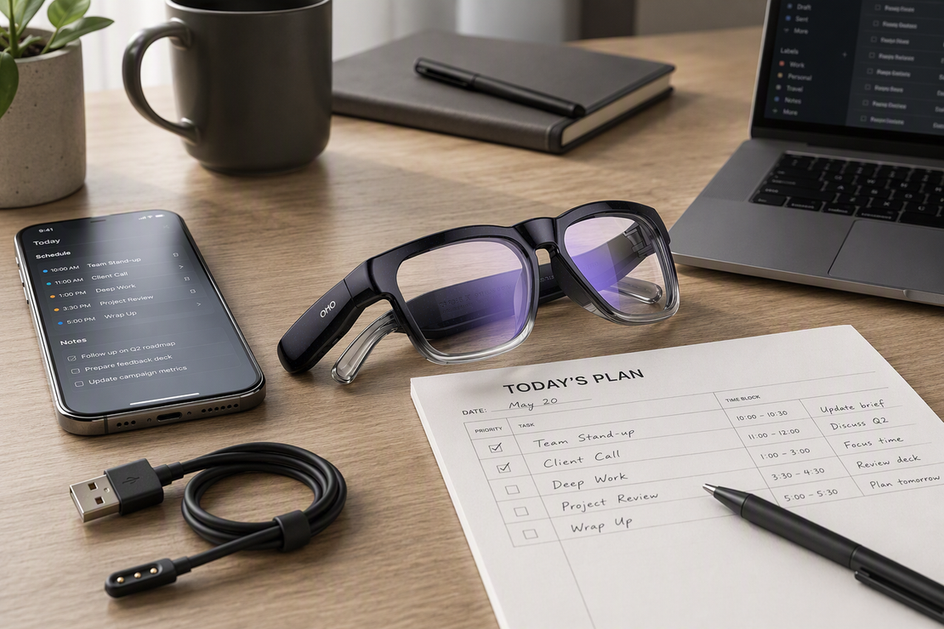
Smart glasses can fit a mixed workday, but the hardest active task should set your battery and interruption plan. Use the worksheet below to separate passive wear, calls, translation, and recording, then check comfort, lens needs, and model-specific charging guidance before you buy.
How to Fill a Smart-Glasses Task-Load Worksheet
The worksheet should map each workday block to its task, duration or repetition, activity level, importance, and fallback. Mark the highest-pressure required block and the first block that would interrupt work if the glasses became unavailable.
| Workday task | What to log | Relative pressure label | Comfort or heat pinch point | Battery or charging fallback |
|---|---|---|---|---|
| Passive wear | Hours worn with no active feature running | Low | Nose and temple pressure after 2+ hours | None usually needed; recheck fit |
| Calls/audio | Number and length of calls or playback sessions | Medium | Warmth around temples during back-to-back calls | Short charge break between call blocks |
| Translation | Number of sessions and typical length | Medium-high | Screen or app dependence, phone battery drain | Pair with phone charger; log a lower-load fallback |
| Recording | Number of clips and rough total minutes | High | Frame warmth near the camera housing | Charge before the block; keep a backup device |
| Mixed-use blocks | Which tasks overlap and how often | Highest | Combined heat and comfort fatigue | Plan the earliest possible charge window |
Fill in your own numbers for a real workday, not an average one. Passive wear rarely stresses a battery, but calls, translation, and recording each add active workload, and stacking them raises pressure faster than any single task would. CNET's testing notes that battery results depend on the tasks you perform, since alternating calls, photos, video, and AI requests changes daily battery behavior compared with passive wear alone.

Once your rows are filled in, find the single task you cannot skip or delay if the battery runs low. That task, not your day's average use, decides the battery and interruption fit for your schedule. This highest-pressure task also shows the interruption risk: if the battery may run low before it starts, schedule a charge or trigger the planned fallback, such as a phone or lower-load mode. If that task sits in the recording or mixed-use row, plan your charging and fallback around it first.
Plan Battery, Heat, and Charging Around the Hardest Task
Battery and heat problems usually show up during the hardest required task, so build your charging plan around that block instead of the whole day. Schedule a charge or a short break right before your least flexible active task, whether that's a translation session, a call, or a recording block. If the schedule won't allow a break, define a lower-load fallback in advance, such as switching to audio-only use, going passive for a stretch, or having a phone ready to take over.
Exact working times, active-use battery behavior, and charging limits vary by model, so check the manual for your exact pair before relying on any listed number during a demanding block. A stated battery figure is not a guarantee of continuous translation or call time. Our smart-glasses connection checks walk through phone, app, and Bluetooth steps worth confirming before a long or mixed-use day.
Charging habits matter too. As a general precaution, do not charge a wearable lithium-ion device below 32°F or leave it somewhere hot, and follow your device's exact charging instructions rather than a generic rule. OSHA identifies unusual heat, venting, and smoke as battery warning signs. If you notice any of these signs, stop using or charging the device and follow the manufacturer's safety instructions. For swelling, cracks, or other visible battery damage, follow the manufacturer's instructions before using or charging the device. Do not push through a warning sign to finish a work session.
Budget Comfort and Lens Needs for a Long Workday
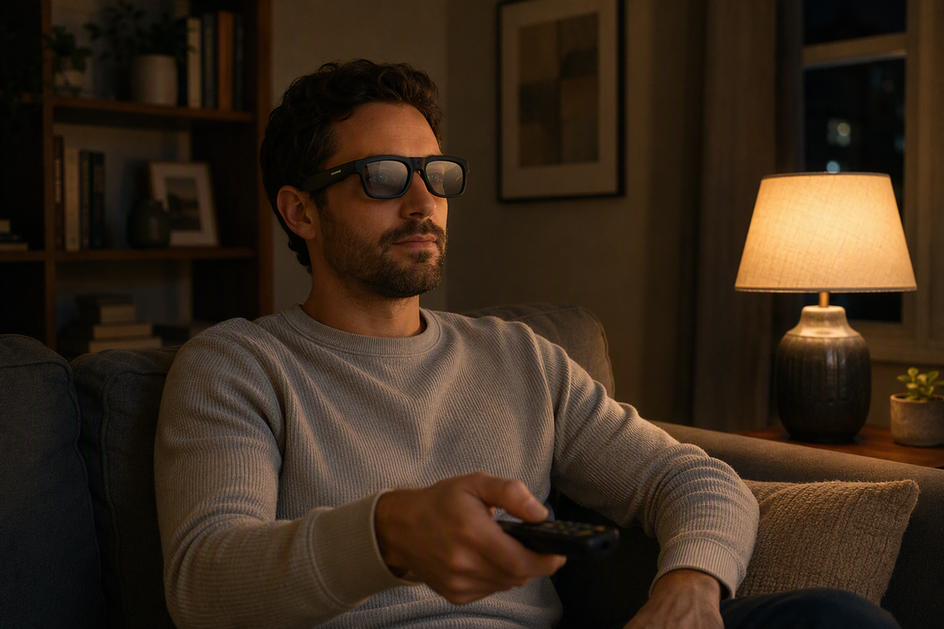
Comfort during a long workday is a fit test for your actual work block, not a universal claim any smart glasses can promise. Try the pair through a realistic stretch of your day and check nose and temple pressure, whether heat builds up under the frame, and whether you keep wanting to take them off. A pair that feels fine for an hour of passive wear can still feel tight during a two-hour translation or call session.
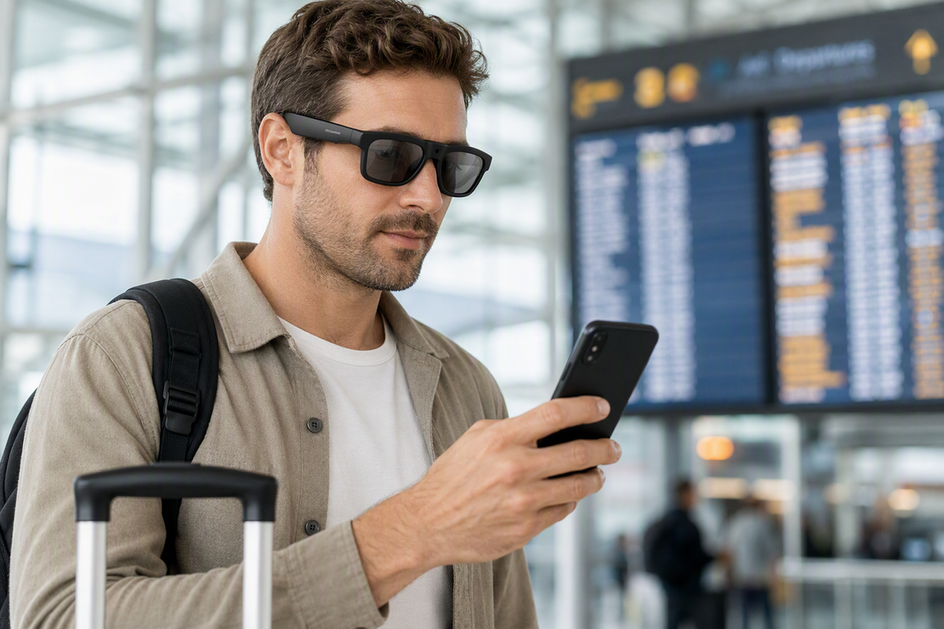
Lighting changes are worth planning for separately. If your day moves between indoor and outdoor light, checking for a documented photochromic lens can be a reasonable step, but treat it as a listed feature to verify rather than a promise about how fast or how well it will transition for your exact model. The same goes for blue-light-related labeling: it describes a lens feature, not a proven reduction in eye strain, unless the maker's documentation backs that claim directly. If you wear a prescription, confirm lens replacement or compatibility details for the exact model before buying, since options vary by product line.
Choose the Smart-Glasses Setup That Matches Your Workday
Choose the audio-and-translation setup when recording is not required; choose the camera-equipped setup when video or photo capture is required. Then match the choice to the active-use battery and documentation conditions for your task mode.
| Workday requirement | Supported choice and documented task fit | Battery or documentation boundary |
|---|---|---|
| Audio, calls, and translation, no required recording | GlobeEar translation glasses are documented for Bluetooth audio, ENC hands-free calling, and AI chat translation, with a listed 10-hour battery working time | That figure is not a guarantee of continuous translation or call time; verify active-use behavior for your session pattern |
| Video or photo capture required, alongside translation or audio | Edge Pro camera translation glasses are documented for 4K/30fps video, 24MP photos, real-time translation, and Bluetooth audio, with a listed 1.5-20 hour battery working-time range | The wide range reflects different operating modes; it is not a guaranteed recording runtime for any single session |
The two listed configurations serve different task mixes, not one generic all-day promise. If your worksheet shows recording as a required, non-negotiable block, Edge Pro's camera and translation features match that workload directly. If recording never enters the picture and your pressure comes from calls and translation instead, GlobeEar's audio and translation feature set fits without paying for camera hardware you won't use. Anyone comparing translation-focused options broadly can browse our AI translation glasses collection to see both configurations side by side.
Before buying either option, confirm the active-use battery behavior for your specific task mode, the phone or app pairing requirements, and any storage limits tied to recording, since those details sit in the product manual rather than the spec sheet.

FAQs
Can you wear smart glasses all day?
Some pairs can stay on through a mostly passive workday, but "all day" changes once you add repeated calls, translation, or recording. Fill in a task-load worksheet first: if your hardest required task is light and infrequent, all-day wear is realistic; if it's frequent or non-negotiable, plan a charge or fallback instead of assuming the glasses will last unaided.
How long do smart glasses last during calls or recording?
Calls, translation sessions, photos, and video recording should each be logged as separate active blocks rather than lumped into passive wear time. Battery results can change with the tasks you perform, so check the manual for active-use figures and plan a charge or backup device before the heaviest block rather than assuming a listed working time covers it.
Do smart glasses get hot during long workdays?
Heat behavior varies by model and by task, so there's no universal temperature to expect. If the device becomes unusually hot, vents, or smokes, stop using and charging it and follow the manufacturer's safety instructions instead of finishing the session.
Are smart glasses comfortable for work?
Comfort is a fit test you run during your own realistic work block, not a fixed spec. Check nose and temple pressure, whether heat builds up under the frame during active use, and whether open-ear audio works for your privacy needs. Also verify prescription compatibility and any model-specific photochromic or other lens features before buying. A pair that's comfortable for passive wear can still feel different during back-to-back calls or translation sessions.
What should I verify before buying smart glasses for work?
Confirm active-use battery behavior for your specific task (calls, translation, or recording), the exact charging and operating temperature limits, any phone, app, or network dependency, storage capacity if you'll record, and lens compatibility if you need a prescription or specific photochromic feature. These details live in the product manual, not the general spec sheet.


Hinterlasse einen Kommentar
Diese Website ist durch hCaptcha geschützt und es gelten die allgemeinen Geschäftsbedingungen und Datenschutzbestimmungen von hCaptcha.