























Smart glasses are worth buying when they make something you already do easier, such as taking calls, listening to audio, recording hands-free clips, or getting translation help while traveling. They deliver the most value when they are tied to a clear daily use, not just a one-time tech purchase. Before buying, start with one question: what task should these glasses improve?
What Smart Glasses Are Actually Useful For
Smart glasses are useful when they move common phone or earbud tasks into a wearable frame. The main benefit is simple: your hands stay free, and your ears can stay more open to the world around you. Common uses include:
- Open-ear audio: Listen to calls, music, podcasts, or navigation without fully blocking nearby sounds.
- Hands-free calling: Take calls while walking, driving, working, or moving between tasks.
- Camera capture: Record quick first-person photos or videos without holding a phone.
- AI translation: Get help with short travel questions, casual multilingual conversations, or light business communication.
- Voice controls: Use simple spoken commands or phone assistant access with less phone handling.
- Outdoor and travel use: Keep audio, calls, recording, or translation easier to access while moving.
These features are most valuable when they fit something you already do often. A commuter may care most about audio and calls. A traveler may care about translation. A creator, cyclist, or outdoor user may care more about hands-free recording.

Which Type of Smart Glasses Fits Your Use Case
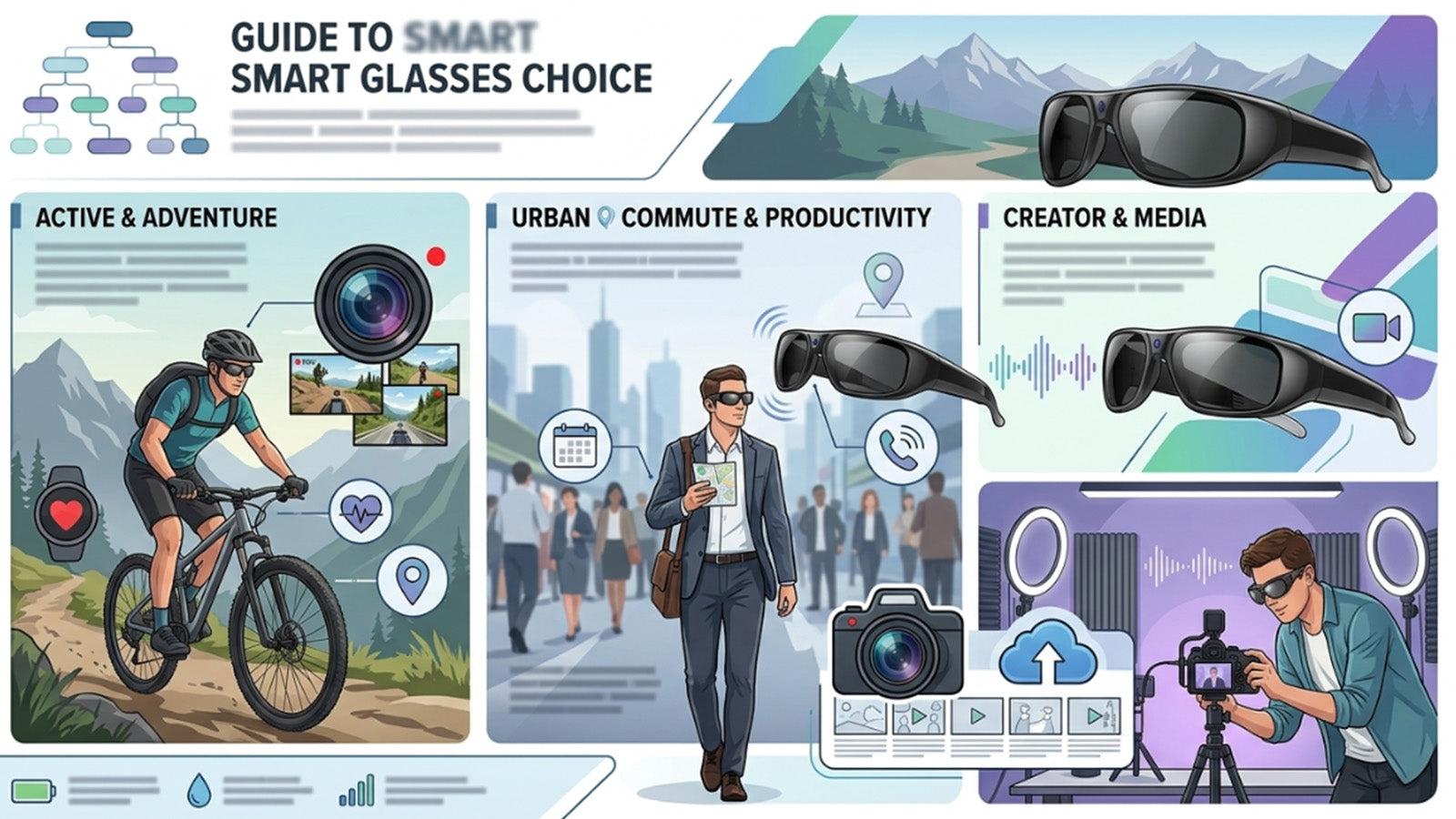
Different smart glasses are built for different needs. Before buying, match the product type to the task you care about most.
The table below gives a simple way to compare common smart glasses categories.
| Main Need | Smart Glasses Type | Best Fit |
| Calls, music, podcasts, and directions | Bluetooth audio glasses | Commuting, walking, driving, and daily listening |
| Photos or video from your point of view | Camera glasses | Travel, outdoor activity, hands-free capture, and casual content |
| Cross-language conversations | AI translation glasses | Travel, trade shows, multilingual families, and language practice |
| Voice tools and connected tasks | AI smart glasses | Quick questions, phone assistant access, and light productivity |
| Sports or outdoor recording | Activity-focused smart glasses | Cycling, fishing, hiking, skiing, and movement-based capture |
If audio is your main need, start with Bluetooth audio glasses. If travel or multilingual communication matters more, compare AI translation glasses instead. Buyers who want recording should look closely at camera quality, storage, transfer method, and battery life. The right pair is not always the one with the longest feature list. It is the pair that fits the task you will repeat most often.
What to Check Before Buying Smart Glasses
A smart glasses buying decision should include more than price and style. The frame sits on your face, connects to your phone, and may include speakers, microphones, cameras, apps, or AI features. That makes comfort and everyday usability just as important as specs.
Comfort and Frame Fit
Smart glasses need to feel good enough to wear for more than a few minutes. Check the weight, frame shape, temple pressure, nose fit, and lens size. A pair that looks good online may still feel different after a full commute, trip, or work session.
Fit also affects how often you use the features. If the glasses slide, pinch, or feel too heavy, you may stop wearing them even if the technology works well. For daily wear, comfort is part of the product value.
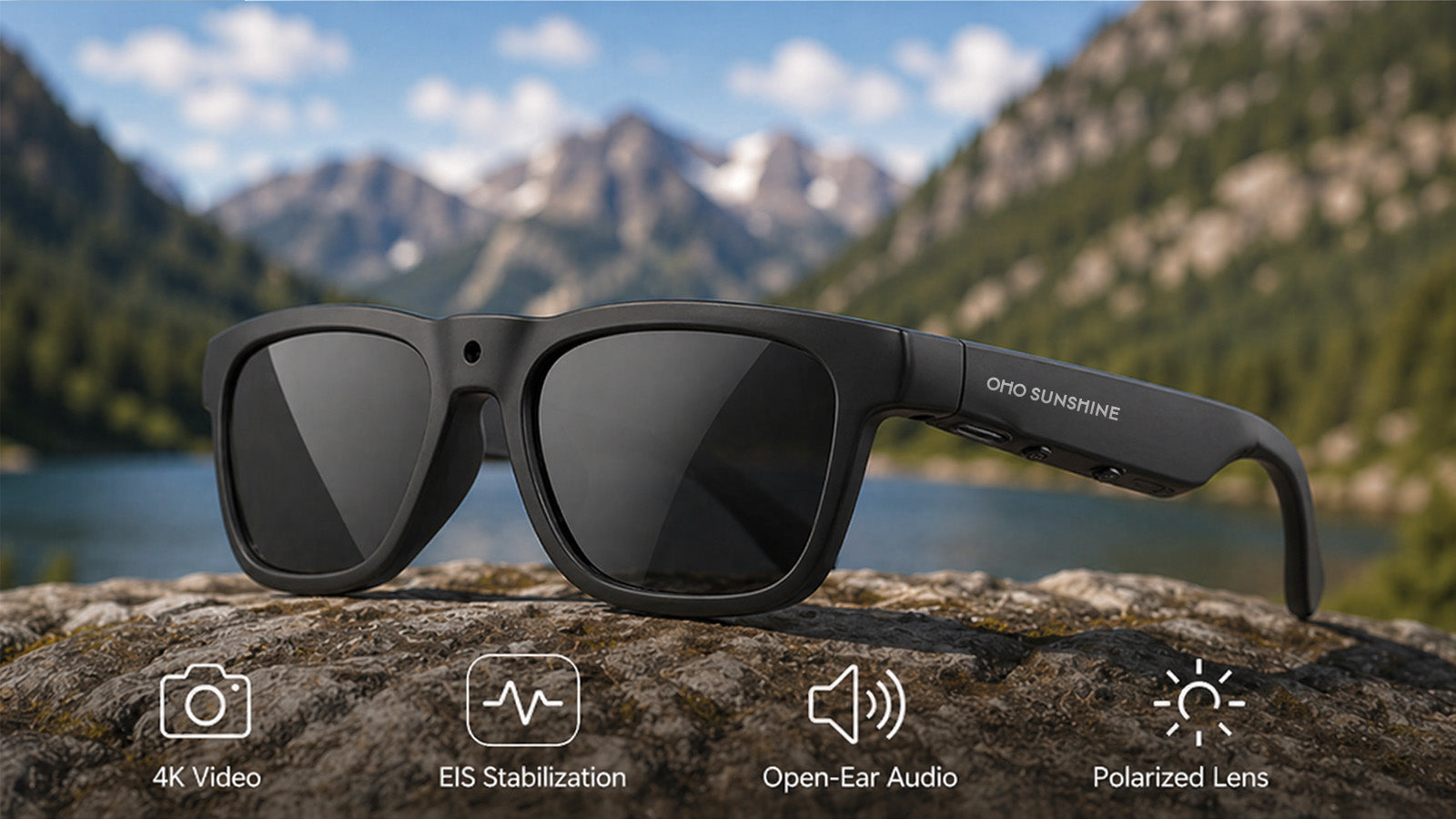
Lens options can also matter. Photochromic lenses adjust to changing light. Blue-light-blocking lenses can help make the glasses feel more useful around screens. Polarized lenses may be helpful outdoors, depending on the model.
Battery, Charging, and Daily Use
Battery life should match your use case. Audio playback, calls, video recording, and AI translation do not use power at the same rate. A pair that works well for listening may have a different runtime when recording video or using translation.
Think about how you will use the glasses during a normal day. A commuter may need several hours of audio. A traveler may need translation and calls across a long afternoon. A creator may need enough recording time for selected clips.
Charging should also feel simple. Check the charging port, charging cable, and whether the glasses are easy to recharge between uses. A simple charging setup makes it easier to keep the glasses ready for regular use.
Camera, Audio, and Translation Quality
For camera glasses, look at video resolution, photo quality, field of view, storage, file transfer, and recording controls. The best camera feature is not only about sharp footage. It should also be easy to start, stop, save, and move files.
For audio glasses, check speaker clarity, microphone quality, call performance, and volume. Open-ear sound is convenient, but different frames may perform differently in quiet rooms, traffic, wind, or busy stores.
For translation glasses, check language coverage, translation mode, app requirements, and whether the experience fits spoken conversation. Real-time translation often depends on a connected phone, app, or internet connection, so setup matters.
Apps, Phone Compatibility, and Privacy
Many smart glasses work with a companion app. The app may manage translation, camera settings, AI tools, updates, or file transfer. Before buying, check whether the glasses support your phone system and whether the app works in the regions where you plan to use it.
Privacy also matters, especially with camera or AI features. Use recording features with respect for local rules, private spaces, schools, workplaces, and events. The FTC’s advice on device privacy is a useful reminder that connected devices should be set up carefully.
Smart glasses work best when the wearer and the people nearby understand how the device is being used. Clear, respectful use helps avoid confusion.
How to Decide Which Pair Makes Sense
Start with your main routine, not the trend. If you mostly want music and calls, audio-first smart glasses are the most practical place to begin. If you want hands-free capture, look at camera glasses. If travel or multilingual communication is common, translation-focused glasses may bring more value.
Then compare comfort, battery life, app setup, and lens options. These details decide whether the glasses feel useful after the first week. A strong feature is less valuable if the frame is uncomfortable or the workflow is hard to use.
For many buyers, smart glasses are worth buying when they bring two or three daily needs into one wearable frame. Audio plus calls. Camera plus hands-free capture. Translation plus open-ear listening. The best pair should make your routine easier without adding extra steps.

Make Smart Glasses Fit Your Daily Routine
Smart glasses are worth buying when they match a real habit, not just a new trend. Choose the feature you will use most often, then compare comfort, battery life, app setup, lens design, phone compatibility, and privacy needs before deciding which pair fits your daily life.
Smart Glasses Buying Questions and Answers
Q1. Are Smart Glasses Worth Buying?
Smart glasses are worth buying if they help with a task you do often, such as calls, audio, hands-free recording, or translation.
They offer the best value when they support a clear daily habit rather than a one-time tech purchase. The best value comes from matching the glasses to a real daily use case.
Q2. What Are Smart Glasses Used For?
Smart glasses are used for open-ear audio, phone calls, photos, video recording, AI translation, voice controls, and some app-connected tasks. Different models focus on different features. Buyers should choose based on the function they will use most.
Q3. Do Smart Glasses Need a Phone?
Many smart glasses work best with a phone because they use Bluetooth, a companion app, or mobile internet for certain features. Basic audio and calls may work through a normal phone connection. Translation, file transfer, and AI tools may require extra setup, depending on the model.
Q4. What Should You Know Before Buying Smart Glasses?
Before buying, check battery life, app setup, privacy settings, frame fit, phone compatibility, and feature quality. Camera and translation features may perform differently depending on lighting, sound, connection, and environment. Reviewing these details helps you choose a pair that fits your daily use.


Zanechať komentár
Všetky komentáre sú pred zverejnením moderované.
Táto lokalita je chránená testom reCAPTCHA a vzťahujú sa na ňu pravidlá ochrany súkromia a podmienky poskytovania služby hCaptcha.