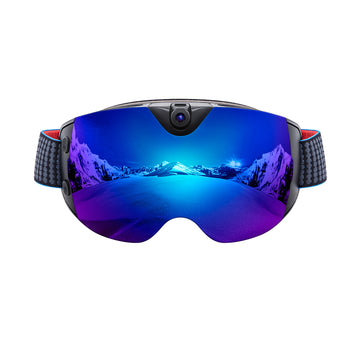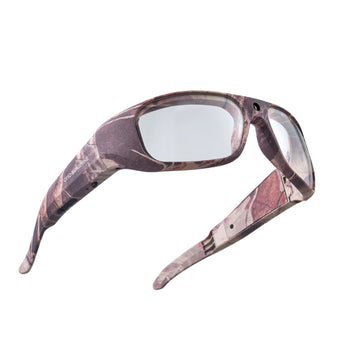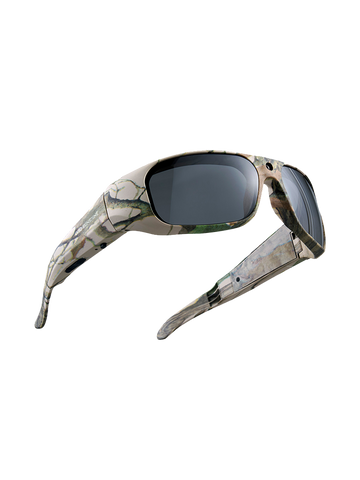


Most first-person videos end up in the digital trash bin because they make viewers feel dizzy or bored within seconds. When you wear pov camera glasses, you act as the tripod, the director, and the lead character at the same time. Capturing a cinematic view requires more than just pressing a power button. It requires a specific strategy for how you move your body and frame your world. To turn raw clips into a viral story, you should master the subtle art of wearable cinematography.
Essentials for Watchable Content from POV Camera Glasses
A great video requires a solid plan before you even press the power button. Success depends on how you align your natural vision with the camera lens.

Balanced Horizon Alignment
Horizon refers to the horizontal line where the sky meets the ground. Keeping this line level is the most vital step in preventing viewer motion sickness. If your head tilts too much, the footage looks crooked and disorienting. Always try to keep your ears parallel to the ground to maintain a flat, professional view.
Consistent Narrative Pacing
Pacing is the speed at which your story moves from one moment to the next. Avoid turning your head too fast, as quick jerks make the video look chaotic. Use slow, deliberate head movements to transition between sights. This gives the audience enough time to process each scene without feeling confused.
Central Vision Framing
Framing is the way you place objects within the borders of the lens. Since the camera is mounted between your eyes, your main subject should usually stay in the center of your vision. Imagine a target in the middle of your field of view and keep the action inside that space. Centered shots look more intentional and professional to the viewer.
Stability Techniques for Professional Video Recording Glasses
Stability is the biggest challenge when the camera is attached to your face instead of a steady hand. Every small nod or quick glance is magnified on the screen, creating shaky footage that is hard to watch. High-quality video recording glasses work best when the wearer moves with steady intention.

Pivot and Scan Movement Method
A Pivot is a movement where an object turns on a central point. The Pivot and Scan Method is a technique where you move your entire upper body instead of just your neck. Think of your torso as a heavy camera crane. When you want to look to the left, rotate from your waist while keeping your head relatively still. This creates a smooth, sweeping motion that looks cinematic. Avoid quick, jerky movements with your eyes, as the camera cannot track as fast as your pupils can move.
Posture for Vibration Reduction
Your legs are the natural shock absorbers for your camera gear. When walking, try to keep a slight bend in your knees to soak up the impact of each step. This prevents the "heavy foot" bounce that ruins many POV clips. Maintaining a steady, upright posture also keeps the camera lens at a consistent height. By walking with a soft, rolling step from heel to toe, you can produce footage that looks like it was shot on a professional stabilizer.
Integrated Electronic Image Stabilization (EIS)
Electronic Image Stabilization (EIS) is a software-based technology that cancels out head vibrations by digitally shifting the image. Professional units, such as the Primex EIS, utilize this feature to deliver a 2K tream at 30 FPS that looks incredibly smooth. This hardware-level assistance makes it much easier to produce watchable content even during active movement.
The table below shows how different movement techniques directly impact the final look of your video.
| Movement Style | Stability Level | Viewer Experience |
| Quick Head Turns | Low | Distracting and dizzying |
| Waist Pivoting | High | Smooth and professional |
| Natural Walking | Moderate | Realistic but bouncy |
| The "Ninja Walk" | Ultra-High | Stabilized and cinematic |
The way you choose to move your body determines if your audience stays until the end of the clip.
Light and Environment Management for Smart Camera Glasses
Light is the fuel for the sensor inside your eyewear. Smart camera glasses are designed to adjust to different environments, but they perform best when you give them the right conditions to succeed.
Natural Sunlight and Outdoor Shots
Direct sunlight provides great clarity, but it can also create harsh shadows on your subject. When filming outdoors, try to keep the sun behind you or to your side. This illuminates your subject without causing "lens flare," which is the stray light that creates bright spots or streaks in your video. High-noon sun can make colors look washed out, so the "Golden Hour"—shortly after sunrise or before sunset—is often the best time for vibrant, high-quality outdoor footage.
Artificial Light and Indoor Clarity
Indoor lighting is often much dimmer than the outdoors, which can lead to a grainy look in your video. To fix this, ensure the room is well-lit with overhead lights or lamps. Avoid standing directly in front of a bright window, as the camera will adjust to the window's light and turn your subject into a dark silhouette. Good indoor lighting makes the colors pop and ensures that every detail of your workshop or cooking tutorial is visible to the viewer.
Audio Clarity Strategies for Glasses with Camera and Audio
Sound is half of the viewing experience for any digital content. Glasses with camera and audio capture the world from your perspective, but the microphone is very close to your face.
- Utilize Internal Microphone Strengths: Built-in microphones capture your voice and immediate surroundings with a personal, "in-the-moment" feel.
- Manage Breath and Frame Contact: Since the microphone is near the temple, it can pick up breathing sounds or hair movement; keeping the area clear prevents distracting noises.
- Reduce Wind Buffeting: When cycling or walking in breezy areas, turning your head slightly can block the wind from hitting the microphone ports directly.
- Monitor Ambient Sound Levels: While background noise adds realism, recording in a quiet spot ensures your narration remains the focus of the story.
Key Selection Standards for Quality Video Recording Glasses
Choosing the right hardware is the foundation of a great video. Look for specific high-performance features that ensure your footage is smooth and usable from the start.
- Advanced Electronic Image Stabilization (EIS): The most important feature for a stable video is EIS. This technology intelligently processes the image to eliminate jitter.
- Tactile Feedback and Stealth Indicators: A Vibration Alert gives a physical pulse when recording starts or stops. An internal recording status indicator inside the front frame—visible only to the wearer—provides constant confirmation without alerting others.
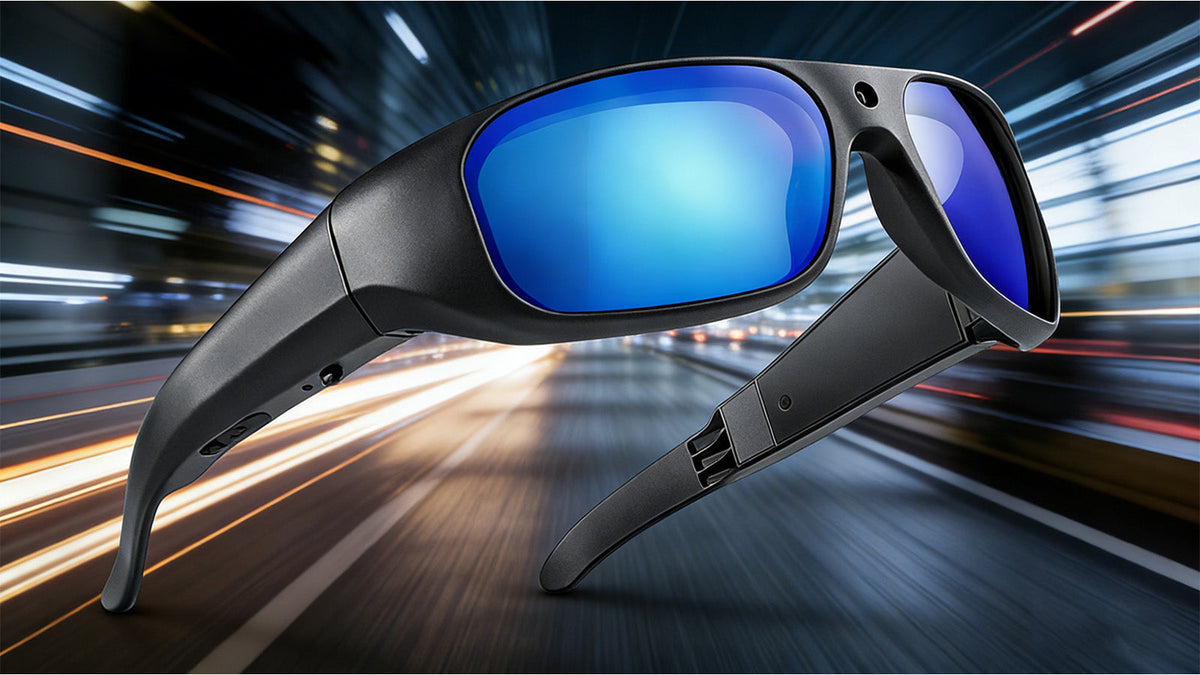
- Premium Build Quality and All-Day Versatility: Frames should use TR90 material for durable, lightweight wear. Professional units now support built-in storage up to 512GB and feature recording while charging, allowing for unlimited creative sessions. Finally, look for interchangeable lenses to adapt to any indoor or outdoor lighting scenario.
Perfect Your Point-of-View Masterpiece
Mastering POV video is about more than just the equipment; it is about how you interact with the world around you. By combining steady movements with smart lighting and the right hardware, you can produce content that truly stands out. For those looking to upgrade their gear, the Spring Break promotion offers professional-grade options built for high-stability filming. Grab a pair that fits your style and start showing the world exactly what you see.
Frequently Asked Questions about POV camera glasses
Q1. How Can I Prevent My POV Video From Making People Motion Sick?
The most effective way to prevent motion sickness is to use a device equipped with EIS. Moving your torso instead of your neck when you want to look around also creates a much smoother transition for the viewer. Additionally, keeping a steady walking pace and avoiding quick, lateral head movements will help keep the footage stable.
Q2. Does Wearing A Hat Affect The Quality Of POV Camera Glasses?
A hat with a large brim can sometimes block the top of the camera lens or cast a dark shadow over your footage. If you need to wear a hat, try a baseball cap with the brim turned slightly upward to ensure the lens has a clear view of the sky. Always check that the fabric isn't accidentally covering the microphone ports on the side of the frames.
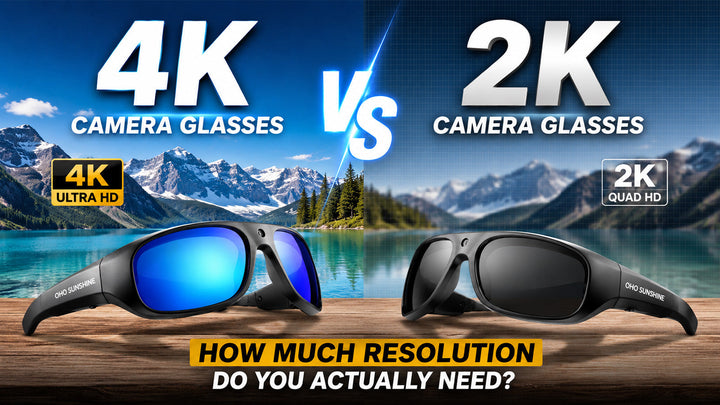
Q3. Is 2K Resolution High Enough For Professional Smart Camera Glasses?
Yes, 2K resolution (2560x1440) at 30 FPS is an excellent standard for professional wearable tech. It provides a very sharp image while allowing the Electronic Image Stabilization (EIS) to work effectively without overheating the device. This resolution is more than enough for high-quality social media uploads and clear viewing on large monitors.
Q4. How Do I Know If My Glasses Are Recording Without Taking Them Off?
High-quality models like the Primex EIS include a Vibration Alert and an internal status indicator light inside the frame. This light is visible only to the wearer, providing confirmation without alerting others.